


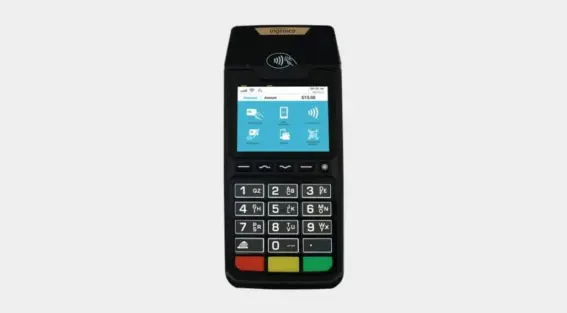
Ingenico Desk 2600 Quick Reference Guide
The Ingenico Desk 2600 stands as a robust countertop payment terminal, placing simplicity, efficiency, and security at the forefront. Tailored with versatile features, an optimiz...
Read More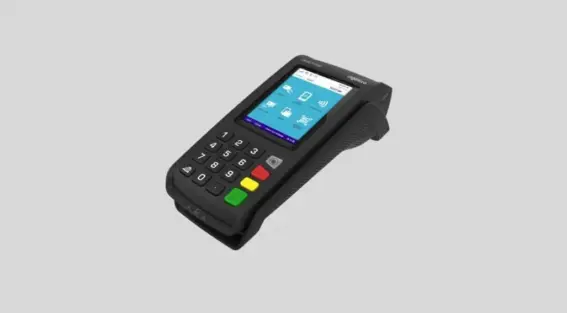
Ingenico Desk 5000 Quick Reference Guide
The Ingenico Desk 5000 is the go-to choice for a robust, reliable, and seamlessly functional payment terminal tailored for fixed-location point-of-sale setups. This terminal is d...
Read More
Verifone Vx520 Quick Reference Guide
How To Run a Transaction on a Verifone Vx520 Press F2 for Sale Enter Clerk/Server ID and press ENTER Enter sale amount and press ENTER Enter tip amount and press ...
Read MoreDejavoo QD4 Quick Reference Guide
How To Process a Transaction on a Dejavoo QD4 How To Run a Chip Credit Sale on a Dejavoo QD4 1. Tap on the CREDIT icon on your terminal home screen. 2. Tap...
Read MoreDejavoo QD2 Quick Reference Guide
How To Run a Transaction on a Dejavoo QD2 How To Run a Chip Credit Sale on a Dejavoo QD2 1. Tap on the CREDIT icon on your terminal home screen. 2. Tap on t...
Read MoreValor VL100 Quick Reference Guide
How To Run a Transaction on a Valor VL100 How To Run a Credit Sale on a Valor VL100 Enter the transaction amount and press OK. Swipe/Insert/Tap card on Pre...
Read More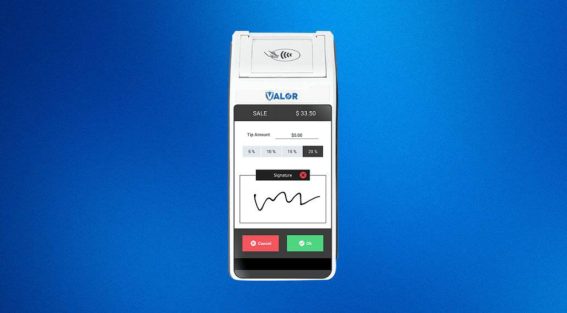
Valor VL500 Quick Reference Guide
Discover the features of the Valor VL500, which seamlessly combines the capabilities of an Android tablet with a point of sale (POS) system, all neatly packed in a stylish and com...
Read More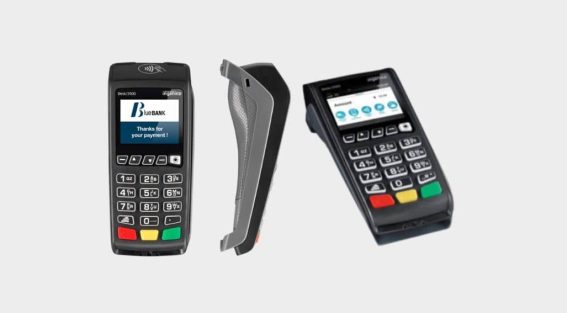
Ingenico Desk 3500 Quick Reference Guide and User Manual
The Ingenico Desk 3500 is the preferred terminal for seamless integration! Its efficient platform delivers real-time reporting with connectivity options, including ethernet and wi...
Read MorePax A920 Quick Reference Guide
How To Run a Transaction on a Pax A920 From the idle screen select the transaction type SALE. Please enter the sale amount and select CONFIRM. Insert, sw...
Read More