Get the payment processing solution that fits your business


PAX A6630 Mobile POS Terminal
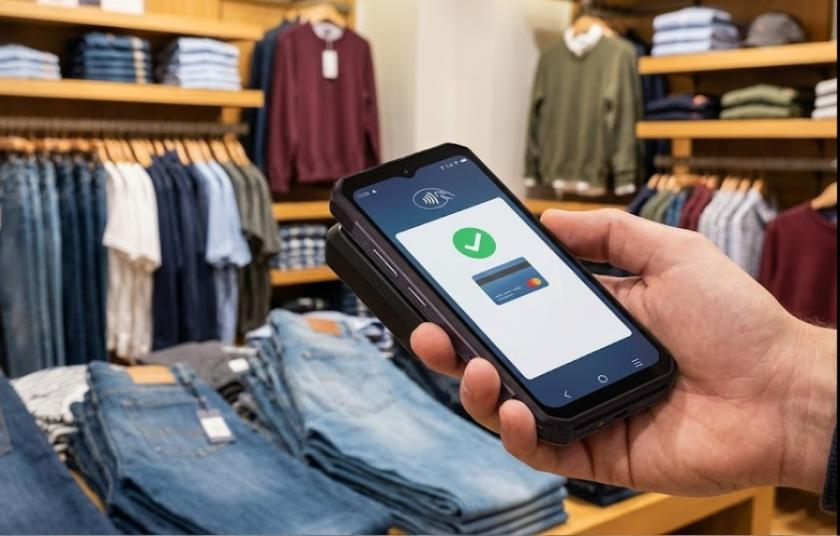
Take fast, secure payments anywhere with a slim Android SmartPOS. PAX A6630 supports chip, swipe, and contactless tap, plus built-in barcode scanning for inventory, loyalty, and order workflows.
PAX A6630 Mobile POS Terminal
Take fast, secure payments anywhere with a slim Android SmartPOS. PAX A6630 supports chip, swipe, and contactless tap, plus built-in barcode scanning for inventory, loyalty, and order workflows.
A Sleek Handheld Terminal Built for Real Work
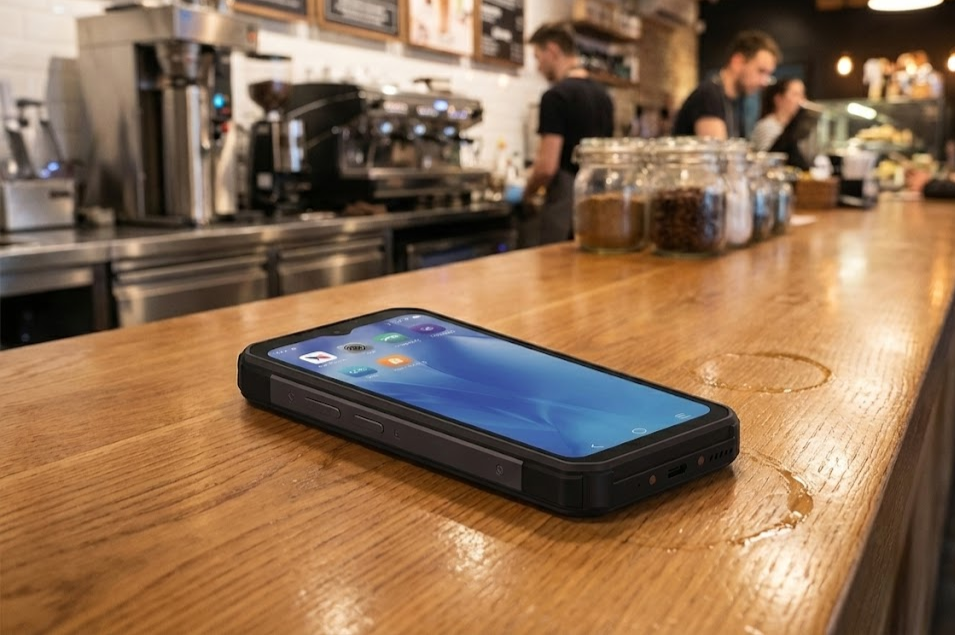
The PAX A6630 is a compact, MiniPOS designed for on-the-go checkout. It supports EMV chip, magstripe, and contactless/NFC payments, and is built to move with you whether you want to serve tableside, curbside, on the sales floor, or in the field.
It’s a strong fit if you run restaurants, retail, hospitality, delivery, or inventory-heavy operations and want a modern handheld device that can handle both payments and scanning without hauling extra hardware.
Benefits of the PAX A6630
- Accept Modern Payment Types: Process contactless/NFC payments (tap cards and mobile wallets), EMV chip, and magstripe transactions on one device, with support for contactless programs including Visa payWave, Mastercard PayPass, AMEX ExpressPay, and Discover D-PAS.
- Built-In Scanning + Cameras for Faster Workflows: The A6630 includes a 0.3MP barcode scanner, plus 2MP front and 5MP rear cameras to support barcode/QR scanning, product images, delivery confirmation, and more. It’s useful for inventory, loyalty, and order handoff workflows.
- Designed for Mobility: With a 6000mAh battery and a slim 305g handheld form factor, the A6630 is built for long shifts. Connectivity includes 4G, dual-band Wi-Fi (2.4/5 GHz), and Bluetooth 5.0, so you can continue accepting payments across the floor, not just at the counter.
- Faster App Performance on a Modern Android Platform: The A6630 runs PayDroid (Android 12) and features a quad-core processor (up to 2.0 GHz). Storage/RAM varies by configuration (with higher-capacity options available), enabling POS apps, syncing, and multitasking to run smoothly.
- Customer-Friendly Interactions with Dual Displays: Models are equipped with a secondary rear display to show transaction details, prompts, or branded visuals, enhancing transparency at the point of payment.
- Strong Security + Industry Certifications: The A6630 is listed with PCI PTS 6.x SRED and EMV certifications (including EMV L1 & L2 and contactless L1), supporting modern security expectations for in-person acceptance.
PAX A6630 Device Specifications and Capabilities
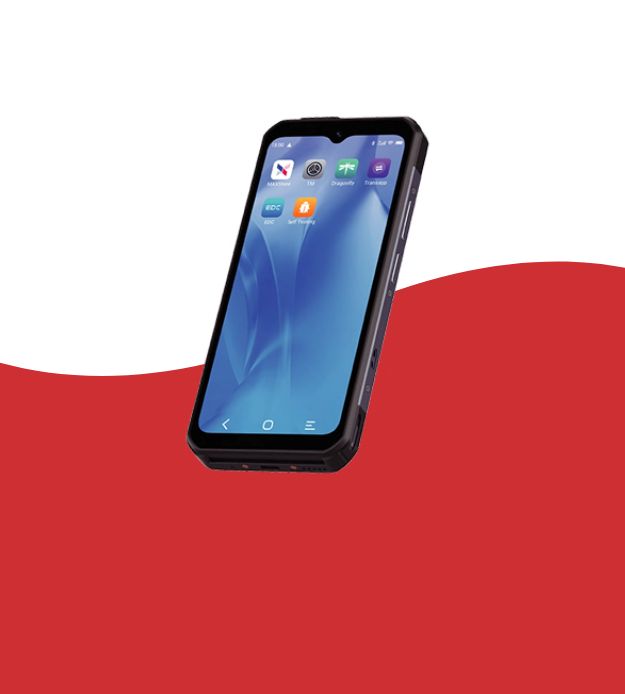
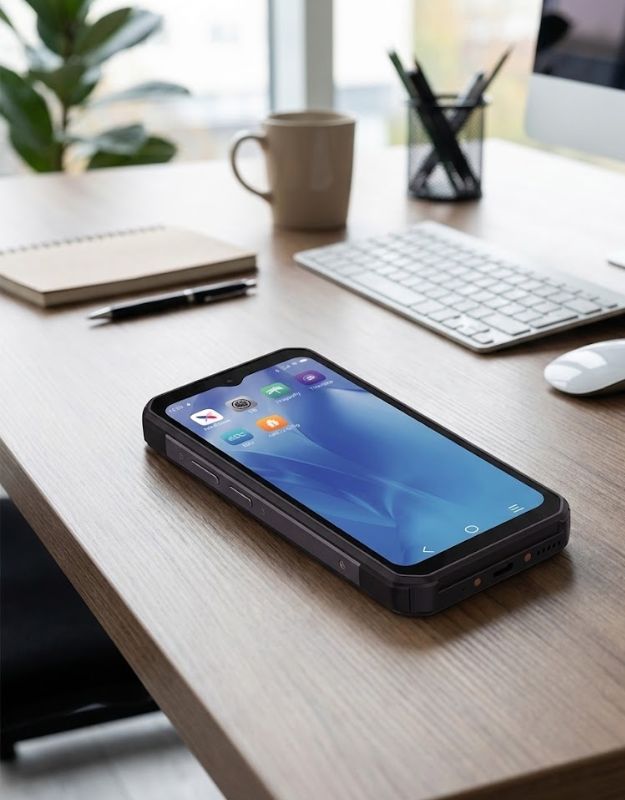
- Runs on PayDroid (Android 12) with a quad-core processor up to 2.0GHz.
- The device includes 16GB storage with 2GB RAM, with optional configurations of 64GB storage and 4GB RAM.
- Expandable storage is supported via microSD up to 256GB.
- It features a 6.5-inch IPS HD capacitive multi-touch display with a resolution of 720 × 1600.
- Supports chip, contactless/NFC, and magstripe card acceptance.
- Camera and scanning hardware includes a 2MP front camera, a 5MP rear camera with autofocus and flash, and a 0.3MP barcode scanner supporting 1D and 2D scanning use cases.
- Connectivity options include 4G, dual-band Wi-Fi (2.4GHz and 5GHz), and Bluetooth 5.0. SIM configurations support either dual SIM, or one SIM with one SAM, with optional eSIM support.
- Ports include USB-C with OTG support and pogo pin contacts.
- Powered by a 6000mAh battery rated at 3.8V / 23.1Wh. Physical dimensions are 173.8 × 80.2 × 17.4 mm, with a total weight of 305g including the battery.
- Operating conditions range from -10°C to 50°C with 5% to 96% relative humidity, non-condensing.
- Positioning is supported through GPS, GLONASS, BEIDOU, and AGPS. Available accessories include modular charging bases and an optional hand strap.
Fast, Flexible In-Person Payments with the A6630
- Exact screens vary by POS/payment app, but the card-present actions follow the same pattern.
- Open your payment or POS app and start a sale (or create an order).
- Enter the amount and tip if prompted, then complete the payment by tapping the card or device for contactless, inserting the card for chip transactions, or swiping the card through the magstripe reader.
- If your app requires PIN entry for debit/Chip & PIN, the customer completes it on-screen (app-dependent).
- Choose receipt delivery (digital or printed via accessory, if enabled).
Receipts, Accessories, and Scalable Setup Options
Unlike terminals with integrated printers, the A6630 is often deployed with digital receipts (email/text) through the POS/payment app. If your workflow requires paper receipts, you can add an optional thermal printer accessory (availability depends on your setup).
For multi-device operations, charging can be simplified with USB-C and optional multi-device charging bases.

Getting Started with Host Merchant Services
Fill out the form to get pricing and confirm the right configuration for your business (Wi-Fi vs. 4G, memory tier, scanning workflows, and optional receipt printer). We’ll help you match the A6630 to your payment app/POS needs so you can start taking payments quickly.
"*" indicates required fields
Frequently Asked Questions
How do I manually settle the batch?
Can the PAX A80 be used away from the counter?
What internet connections can I use?
Is the PAX A80 a full POS system?
Does the PAX A80 support tap-to-pay and mobile wallets?