Get the payment processing solution that fits your business


FD150 Countertop Card Terminal
Take fast, secure in-person payments with a compact terminal that supports chip, swipe, and contactless tap, with on-device receipt printing.

Ingenico Desk 3500 Countertop Card Terminal
Take fast, secure in-person payments with a compact countertop terminal.
A Modern Countertop Terminal for Everyday Checkout
The Ingenico Desk 3500 is a compact, all-in-one payment terminal built for quick, reliable checkout at the counter. It supports EMV chip, contactless/NFC, and magstripe transactions and includes a built-in thermal receipt printer. So, you can keep the lines moving without adding extra hardware in your workflow.
It’s a strong fit for retailers, QSRs or full-service restaurants, salons, or any counter-service business looking for a terminal with flexible connectivity options.
Benefits of the Ingenico Desk 3500
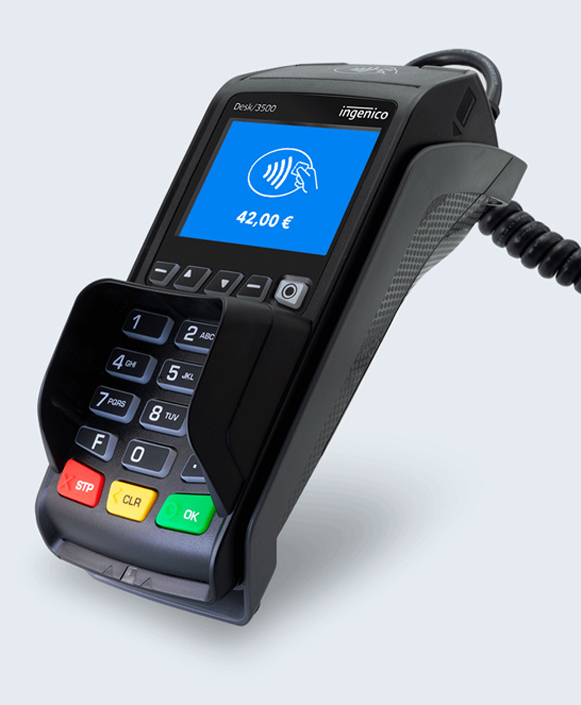
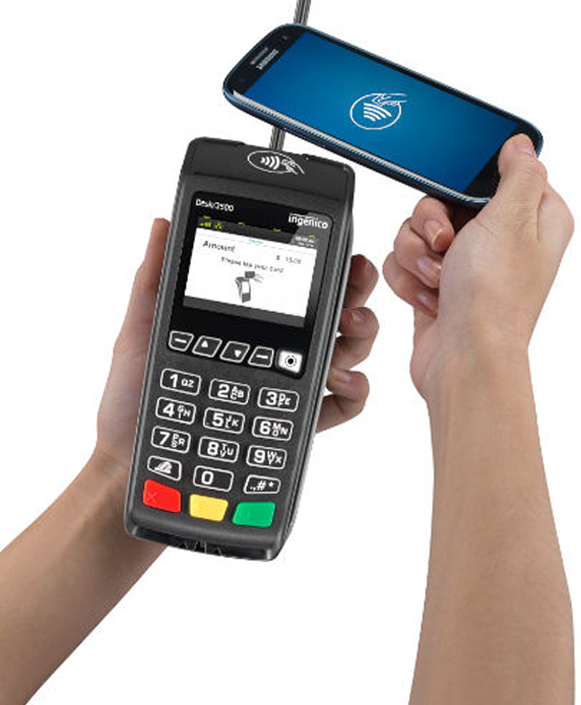
- Accept More Ways to Pay: Supports chip (EMV Chip & PIN), contactless tap, magstripe swipe, and NFC couponing alongside contactless payments.
- Stronger Security Posture at the Counter: The Desk 3500 is PCI PTS 5.x certified, runs on the Telium TETRA operating system, and supports modern cryptographic standards with extended key lengths designed to meet current and evolving security requirements.
- Faster, Simpler Checkout with On-Device Printing: A built-in thermal printer (20 lines/second) helps you complete transactions and hand customers a receipt without requiring a separate printer.
- More Reliable Connectivity Options: Available with Ethernet, dial-up modem, and Wi-Fi configurations, which are helpful if you want IP as primary and another option available depending on your environment.
- Countertop-Friendly Accessories and Install Options: Accessories like the Magic Box and a privacy shield is designed to make installation and customer-facing payment flows more practical at the counter.
Ingenico Desk 3500 Device Specifications and Capabilities

Ingenico Desk 3500 Device Specifications and Capabilities
- Supports EMV chip (Chip & PIN), magstripe swipe, and contactless/NFC payments (including wallet use cases noted in product materials).
- Powered by a Cortex-A5 processor running Telium TETRA OS, with 256 MB Flash and 128 MB RAM.
- Features a 2.8-inch backlit color display with QVGA 320 × 240 resolution and a 20-key backlit keypad (plus buzzer).
- Includes a built-in thermal receipt printer rated at ~20 lines per second and designed for 58 mm paper rolls (paper roll cage spec: 58 mm × 40 mm; user guide notes ~18 m roll length).
- Connectivity is model-dependent, with configurations supporting Ethernet (10/100), Wi-Fi, and dial-up modem.
- Ports and connections listed include 1× USB Host, 1× USB Slave, a dedicated power jack, and RS-232 (with “Magic Box” accessory options referenced).
- 24W power supply and electrical mains range of 100-240 VAC/50-60 Hz (Class II equipment).
- Environmental ratings include 0°C to 40°C operating temperature, -20°C to 55°C storage temperature, and up to 85% humidity (non-condensing) at 40°C.
- Physical dimensions are 187 × 82 × 68 mm, with a listed weight of 340 g (12 oz).
- Certified PCI PTS 5.x.
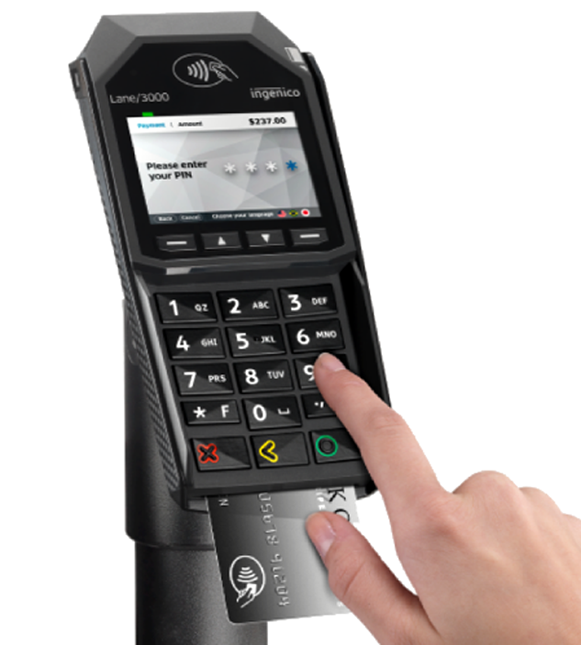
Initiate Sales with Ease on the Desk 3500
- From the idle screen, choose Sale (or press the key/menu your app uses to start a sale).
- Enter the transaction amount, then press ENTER.
- Take payment via chip insert, contactless tap, or magstripe swipe (or key-entry if enabled by your setup).
- If prompted, select the appropriate tender path (e.g., debit routing) and have the customer enter their PIN when required.
- Once approved, the Desk 3500 prints receipts and returns to the ready screen for the next transaction.
Manually Settle a Batch on the Desk 3500
- Press ENTER and select Settlement.
- Confirm the batch totals when prompted on-screen.
- When asked to Close the batch and deposit funds, select Yes to proceed.
- Watch for the acceptance/confirmation message (the HMS guide notes “GB Accepted” as an accepted batch status).
- If prompted, choose whether to print reports or return to the main menu.
Process a Credit Refund on the Desk 3500
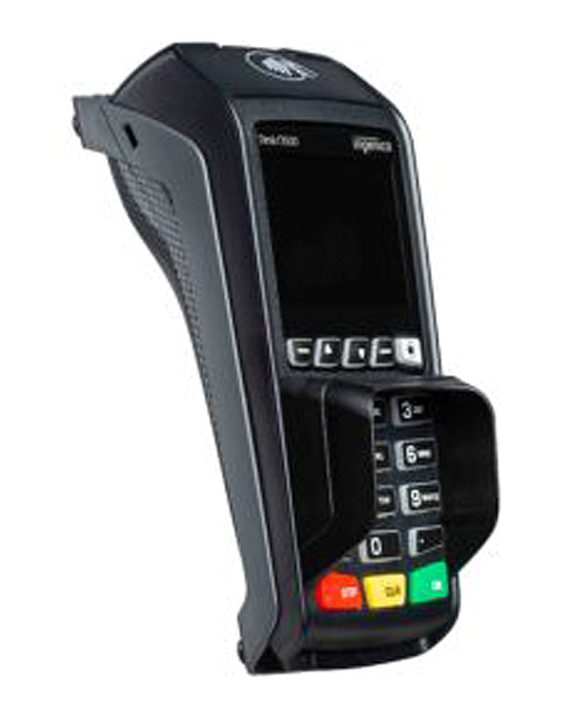
Process a Credit Refund on the Desk 3500
- From the main menu, select Return (or Refund) and enter the refund amount.
- Present the card via tap/insert/swipe, or manually key the card number if your configuration allows it.
- If prompted, have the customer enter their PIN (PIN-based flows vary by tender type and configuration).
- The terminal displays the transaction status and prints the refund receipt.
- For best reconciliation, keep refund receipts with your daily batch paperwork. (Operational best practice; your processor may have specific guidance.)
Void a Transaction on the Desk 3500
- From the main menu, select Reversal.
- Choose a search option, then enter the requested details to locate the transaction.
- Review the transaction information to confirm you’re voiding the correct sale.
- Select Yes/Accept to void the full amount; if partial reversals are enabled, follow the prompts to change the reversal amount.
- The Desk 3500 will display the final status and print a confirmation record.
Ready to Get Started with Clover?
Ready to Get Started with Clover?
Clover systems give you secure, reliable payment processing whether you operate at the counter, take orders at the table, or run your business on the go. Submit the form below and our team will review your requirements, provide a complimentary savings analysis, and recommend the most suitable Clover option for your business.
"*" indicates required fields
Frequently Asked Questions

Does the Desk 3500 accept tap-to-pay and mobile wallets?
Does the Desk 3500 print receipts?
What internet/network connections does the Desk 3500 support?
What paper size does the Desk 3500 use?
How do I settle the batch (close out the day)?
How do I power-cycle the Desk 3500?
Ready to Get Started with the Ingenico Desk 3500?
Fill out the form to get pricing and confirm the best setup for your counter—especially which connectivity model you need (Ethernet, Wi-Fi, and/or dial backup) and whether your workflow benefits from accessories like the Magic Box or a privacy shield.