Get the payment processing solution that fits your business


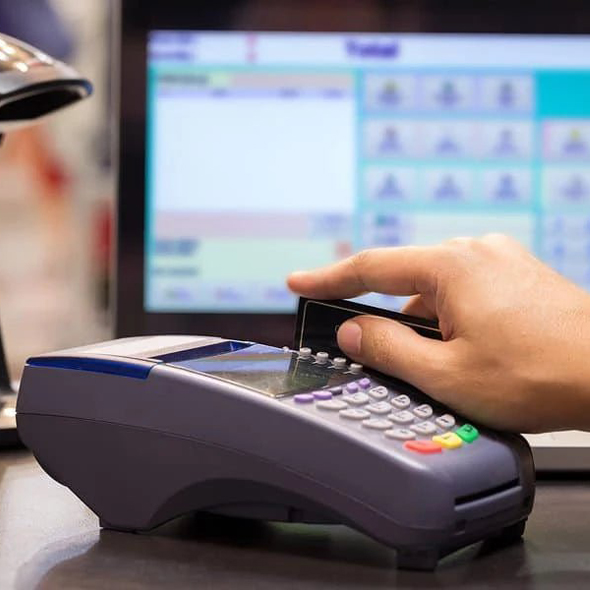
FD150 Countertop Card Terminal
Take fast, secure in-person payments with a compact terminal that supports chip, swipe, and contactless tap, with on-device receipt printing.
A Compact Countertop Terminal
The FD150 is a compact countertop payment terminal designed for quick checkout and modern card security. It supports EMV chip, contactless/NFC (mobile wallets + tap cards), and magstripe transactions, with a built-in receipt printer to keep lines moving.
It’s the best option for you if you own a retail store, full-service restaurants, run a quick-service business, or any business that wants a straightforward, standalone terminal experience.
Benefits of the FD150 Terminal
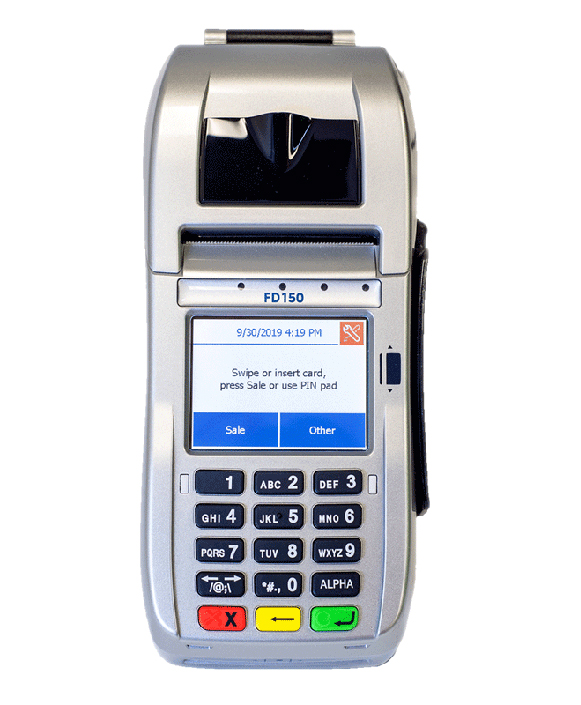
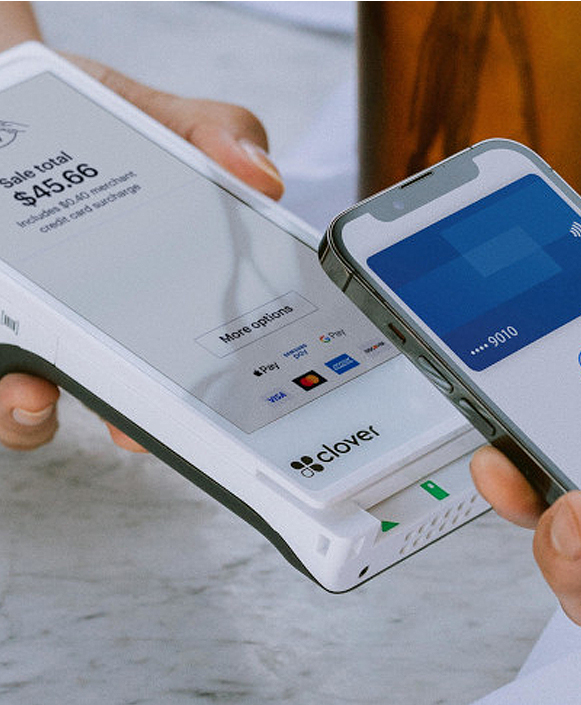
- Accepts Different Payment Types: Supports magstripe, EMV chip, and contactless NFC payments (including popular mobile wallets like Apple Pay/Samsung Pay), plus debit, EBT, and checks, so you can serve more customers without turning anyone away.
- Stronger Security Posture: Built to meet new security standards, PCI Level 5 / PCI-PED v5.x approvals, which help reduce card-data risk at the countertop.
- Faster Checkout: The FD150 is positioned as an upgrade to the FD130, featuring a faster processor and expanded memory, designed to speed transactions and print receipts quickly.
- More Reliable Connectivity Options: Connect via IP (Ethernet), dial-up, or Wi-Fi, with guidance noting dial-up as a backup, which helps keep payments running when one network option is down.
- All-in-One Countertop Setup: It is a compact solution that can combine a terminal + PIN pad + contactless reader + printer, helping keep the checkout counter simpler and reducing the need for multiple devices.
FD150 Device Specifications and Capabilities
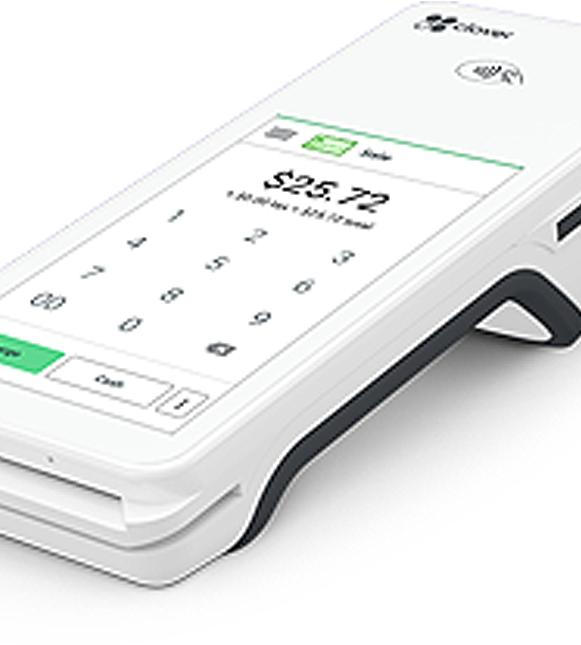
FD150 Device Specifications and Capabilities
- Supports EMV chip, 3-track magstripe, and contactless (NFC) payment acceptance.
- Powered by a Cortex-A5 500 MHz processor with 128 MB of RAM.
- The terminal features a color touchscreen display with a 320 × 240 resolution, approximately 2.7 inches.
- A built-in thermal printer is included, capable of printing about 18 lines per second and using 2.25-inch (2¼-inch) thermal paper rolls. Paper specifications are commonly listed as 2¼ inches by 85 feet, with some sources noting a 48 mm roll diameter.
- Connectivity options include dial-up, wired Ethernet (IP), and Wi-Fi (IP), allowing flexible network configurations.
- Available ports include a telephone port, RJ-45 Ethernet, three USB ports (two host and one device), and an RS-232 port via RJ-12.
- A 100-240 VAC input AC adapter with 12 VDC at 3.33 A output. Operating temperature ranges generally range from 0°C to close to 50°C.
- Includes a dial modem supporting V.22bis at 2400 bps and V.32bis at 14,400 bps, along with a 3V CR2032 real-time clock battery.

Initiate Sales with Ease with FD150
- Press Sale to begin, or start by inserting/swiping the customer’s card.
- Enter the transaction amount (add a tip if prompted, or skip using the red X key).
- Take payment via chip insert, contactless tap, magstripe swipe, or manual entry (if enabled).
- If prompted, you can select Debit or Credit and enter a cashback amount if requested.
- For debit, ask the buyer to enter their card’s PIN on the PIN pad.
- Wait for processing; once approved, receipts print, and the customer should remove the chip card when prompted.
Manually Settle a Batch on the FD150
- Press Other, then choose Close Batch.
- Review the batch totals on-screen and confirm with the green Enter key.
- The terminal will connect to process the settlement and finalize the batch.
- Collect the printed batch report for your records.
- The terminal will reboot automatically after settlement is complete.
Process a Credit Refund on the FD150
Process a Credit Refund on the FD150
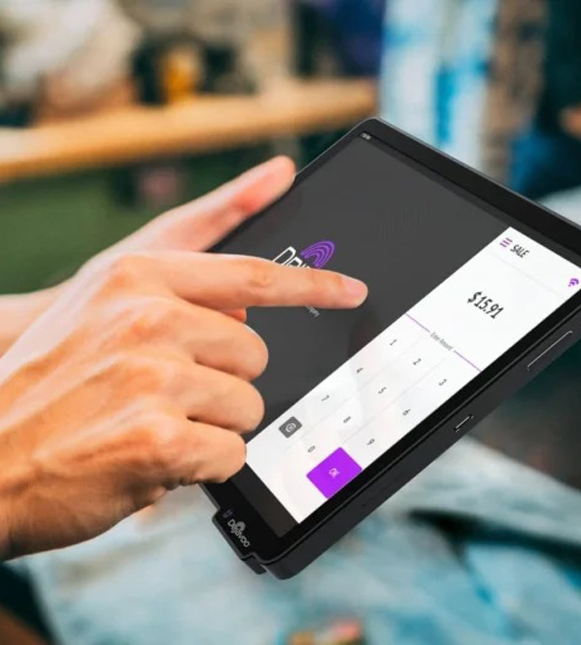
- Press Other, then select Refund.
- Enter the refund amount.
- Enter the card number the refund will be issued to (as prompted).
- If asked, select Credit to continue.
- Let the terminal process the refund, then collect the refund receipt once it prints.
Void a Transaction on the FD150
- Press Other on the terminal, then select Void.
- Enter the sequence number (SEQ#) from the original receipt.
- Review the details on-screen to make sure it’s the correct transaction.
- Press the green Enter key to confirm.
- The terminal will process the reversal and print a Void receipt as confirmation.
Ready to Get Started with Clover?
Ready to Get Started with Clover?
Clover systems give you secure, reliable payment processing whether you operate at the counter, take orders at the table, or run your business on the go. Submit the form below and our team will review your requirements, provide a complimentary savings analysis, and recommend the most suitable Clover option for your business.
"*" indicates required fields
Frequently Asked Questions

Does the FD150 accept tap-to-pay and mobile wallets?
Can I take debit, EBT, or check payments on the FD150?
What internet/network connections does the FD150 support?
How do I contact First Data (Fiserv) customer support?
Do I need the RP10 PIN pad to run debit/PIN transactions?
What’s the difference between the FD150 and FD130?
Ready to Get Started with the FD150?
Fill out the form to get pricing, confirm the right connectivity setup (Ethernet/Wi-Fi/dial backup) for your location, and receive a quick setup + onboarding checklist so you can start taking in-person payments without delays.