Get the payment processing solution that fits your business


Ingenico Move 5000 Portable Card Terminal
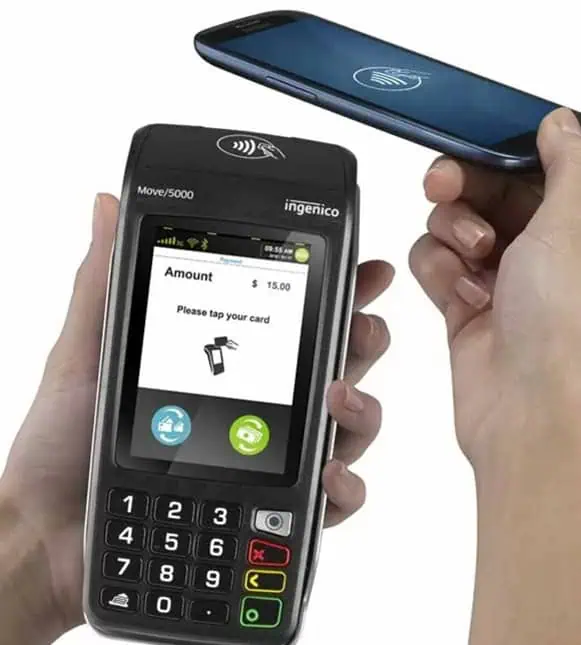
Take fast, secure in-person payments anywhere with a compact wireless terminal that supports chip, swipe, and contactless tap, with on-device receipt printing for grab-and-go checkouts.
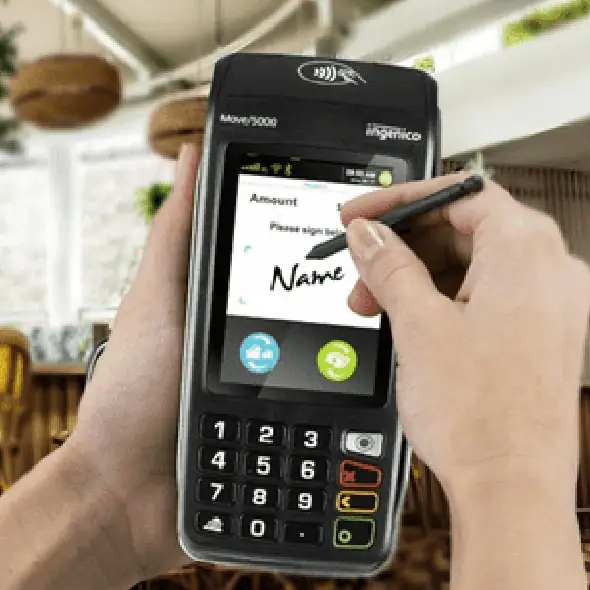
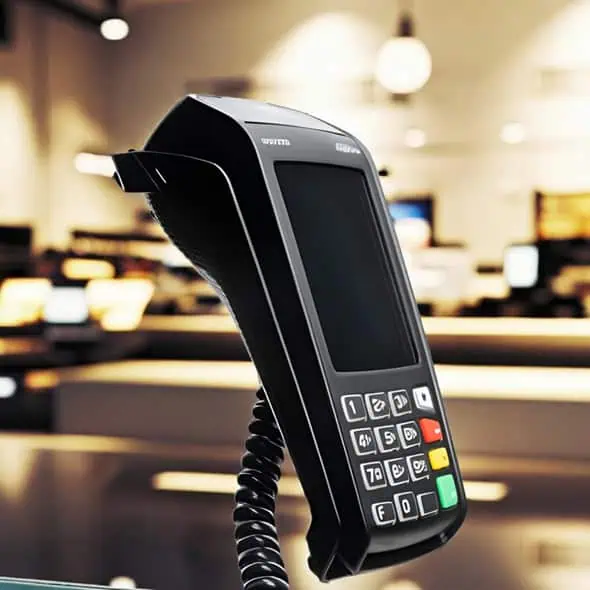
Ingenico Move 5000 Portable Card Terminal
Take fast, secure in-person payments anywhere with a compact wireless terminal that supports chip, swipe, and contactless tap, with on-device receipt printing for grab-and-go checkouts.
A Mobile Card Terminal Built for Payments on the Move
The Ingenico Move 5000 is a portable payment terminal designed for businesses that don’t want to be tied to the counter. With wireless connectivity options and a built-in receipt printer, it’s a strong fit for taking payments tableside, on the shop floor, curbside, at events, or wherever your customer is standing.
It’s the best option for you if you run a restaurant, café, retail store, service business, delivery operation, or any team that wants a “walk-it-to-the-customer” terminal experience.
Benefits of the Ingenico Move 5000
- True Mobility (Not Just “Cordless”): Use cellular (4G/3G), Wi-Fi, or Bluetooth (model + configuration dependent) so you can take payments throughout your space instead of bringing customers to the register.
- Accepts Modern Payment Types: Supports EMV chip (Chip & PIN/Chip & Signature based on your setup), magstripe, and contactless/NFC for tap payments. Many deployments also support digital wallets and QR-code based payments when enabled by your processor.
- Built-In Receipt Printing: Print merchant and customer receipts directly from the device, no separate printer required.
- Long-Lasting Battery + Simple Charging: Designed for a full shift with a rechargeable battery and docking/charging options to keep the terminal ready between rushes.
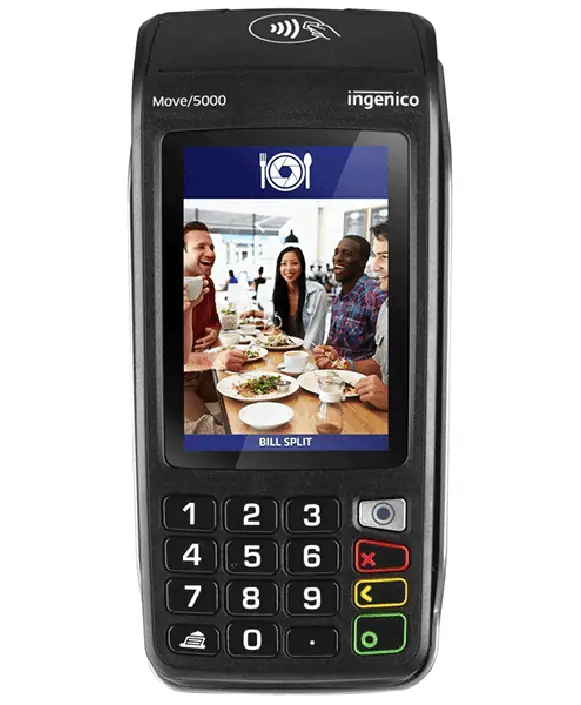
- Customer-Friendly Checkout: A 3.5" color touchscreen plus keypad makes prompts easy to follow for both staff and customers.
- Optional Add-Ons for Specialized Workflows: Certain configurations support features like camera/barcode scanning and GPS, useful for line-busting, inventory workflows, or specialized payment apps.
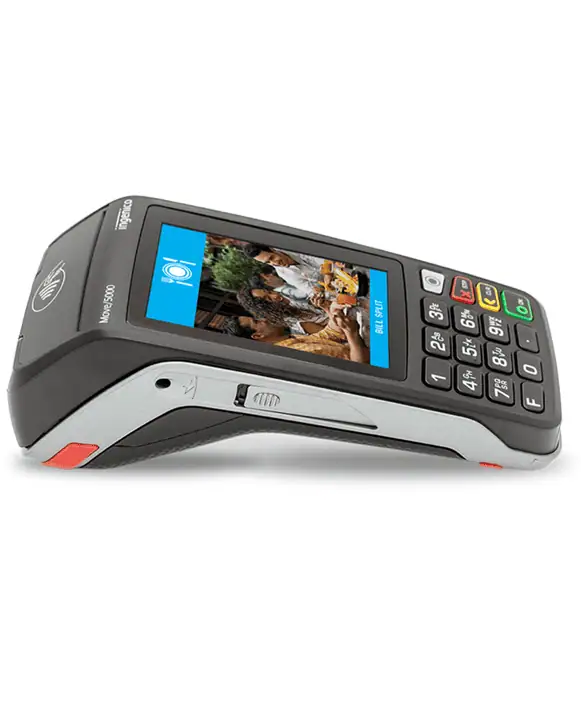
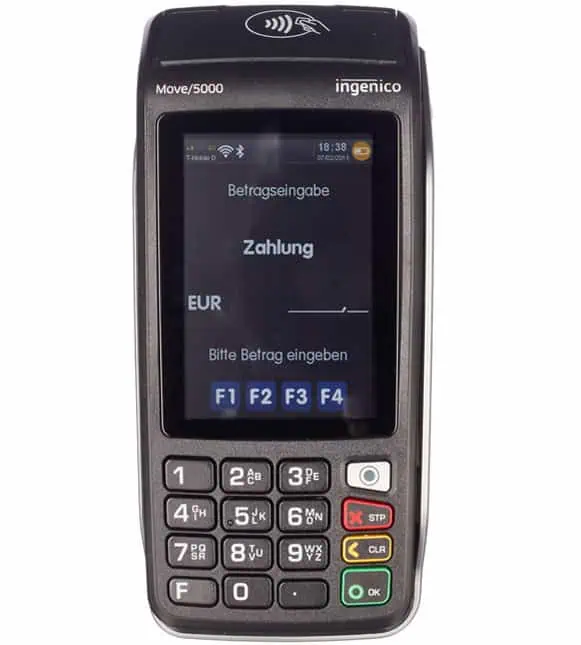
Ingenico Move 5000 Device Specifications and Capabilities
- Accepts EMV chip cards, magnetic stripe cards, and contactless or NFC payments for card-present transactions.
- The device includes a 3.5-inch color touchscreen with an HVGA resolution of 480 × 320, with touchscreen type depending on the configuration.
- It operates on the Telium TETRA operating system and uses a Cortex-A5 application and cryptographic processor with 512 MB Flash and 512 MB RAM, with optional microSD expansion up to 32 GB.
- An integrated thermal printer is built in and uses 58 mm (2¼-inch) paper rolls, with print speed and paper cage specifications varying by model.
- Connectivity options vary by version and can include cellular service, Wi-Fi, Bluetooth, and optional Ethernet through a base or docking accessory.
- The terminal is powered by a rechargeable 2,900 mAh lithium-ion battery and meets PCI PTS security certification requirements.
- The unit measures approximately 169 × 78 × 57 mm and weighs about 320 grams with the battery installed.
- Some configurations offer additional features such as dual SIM support, an integrated camera, barcode scanning, GPS tracking, or ATEX-rated hardware for specialized environments.
Start a Sale on the Move 5000
- From the home screen, select Sale (or Purchase).
- Enter the amount, then confirm.
- Present the customer’s payment method by selecting Tap for contactless, Insert for chip-enabled cards, or Swipe for magstripe cards. Ensure the card is positioned correctly and wait for the terminal to recognize the payment method.
- Follow the on-screen prompts displayed on the terminal. A tip prompt may appear if tipping is enabled on your device. Depending on your configuration and the card used, the customer may be asked to choose Debit or Credit and enter a PIN. A signature may be required for certain cards or transaction types.
- When approved, provide the receipt (printed and/or customer copy) and remove the card when prompted.
Manually Settle/Close the Batch (End of Day)
Most businesses run an end-of-day settlement to close the batch and send transactions for processing.
- Open the menu, then select Batch or Settlement (sometimes labeled “End of Day”).
- Review totals (sales + refunds) on-screen.
- Confirm to close/settle the batch.
- Print and keep the batch totals report for your records.
If your terminal supports report options (detail vs summary), keep the summary for quick balancing and the detail report for deeper reconciliation.
Process a Refund/Return on the Move 5000
- Open the menu and select Refund (or Return).
- Enter the refund amount and confirm.
- Present the card (insert/tap/swipe) if prompted, or follow prompts for keyed entry if enabled.
- Confirm any signature/prompt steps and print the receipt.
Void a Transaction on the Move 5000
A void cancels a transaction that’s still in the current (open) batch. If the batch is already closed, you’ll typically need to run a refund instead.
- From the menu, select Void.
- Locate the transaction (commonly via receipt/sequence number, invoice/reference, or by scrolling recent transactions—options vary).
- Confirm the void amount/details.
- Print the void receipt and attach it to your records.
Quick Tips: Connectivity, Charging, and “Always Ready” Setup
- Switching Connections: Some setups allow you to change communication modes (e.g., Bluetooth ↔ Wi-Fi ↔ cellular) from the terminal configuration menus.
- Keep it charging between rushes: If you use the base/dock, placing the terminal on the base when idle helps maintain battery for peak hours.
- Stock the right paper: Use 58 mm (2¼") thermal paper rolls sized for your roll cage (common cage diameters are around 40 mm; some configurations use smaller cages).
- Have a “fallback” plan: For mobile businesses, consider cellular as primary with Wi-Fi as a secondary option (or the reverse), depending on coverage in your location.
Ready to Get Started with the Ingenico Move 5000?
Fill out the form to get pricing, confirm the best connectivity setup, and receive a quick onboarding checklist so you can start taking in-person payments without delays.
"*" indicates required fields

Frequently Asked Questions
Does the Move 5000 support tap-to-pay and contactless?
Yes. The Move 5000 supports contactless/NFC tap payments in addition to chip and magstripe acceptance.
What connectivity options does the Move 5000 support?
Depending on the model and configuration, the Move 5000 can support cellular (4G/3G), Wi-Fi, Bluetooth, and optional LAN/Ethernet via a base/docking accessory.
Does the Move 5000 print receipts?
Yes. It includes an integrated thermal receipt printer.
Can I void a transaction after I close the batch?
Usually, no voids typically apply only to transactions still in the current open batch. If the batch is already settled, you’ll generally need to run a refund instead.
What paper rolls does the Move 5000 use?
The Move 5000 uses 58 mm (2¼") thermal paper rolls; roll cage diameter can vary by configuration, so match your roll size to your specific unit.
What’s the difference between the Move 5000 and a countertop terminal like the Ingenico Desk 5000?
Move 5000 is designed for portability and taking payments away from the counter; Desk 5000 is designed primarily for fixed, countertop checkout environments.