Get the payment processing solution that fits your business


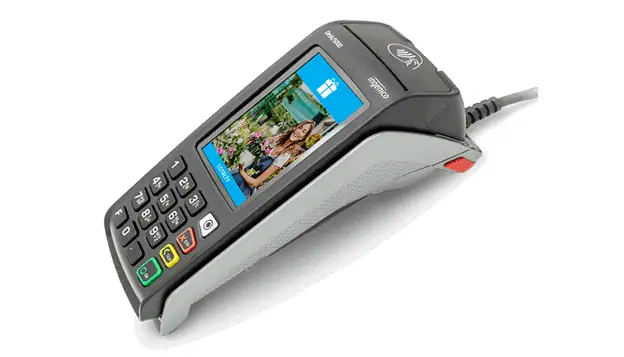
Ingenico Desk 5000 Countertop Card Terminal
Fast, secure in-person payments with a 3.5″ touchscreen, built-in receipt printing, and modern EMV + contactless acceptance.
Ingenico Desk 5000 Countertop Card Terminal
Fast, secure in-person payments with a 3.5″ touchscreen, built-in receipt printing, and modern EMV + contactless acceptance.
All-in-One Countertop Payment Terminal
Why Merchants Choose the Desk 5000
- Take Every In-Person Payment Type: Desk 5000 supports magstripe, EMV smart cards, and NFC contactless, so customers can dip, tap, or swipe as needed.
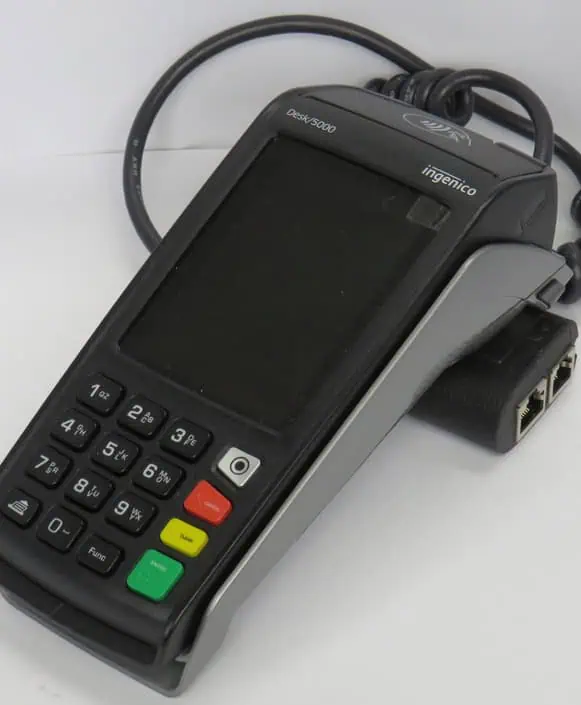
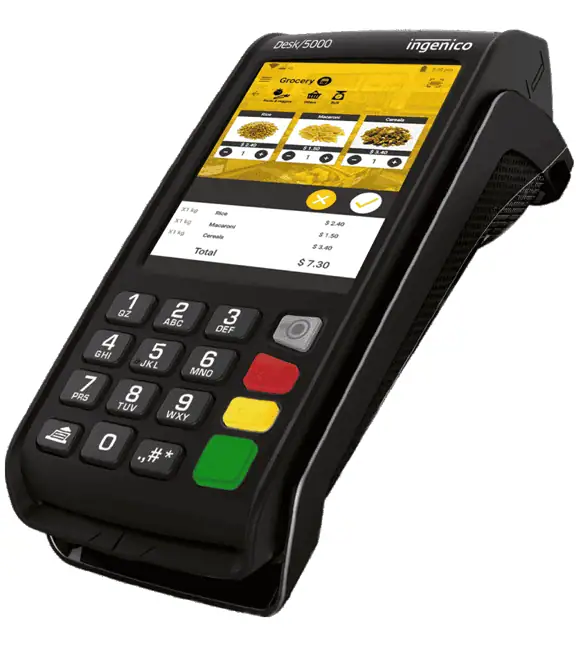
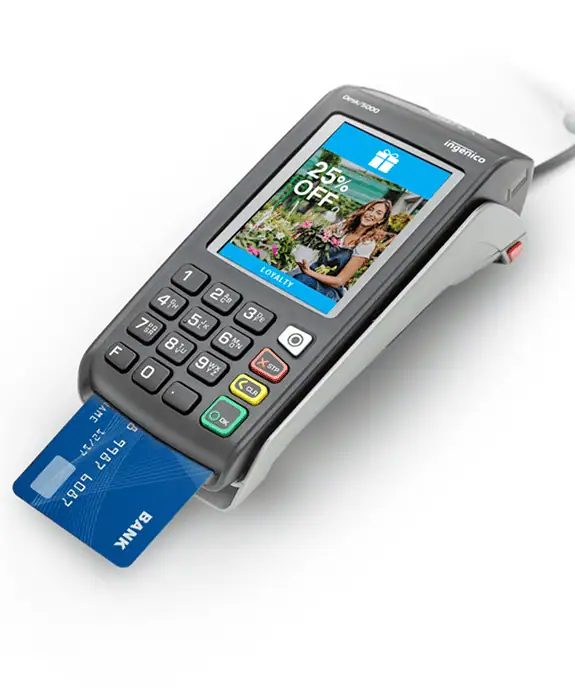
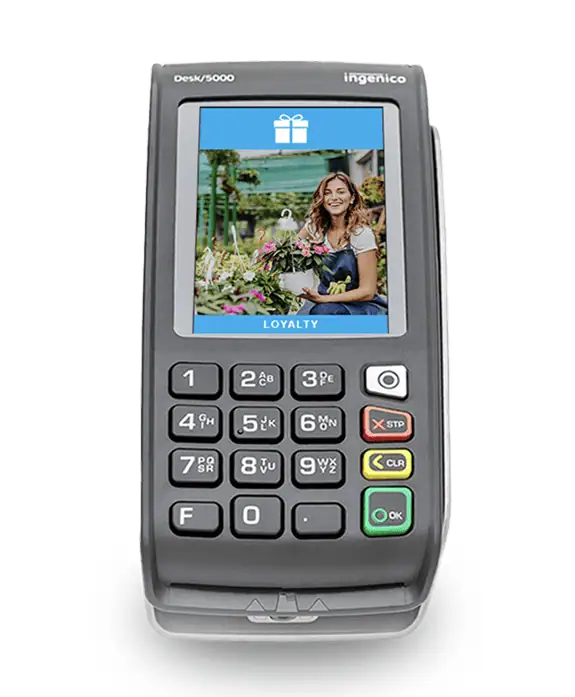
- All-In-One Countertop Hardware: You get a 3.5" color touchscreen (480×320 HVGA), a 16-key backlit keypad, and a thermal printer rated around 20 lines/second, built into one device.
- Designed for Demanding Environments: Ingenico positions Desk 5000 for high-volume counters, with a robust casing and a keypad designed to improve PIN entry.
- Expandable Checkout Layouts: Desk 5000 can connect to compatible Ingenico PIN pad families. This can help save counter space and support richer customer interaction flows, depending on your setup.
- Wide Network Availability: Ethernet and dial-up modem connectivity. Desk 5000 also offers broader network options (e.g., Wi-Fi, Bluetooth/cellular), depending on region/model and deployment.
Desk 5000 Device Specifications and Capabilities
- Powered by a Cortex-A5 processor, the Desk 5000 includes 512 MB Flash and 512 MB RAM, with MicroSD expansion support up to 32 GB.
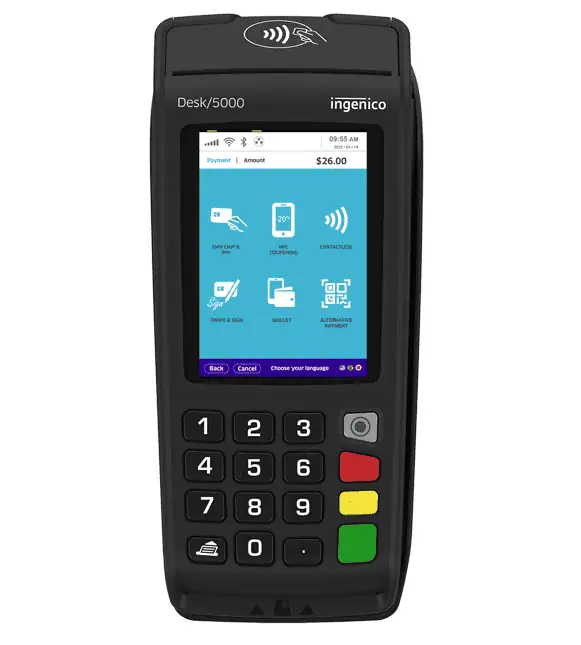
- It features a 3.5-inch backlit color touchscreen with HVGA resolution (480 × 320) and resistive touch input.
- The terminal accepts magstripe cards (ISO tracks 1/2/3), EMV smart cards (Level 1), and contactless payments compliant with EMV Level 1 standards.
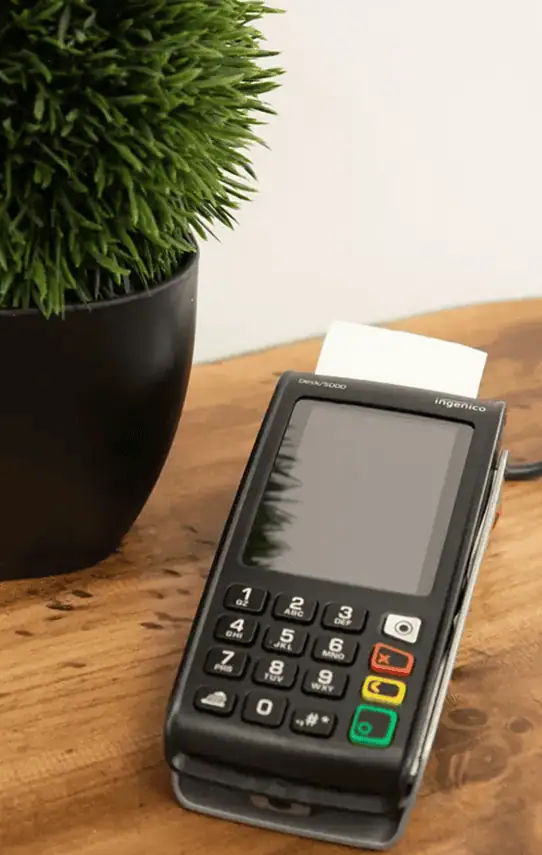
- A built-in thermal printer delivers print speeds of approximately 20 lines per second and supports 58 mm (2¼-inch) paper rolls with a 40 mm roll diameter.
- Connectivity options include Ethernet 10/100 Base-T and a dial-up modem. Available ports include USB Host, USB Slave, RS-232, and a dedicated power jack.
- The device operates on a 32W power supply (8V at 4A) and measures 187 × 82 × 68 mm, with an approximate weight of 340 g (12 oz).
- It is designed for operation in temperatures ranging from 0°C to 40°C (32°F to 104°F) and humidity levels up to 85 percent non-condensing at 40°C.
- Include the Magic Box, privacy shield, and stylus kit.
- Security certifications include PCI PTS 5.x.
Reduced Checkout Friction with Desk 5000 Daily Transactions
Initiate a Sale
- From the idle screen, press the green Enter key or select Sale if it appears on screen.
- Choose Sale or Purchase from the menu.
- Enter the transaction amount and confirm.
- The customer taps, inserts, or swipes their card.
- For debit transactions, the customer enters their PIN and waits for approval.
- The terminal prints the receipt if printing is enabled.
Process a Refund (Return)
- Open the main menu from the home screen.
- Select Return or Refund.
- Enter the refund amount when prompted.
- If required, locate the original transaction or confirm the original card type.
- The customer presents the card used for the original payment.
- Confirmation appears on screen and a refund receipt prints.
Void a Transaction
- Open the menu from the idle screen.
- Select Void.
- Search for the transaction using the available lookup method.
- Review the transaction details.
- Confirm the void to complete the process.
Reprint a Receipt
- Open the main menu.
- Select Reprint.
- Choose Last Receipt or search for a specific transaction.
- Select the receipt copy type if prompted.
- The terminal prints the selected receipt.
Manually Close and Settle a Batch
- From the idle screen, open the menu.
- Select Settlement or Close Batch.
- Review the batch summary shown on the display.
- Confirm settlement.
- A settlement report prints if receipt printing is enabled.
Host Merchant Services Helps You Validate Your First Transaction
We confirm receipt of paper requirements before supplies are ordered. The Desk 5000 uses 58 mm (2¼-inch) thermal paper rolls, with a paper cage size of 58 mm by 40 mm. Verifying this upfront avoids ordering incompatible paper and prevents interruptions at the counter.
We also recommend running a test sale and verifying settlement timing. Many environments use automated settlement, and HMS aligns the batch close time with business operations so deposits, reports, and daily totals match the merchant’s accounting day.
Ready to Deploy the Ingenico Desk 5000 with Host Merchant Services?
Fill out the form, and we’ll help you confirm the right Desk 5000 configuration, match the terminal to your checkout flow, and provide a quick day-one checklist (test sale, receipt settings, tips, settlement timing).
"*" indicates required fields
Frequently Asked Questions
Does the Desk 5000 support tap-to-pay and mobile wallets?
Does it print receipts on-device?
What internet/network connections can the Desk 5000 use?
Is the Desk 5000 PCI compliant?
How do I manually settle my batch?
How do I reboot the Desk 5000 quickly?