Get the payment processing solution that fits your business


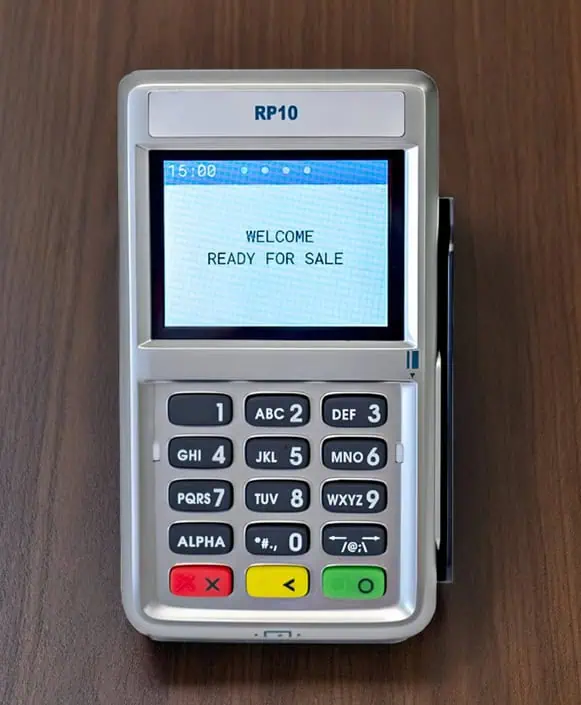
First Data RP10 PIN Pad
Add a customer-facing PIN pad to your FD150 to accept chip, swipe, and contactless tap, while keeping PIN entry and card-present steps on the customer side.
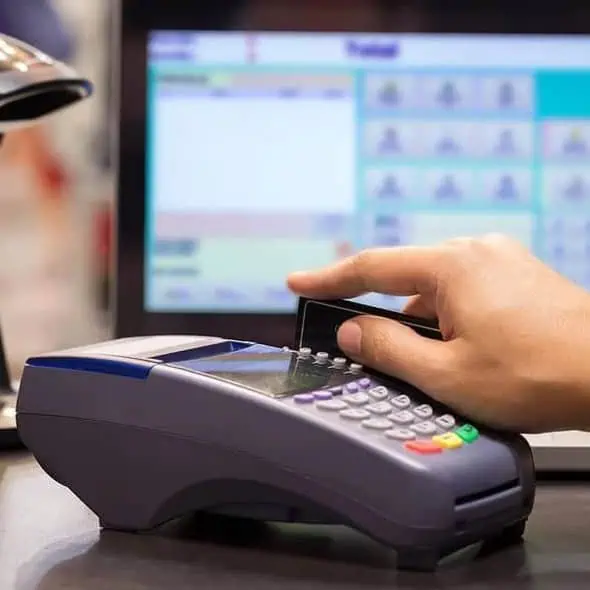
First Data RP10 PIN Pad
Add a customer-facing PIN pad to your FD150 to accept chip, swipe, and contactless tap, while keeping PIN entry and card-present steps on the customer side.
A Customer-Facing Companion for the FD150
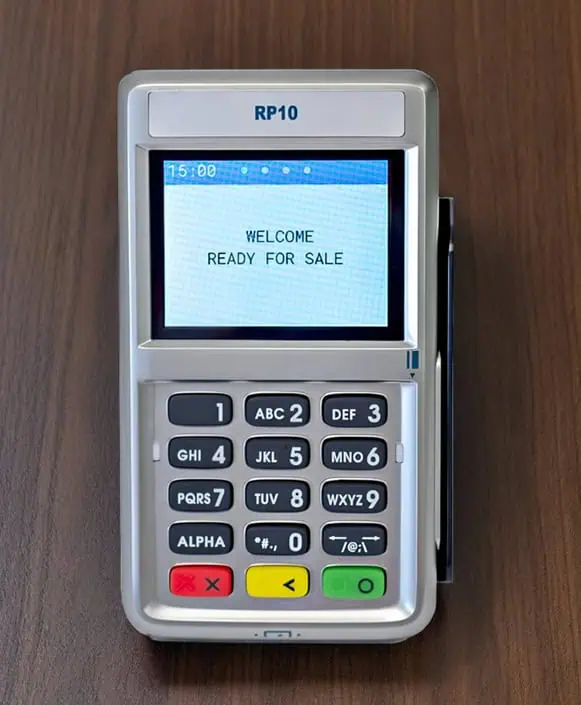
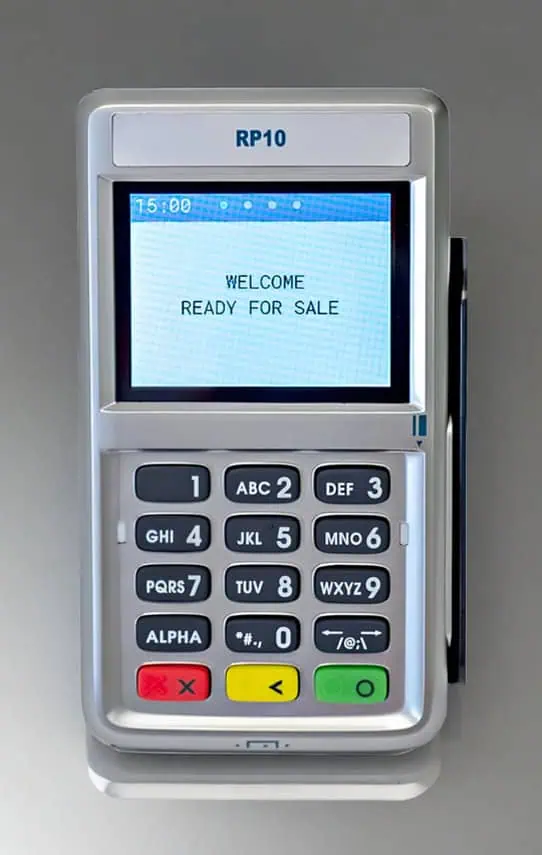
The First Data RP10 is the newer version of the FD35 and connects directly to the First Data FD150 countertop terminal. It’s built as a consumer-facing PIN pad so customers can enter, tap, or swipe their PIN. It helps speed checkout and reduce card hand-offs at the counter.
The RP10 supports EMV chip + PIN transactions, NFC/contactless payments, and traditional magstripe swipes, and it’s designed to connect over USB without requiring a separate power supply.
Benefits of the RP10 PIN Pad
- Customer-Led Checkout Flow: Customers can keep their card with them and complete the “card-present” steps at the PIN pad, reducing the risk of unauthorized card use.
- Tap + Chip + Swipe in One Device: Accepts EMV chip, contactless/NFC, and magstripe transactions so you can support modern in-person payments at the counter.
- Supports PIN Debit, Credit, Gift, and EBT: Built to accept PIN-secured and signature debit, major credit cards, gift cards, and EBT (plus STAR Network transactions).
- Stronger Security Standards: Positioned with PCI-PED version 5.x approval / PCI version 5 compliance messaging, supporting newer security requirements for in-person devices.
- USB Connection + No Separate Power Brick: Designed for simple USB connectivity to First Data-certified terminals and does not require a separate power supply.
- Guided Customer Prompts: Designed with visual prompts, lights, and audio cues to help customers follow the payment flow with less back-and-forth at the counter.
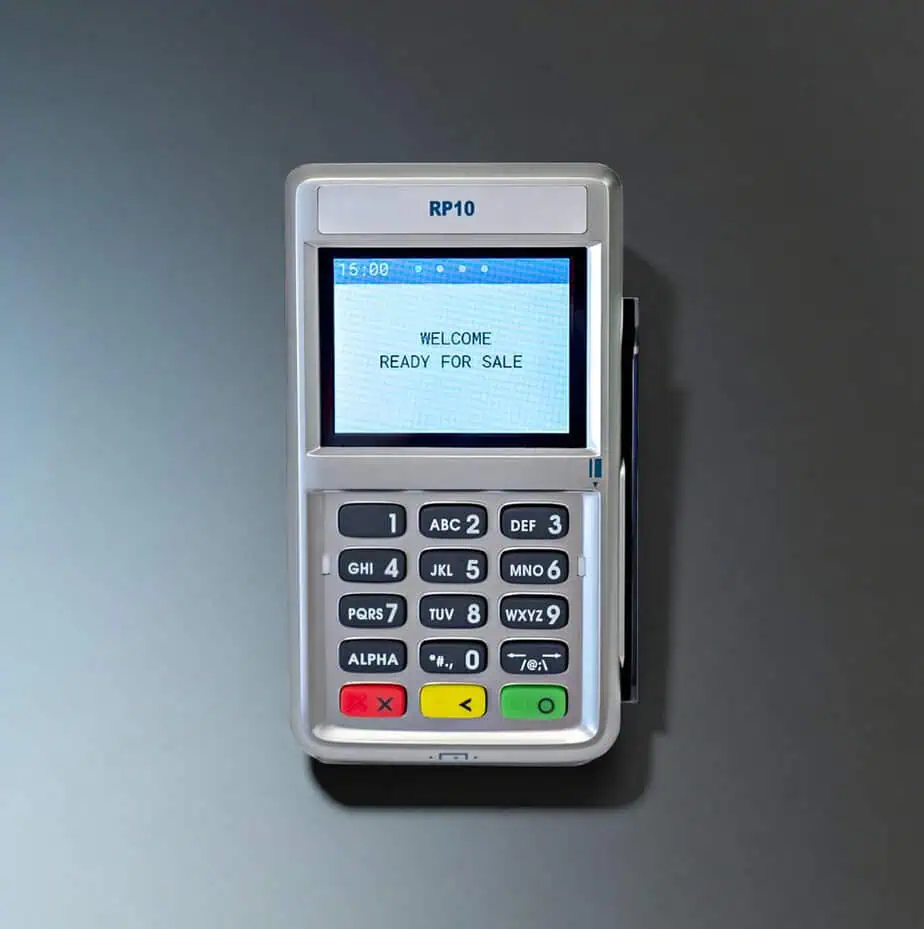
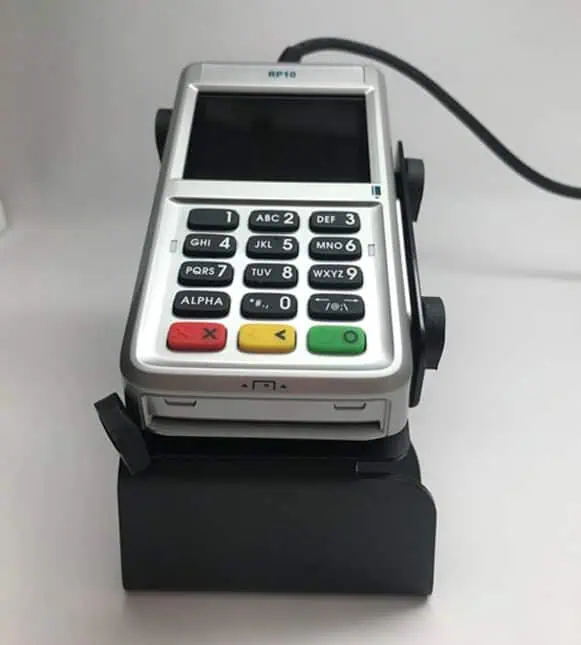
RP10 Device Capabilities
- Customer-facing PIN pad designed to pair with the First Data/Fiserv FD150 (connects to the host terminal rather than operating standalone).
- Supports EMV chip, 3-track magstripe, and contactless/NFC payments.
- 2.4-inch full-color display with 320 × 240 resolution.
- 15-key (3×5) rubber keypad (commonly described as backlit).
- Cortex-M3 SoC (108 MHz) running an RTOS, with 32 MB NOR flash (memory may be listed differently by some resellers).
- USB Type-A host interface; USB-powered (5 V DC) and typically does not require a separate power adapter (cable length commonly listed as 1.2 m).
- PCI PTS 5.x with SRED; supports cryptography such as 3DES/AES/RSA, DUKPT, and TLS 1.2.
- Smart card reader supports ISO 7816-1/2/3 with T=0 and T=1, plus SLE4442 memory cards.
- Contactless supports ISO 14443 A/B and ISO 18092; platform documentation lists common contactless schemes depending on configuration.
- Optional features may include 2× SAM slots and an optional privacy shield.
- Dimensions are 133.8 × 75.6 × 25.4 mm.
- Operating environment is typically 0°C to 50°C, storage -20°C to 60°C, and 5% to 95% humidity (non-condensing).
Connect the RP10 to Your FD150 in Three Simple Steps
- Disconnect power from the terminal.
- Connect the RP10 USB cable to the back of the terminal into one of the USB ports.
- Reconnect power to the terminal. The RP10 will automatically start up and display a status message until it’s initialized by the terminal/PC.
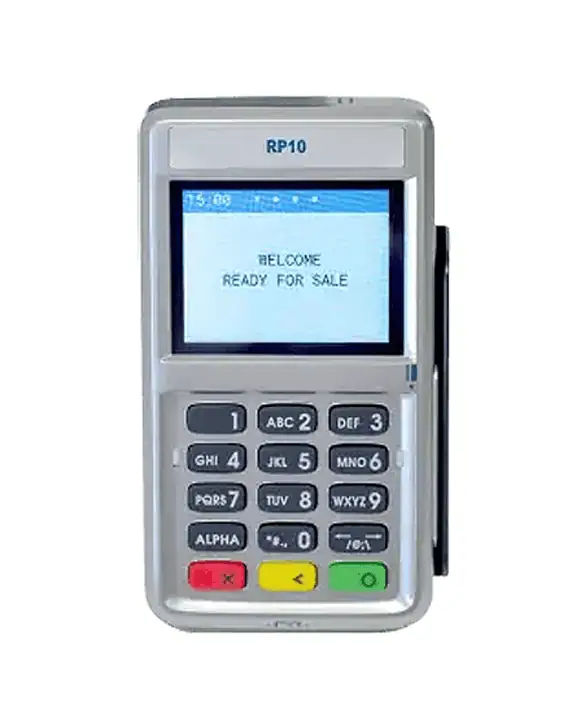
Make Payments with Ease with the RP10
- Select Sale on the RP10 and enter the purchase amount.
- The customer can pay by tap, chip insert, or card swipe.
- Tap the card or device on the top of the RP10 screen until it is confirmed.
- Insert the card into the front slot, card facing up, and leave it in place until prompted.
- Swipe the card top to bottom through the right-side slot, card face outward.
- Follow the on-screen prompts to complete the transaction and receive confirmation.
Manually Settle a Batch
If you’re closing the day manually from the terminal:
- From the home screen, select “Other.”
- Depending on your terminal model, select “CLOSE” or “Close Batch.”
- Select OK (or follow the on-screen prompts).
- The terminal completes the batch settlement.
Want to Move Ahead with RP10 PIN Pad?
Ready to add a customer-facing PIN pad to your checkout flow? Fill out the form and we’ll confirm compatibility, share pricing/options, and help you get the RP10 connected and processing tap, chip, and swipe with minimal downtime.
"*" indicates required fields
Frequently Asked Questions
Do I need the RP10 to run the FD150?
What payments can customers use on the RP10?
Does it support EBT, gift cards, and PIN debit?
How is it powered? Do I need another outlet?
What’s the simplest way to install it?
Where exactly do customers tap, insert, or swipe?
What security/compliance positioning can I mention?

Ready to Get Started with the FD150?
Fill out the form to get pricing, confirm the right connectivity setup (Ethernet/Wi-Fi/dial backup) for your location, and receive a quick setup + onboarding checklist so you can start taking in-person payments without delays.