Get the payment processing solution that fits your business


Dejavoo QD4 Android Countertop Terminal
Lightning-fast countertop payments with a big touchscreen, built-in receipt printing, and secure tap + chip acceptance, powered by Android and designed for high-volume checkout.
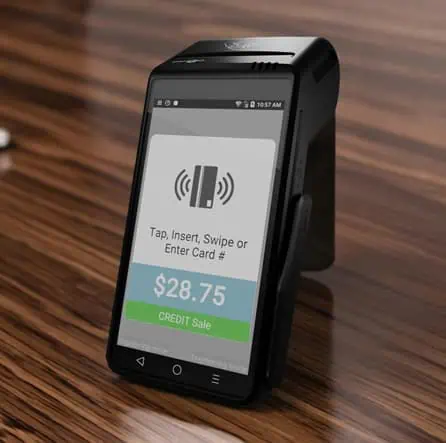
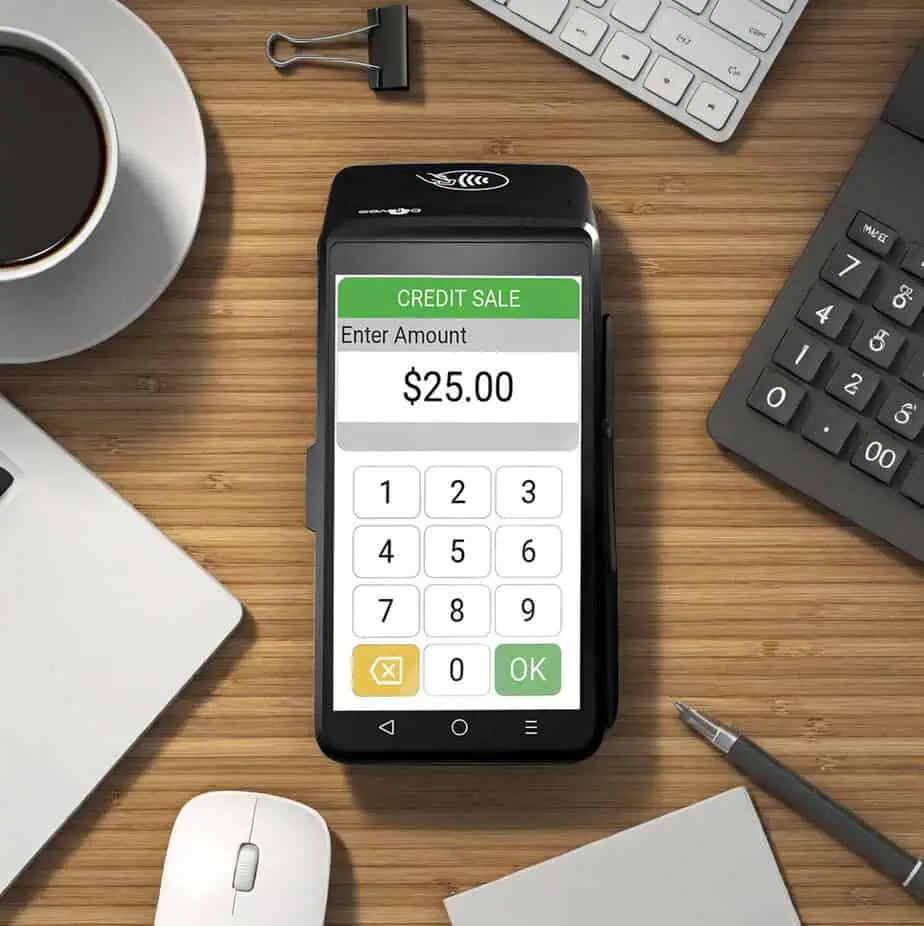
Terminal Built for Busy Counters
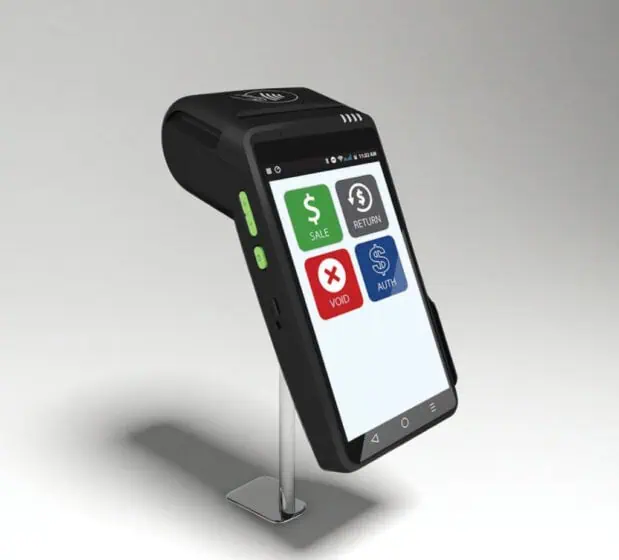
The Dejavoo QD4 is a compact Android countertop payment terminal built to keep lines moving in retail and service environments. Dejavoo positions it as a modern, reliable in-store terminal that works standalone or integrated, with flexible connectivity and a clean design that won’t take over your counter.
If you’re upgrading from older countertop devices and want a faster, more visual checkout flow, without adding extra hardware, the QD4 is designed to be a strong “everyday driver” for in-person payments.
It is one of the best options in the market for retail shops, restaurants, salons, medical offices, service counters, and traditional storefronts.
Why Merchants Choose the QD4
- Big Touchscreen + Familiar Payments Flow: You get a 5.5” color touchscreen (720×1280) for clear prompts and faster navigation, especially helpful for staff training and high-traffic shifts.
- “All-in-One” Countertop Setup: The QD4 combines the essentials in one device: internal PIN pad + contactless + printer, so you can keep your checkout simple and avoid a cluttered counter. It also supports an external PIN pad.
- Built for Secure Modern Acceptance: Security and acceptance standards are core to the platform, including PCI PTS 5.0, EMV Level 1 & Level 2, and contactless support across major schemes listed by Dejavoo (e.g., Visa payWave, Mastercard PayPass, AmEx ExpressPay, Discover D-PAS).
- Ethernet + Wi-Fi, No Dial-Up Dependency: QD4 supports Wi-Fi and Ethernet (via USB-to-Ethernet).
- Integrations That Matter: The QD line integrates with iPOSpays and SPIn to streamline connectivity and integration for merchants and software partners.
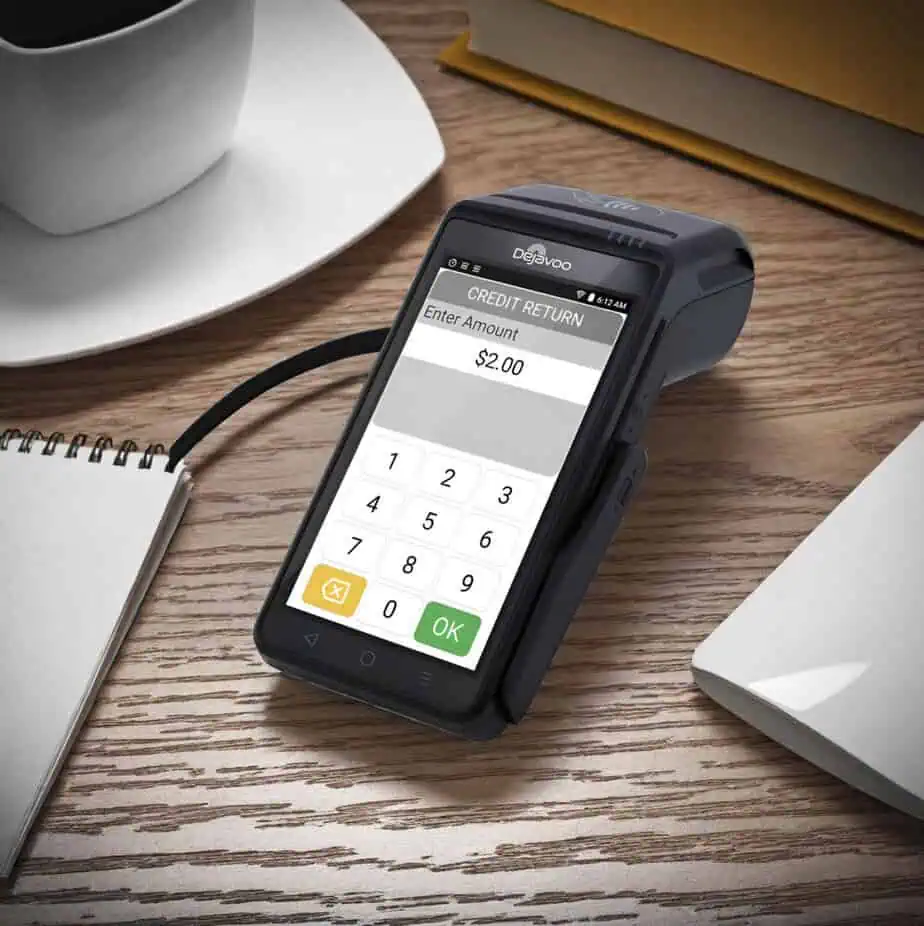
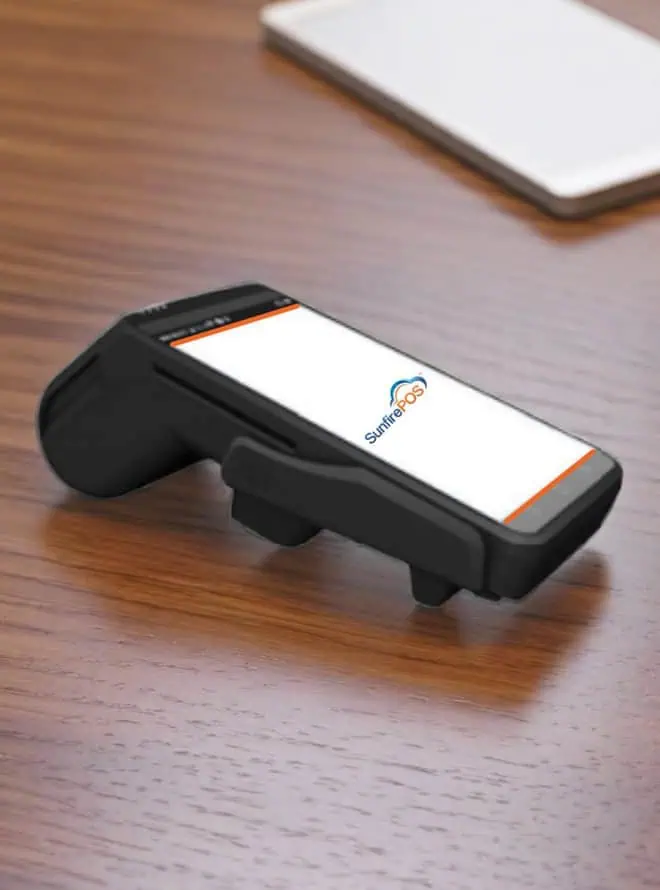
Dejavoo QD4 Specifications and Capabilities
- The Dejavoo QD4 runs on secure Android 7.1 and is powered by a quad-core processor clocked at 1.1GHz, providing stable performance for daily payment operations.
- It includes 1GB of RAM and 8GB of flash storage, with support for Dejavoo’s AURA user interface, the same software platform used across the Z Line, allowing for a consistent experience with minimal training.
- Payment acceptance includes EMV chip transactions compliant with ISO 7816 at both EMV Level 1 and Level 2, along with bi-directional magnetic stripe support for Tracks 1, 2, and 3 under ISO 7811 standards.
- The terminal also supports contactless payments through ISO 14443 Type A and Type B, with network and kernel support aligned to Dejavoo specifications.
- Transaction security is reinforced through PCI PTS 5.0 certification.
- The device features a 5.5-inch color LCD touchscreen with a 720 × 1280 resolution for clear visibility and intuitive interaction.
- A built-in 58mm thermal printer supports receipt printing at speeds of up to 50 mm per second, making it suitable for high-volume countertop use.
- Connectivity is provided through Wi-Fi and Ethernet via USB-to-Ethernet support, with no dial-up functionality.
- The terminal includes a USB 2.0 host port and a TF card slot supporting expandable storage up to 64GB.
- Power is supplied by a 7.4V, 2600mAh battery, with charging supported through a 9V/3A adapter and USB charging options.
- The QD4 measures approximately 188 × 85 × 69 mm, weighs about 415 grams, and is available with an optional capacitive fingerprint sensor for enhanced authentication on supported configurations.
Everyday Transactions on the QD4
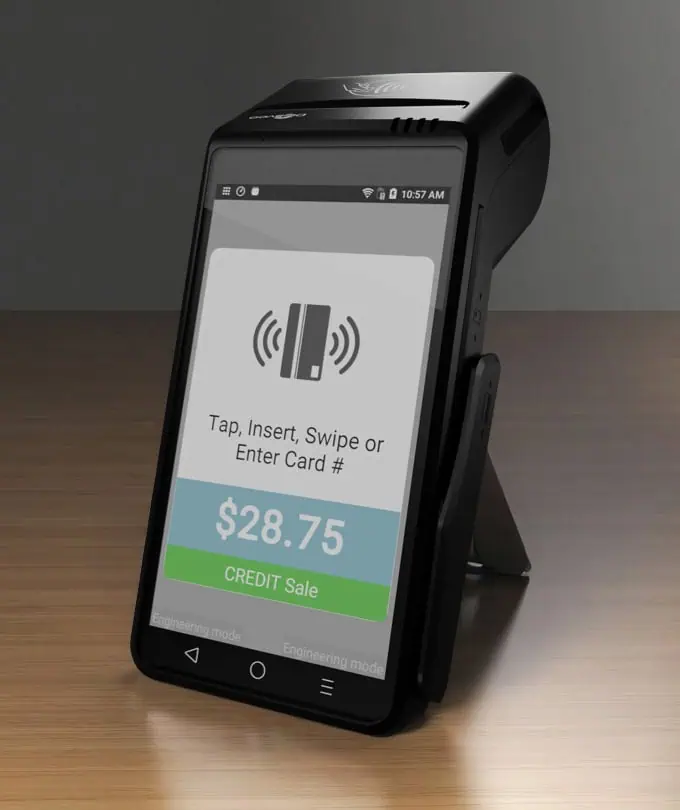
Dejavoo’s QD Line flow is designed to be simple: enter amount → choose payment type → tap/insert → done.
Chip/Contactless Sale
- From the idle screen, enter the amount and press OK.
- Default is Sale → choose Card (credit) or PIN Debit as prompted.
- When prompted, tap or insert the card (debit may require PIN).
- Receipt prints after approval.
Manually Entered Sale
- Enter amount → OK (default Sale).
- Choose payment type (Card (credit), EBT Food, EBT Cash, depending on configuration).
- When prompted to tap/swipe/insert, tap the screen and key in the card number, then follow prompts.
Returns, Voids, and Batch Settlement
Process a Credit Card Return
- Enter amount → OK.
- Tap the > at the top and select Return.
- Confirm amount; if prompted, enter manager password (Dejavoo lists default 1234).
- Tap/insert or manually enter card number when prompted; receipt prints.
Void by Transaction Number
- From idle, open Favorites → Void Transaction.
- Enter manager password if prompted (default 1234).
- Choose By Transaction # → enter the transaction number → confirm; void receipt prints.
Settle (Close) Your Daily Batch
- From idle, open Favorites → Settle Daily Batch.
- Enter manager password if prompted → terminal communicates with host → settlement report prints.
Get the Dejavoo QD4 from Host Merchant Services
If you want the QD4 configured correctly from day one, payment type menus, receipt settings, network setup, and your preferred processing features, Host Merchant Services can help you pick the right deployment profile and get you live quickly.

Frequently Asked Questions
Does the QD4 support tap-to-pay and mobile wallets?
Yes, QD4 supports contactless (NFC). Mobile wallet acceptance is typically enabled through the same contactless capabilities, depending on your processing setup.
Is the QD4 touchscreen?
Yes. Dejavoo lists a 5.5” touchscreen with 720×1280 resolution.
What internet connections does the QD4 support?
Dejavoo supports Wi-Fi and Ethernet (USB-to-Ethernet) for the QD4.
What’s the default manager password?
Default password is 1234 (unless changed).
Can I use an external PIN pad with the QD4?
Yes. QD4 supports an external PIN pad.
How do I settle the batch?
Favorites → Settle Daily Batch → enter password if prompted → report prints after settlement completes.