Get the payment processing solution that fits your business


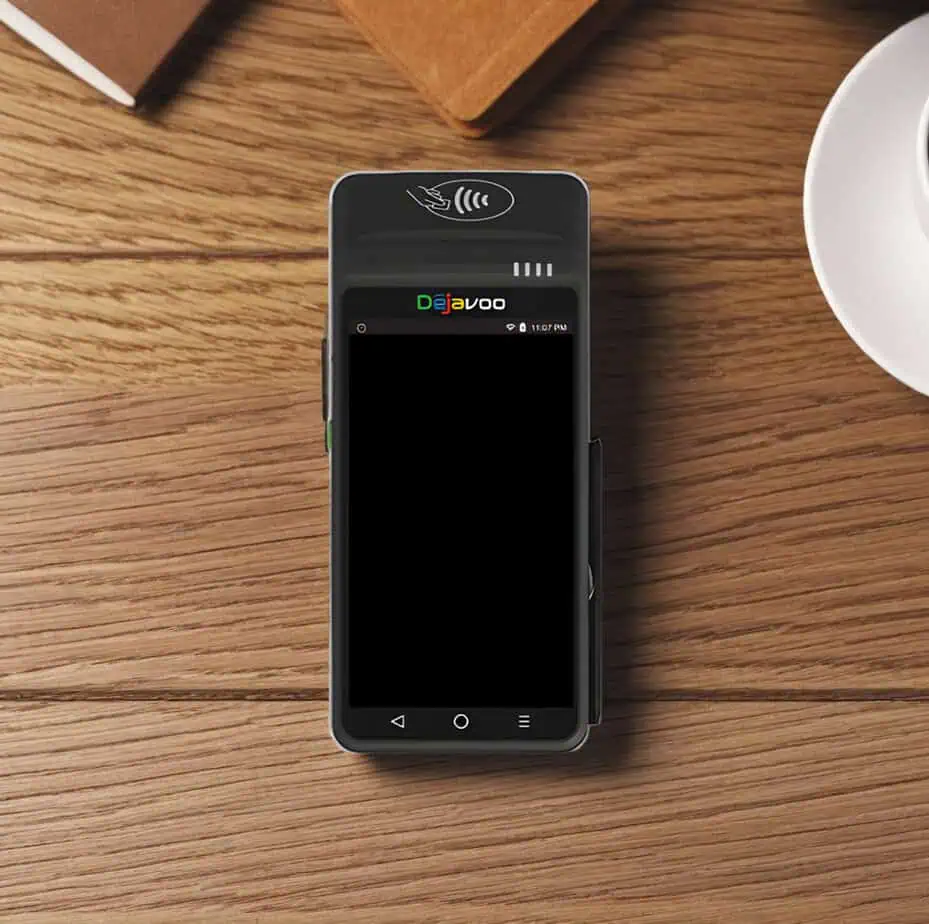
Dejavoo QD2 Android Mobile POS Terminal
Take fast, secure payments anywhere with a large touchscreen, built-in receipt printing, and Wi-Fi + 4G connectivity in one handheld device.
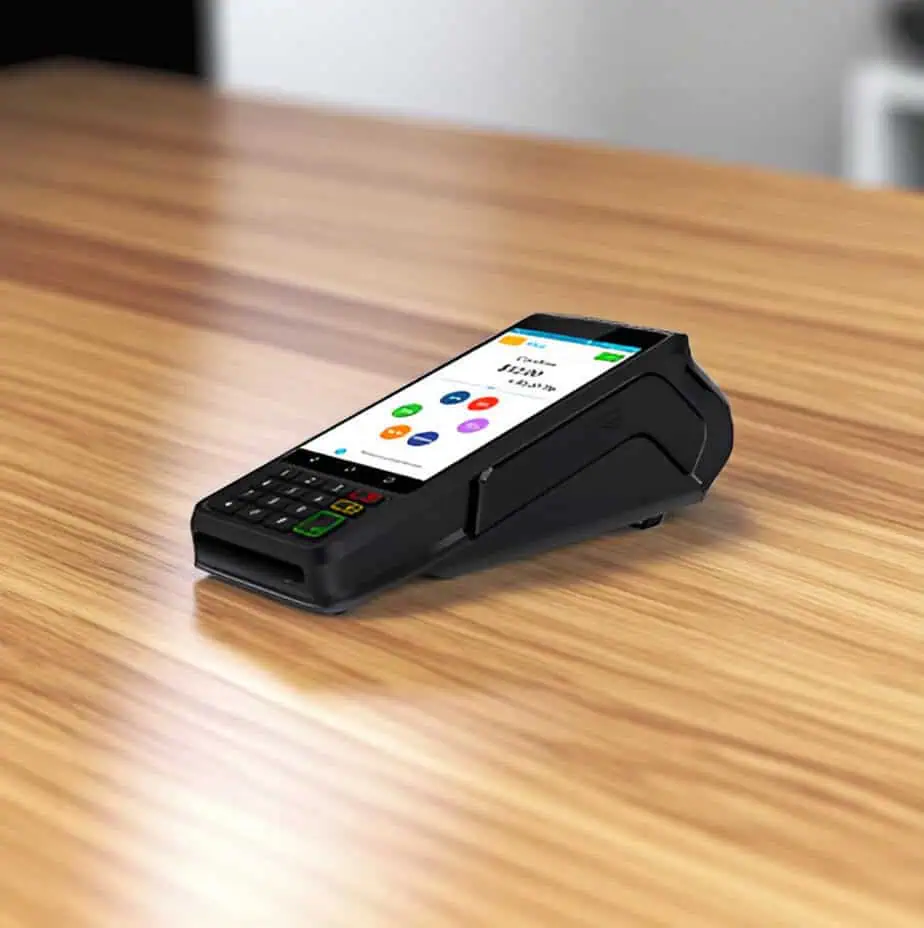
Dejavoo QD2 Android Mobile POS Terminal
Take fast, secure payments anywhere with a large touchscreen, built-in receipt printing, and Wi-Fi + 4G connectivity in one handheld device.
A Mobile Android POS for On-Site and On-Demand Payments
Best Fits for a Wide Range of Businesses
- Restaurants & Bars: Pay at the table, faster table turns, fewer walk-backs.
- Delivery & Curbside: Take payment at the point of handoff using Wi-Fi or 4G.
- Retail Rush Hours: Line-busting without moving customers to a fixed lane.
- Field Services: Collect on-site and print receipts immediately.
Why Merchants Choose the Dejavoo QD2
Accept Wide Range of Payments
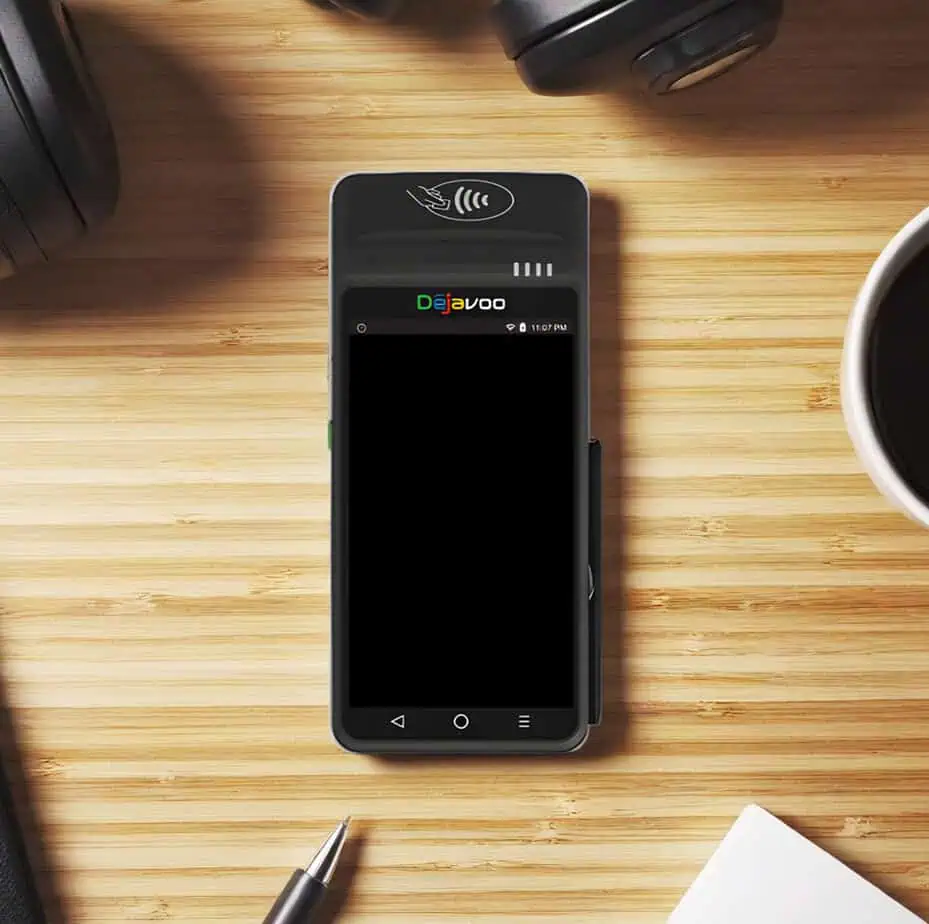
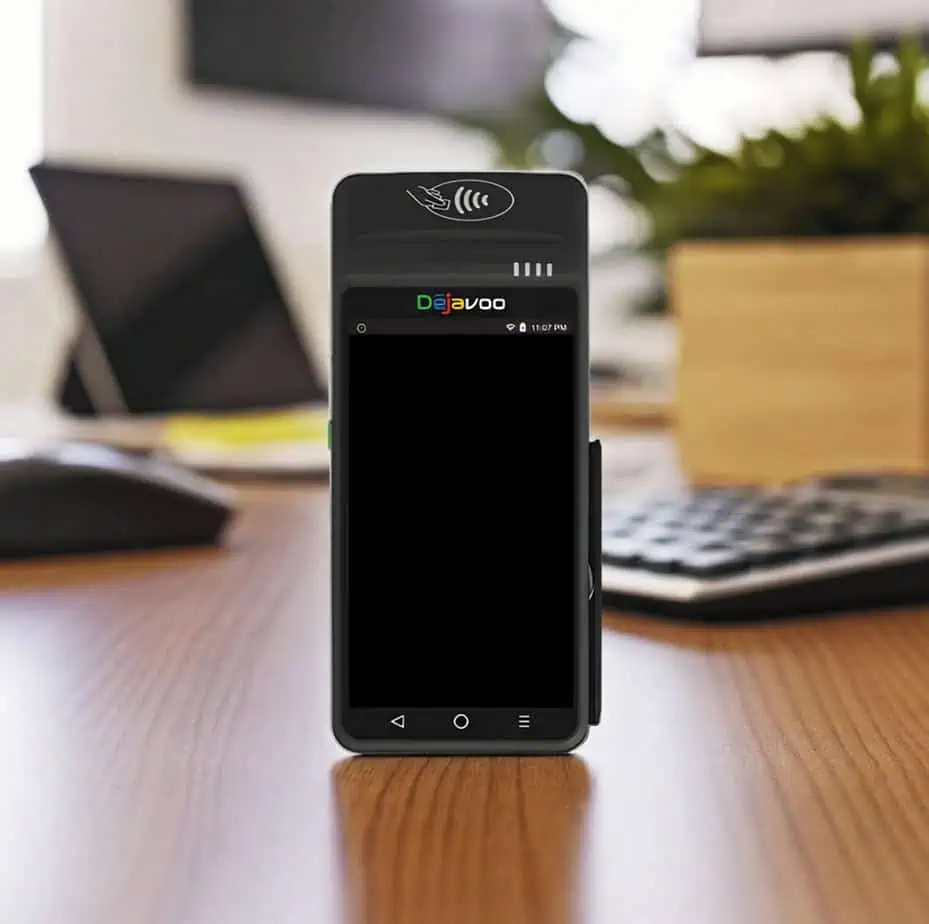
The QD2 includes Smart IC (EMV chip) and NFC readers, and is compatible with major digital wallets like Apple Pay, Google Wallet, and Samsung Pay.
Built-In Receipts, Built-In Speed
A 58mm thermal printer is integrated, with 50 mm/second print speed, useful for delivery proof, customer copies, and smoother end-of-transaction flow.
Scan and Move Faster
It comes with a 5MP camera with autofocus + flash and support for 1D/2D barcode quick scan, which can be useful in workflows that rely on barcodes/QR codes.
Wi-Fi + 4G for Real Mobility
The QD2 is designed for wireless use with Wi-Fi and 4G as connectivity options, so you’re not limited to a single location.
Familiar Software Path for Dejavoo Users
The QD2 uses the same AURA software as the Z Line (positioned as “no learning curve”), which can simplify training if you already run Dejavoo devices.
Dejavoo QD2 Specifications and Capabilities
- The Dejavoo QD2 runs on secure Android 7.1 and is powered by a quad-core processor running at 1.1 GHz, supported by 1GB of RAM and 8GB of flash storage for reliable daily performance.
- A 5.5-inch color touchscreen delivers a clear, responsive interface for transaction processing and on-device interaction.
- The terminal supports secure EMV chip transactions compliant with ISO 7816 at EMV Levels 1 and 2, as well as contactless payments via an integrated NFC reader supporting Smart IC and EMV-certified contactless workflows.
- Transaction security is reinforced by PCI PTS 5.0 certification, supporting compliant card-present payments.
- A built-in 58mm thermal printer delivers receipt printing at speeds of up to 50 mm per second, while the integrated 5MP autofocus camera with flash supports fast 1D and 2D barcode scanning.
- The device supports charging via a 5V/2A power adapter and USB, and hardware connectivity includes Micro-USB OTG and USB 2.0, depending on configuration.
- The QD2 features a compact, handheld form factor measuring approximately 188 × 85 × 68 mm, with some hardware revisions measuring slightly deeper.
- It weighs about 415 grams, making it suitable for mobile and on-site use.
- Software compatibility includes support for Dejavoo’s iPOSpays and SPIn platforms, allowing integration with supported payment and processing environments.
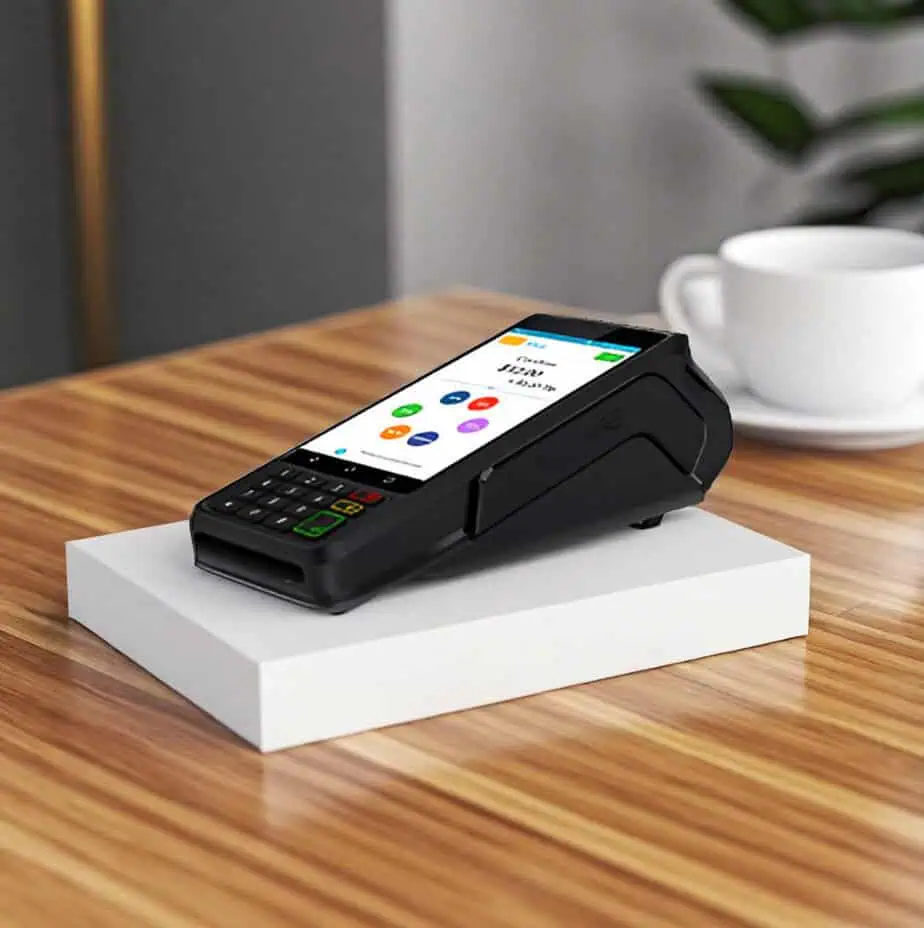
Everyday Transactions on the QD2
Chip/Tap Sale
- From the idle screen, enter the amount and tap OK.
- Keep Sale as the default, then choose Card or PIN Debit if prompted.
- Tap or insert the card; for debit, the customer enters their PIN if required.
- The receipt prints after approval.
Manually Keyed Sale
- Enter amount → OK, keep Sale selected.
- Choose the payment type (Card/EBT/Cash depending on setup).
- When prompted for card present, switch to manual entry and follow on-screen prompts (expiry/ZIP, etc., if required).
Refund (Return)
- Enter the return amount → OK.
- Use the on-screen selector (“>”) to choose Return.
- Confirm the amount; if prompted, enter the manager password.
- Tap/insert (or manually enter if enabled) to complete; return receipt prints.
Void by Transaction Number
- Open Favorites (star icon in the guide) → Void Transaction.
- Enter manager password if prompted.
- Choose By Transaction #, enter the transaction number, and confirm.
- Void receipt prints with details.
Settle (Close) Your Daily Batch
- Favorites → Settle Daily Batch.
- Enter manager password if prompted.
- The terminal connects to the host and prints the settlement report.
Get the Dejavoo QD2 from Host Merchant Services
If you want the QD2 configured correctly from day one, including Wi-Fi/4G setup, receipt settings, and the right transaction buttons for your environment, Host Merchant Services can help you select the right deployment profile and get your device ready for real-world checkout.
Frequently Asked Questions
Does the QD2 support tap-to-pay and mobile wallets?
Is the QD2 Wi-Fi only, or can it use cellular data?
Does the QD2 print receipts? What size paper does it use?
Does the QD2 support barcode/QR scanning?
How do I settle the batch on the QD2?