Host Merchant Services

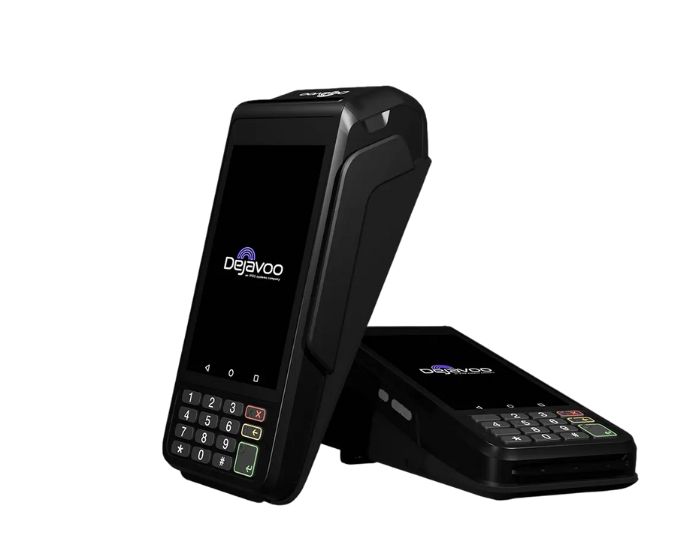
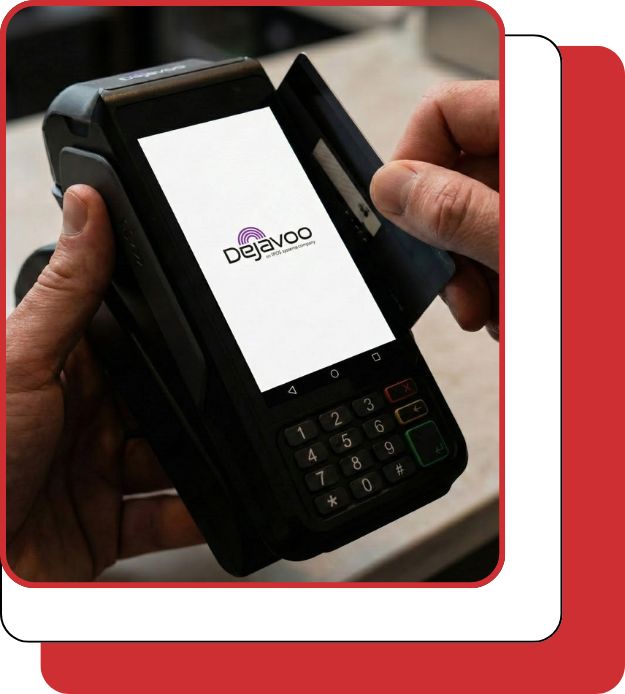
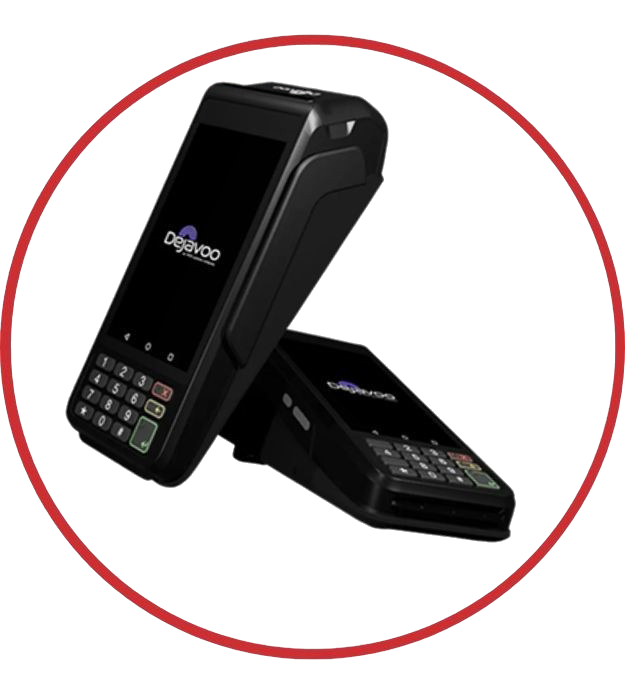
Dejavoo P1 Android Countertop Terminal

A dependable Android countertop terminal combining a large touchscreen, tactile keypad, and built-in printing for fast, secure in-store payments across retail, restaurant, and service environments.

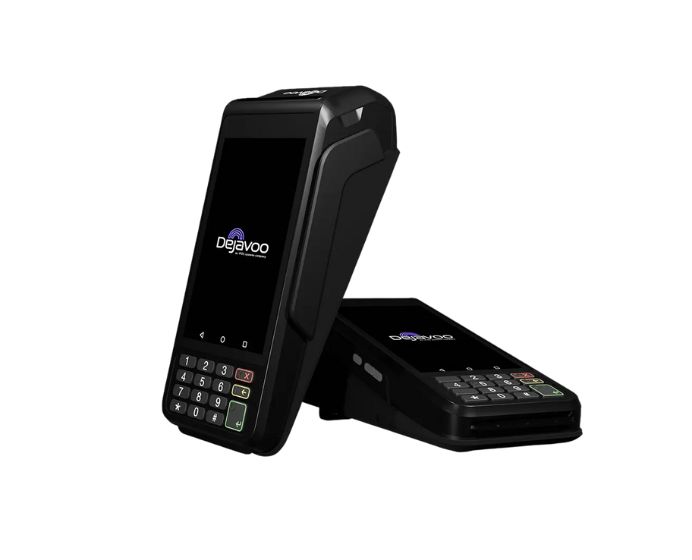
Dejavoo P1 Android Countertop Terminal

A dependable Android countertop terminal combining a large touchscreen, tactile keypad, and built-in printing for fast, secure in-store payments across retail, restaurant, and service environments.

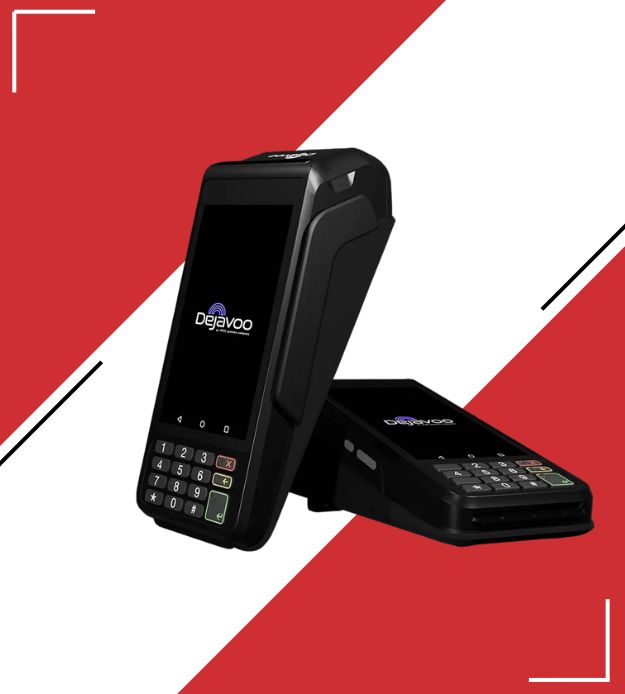
Dejavoo P1 Android Countertop Terminal

A dependable Android countertop terminal combining a large touchscreen, tactile keypad, and built-in printing for fast, secure in-store payments across retail, restaurant, and service environments.

Fast, Secure Countertop Payments That Keep Lines Moving

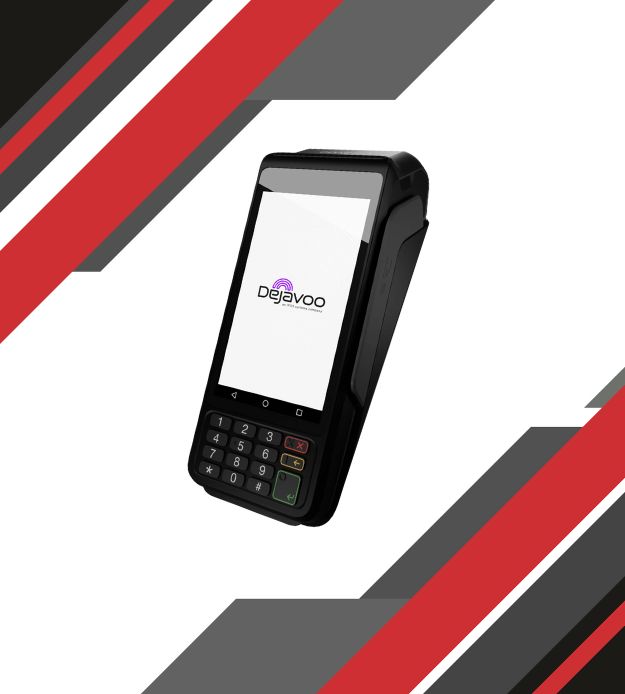
The Dejavoo P1 Android Countertop Terminal is built for businesses that need fast, reliable, and secure in-store payments. 

Designed for retail, restaurants, and service environments, it combines a responsive touchscreen with a traditional keypad and built-in receipt printing to enable smooth, efficient counter checkout.

What the Dejavoo P1 Helps You Do Better

Best for Your Daily Workflow

It’s one of the best options out there for retail stores, restaurants, and professional service environments, especially when you want a dependable countertop device that feels simple to use day after day. 

Dejavoo P1 Device specifications (verified highlights)

Fast, Simple Credit Card Sales

Quick End-of-Day Batch Settlement

Hassle-Free Refund Processing

Tap the menu icon and select REFUND.

Enter manager password if prompted.

Enter the refund amount and tap OK.

Then complete card entry as prompted.

Easy Transaction Voids When Needed

Straightforward Network Setup and Configuration

Ready to Deploy the Dejavoo P1?

Fill out the form to request pricing, confirm availability, and see how this countertop terminal can fit into your checkout workflow. Our team will follow up to help you choose the right setup for your business.

"*" indicates required fields

*
Do you currently take credit cards?

Frequently Asked Questions

What software is the P1 compatible with?

Dejavoo lists iPOSpays and SPIn as compatible software on the P1 page, and references broader P-Line software options (including DeNovo tools) on its P-Line overview/flyer.

Does the P1 print receipts?

Dejavoo’s P-Line overview lists the P1 with keyboard & printer, and the P1 product flyer references a high-speed printer.

How does the P1 connect to the internet?

Dejavoo lists Ethernet, Wi-Fi, and Bluetooth, and also references Wi-Fi 2.4GHz/5GHz in its materials.

Does it work with mobile wallets like Apple Pay?

Dejavoo states the P1 is compatible with Apple Pay, Google Wallet, and Samsung Pay.

Does the Dejavoo P1 support tap-to-pay and chip cards?

Yes. Dejavoo lists NFC and Smart IC readers with EMV certification, and the product page describes EMV & contactless acceptance.


Frequently Asked Questions

How do I manually settle the batch?

From the idle screen, go to FUNC → Batch → Batch Close (names can vary slightly by app/processor).

Can the PAX A80 be used away from the counter?

Some configurations support an optional battery, which can make the unit useful for indoor “semi-portable” scenarios—ask your provider what’s available for your model.

What internet connections can I use?

Many deployments use Ethernet (LAN), with optional Wi-Fi and optional cellular/dial support depending on the hardware version and setup.

Is the PAX A80 a full POS system?

Not by default. It’s a countertop payment terminal that can support Android-based apps and SmartPOS-style workflows, depending on your configuration and processor.

Does the PAX A80 support tap-to-pay and mobile wallets?

Yes, when NFC contactless is enabled with your processor, the A80 supports contactless payments (tap cards and mobile wallets).