


Using a PayPal Account in the Store
Posted: November 10, 2023 | Updated:
PayPal is a widely recognized payment platform trusted by millions globally for secure online transactions. It supports various services, from online shopping and peer-to-peer transfers to handling business payments. While many are familiar with its use for online purchases, using a PayPal account in a store can be more complex for new users. Setting up PayPal for in-person payments requires going through several steps and exploring different options, which may not always be straightforward.
This guide provides clear instructions on using PayPal in physical stores, covering all essential aspects. It explains how to set up the PayPal app for contactless payments, use PayPal through digital wallets like Google Pay, and understand the available PayPal card options. You’ll also learn which retailers accept PayPal, what fees may apply to various transactions, and how merchants can start accepting PayPal payments. Whether you are just starting with PayPal or looking to expand beyond online transactions, this guide will help you effectively use the platform for everyday store purchases.
Where Can You Use PayPal?
PayPal is a versatile payment method accepted at various physical locations beyond online stores. You can use PayPal at numerous restaurants, cafes, gas stations, and grocery stores. It is also famous for travel-related expenses like airline tickets, hotel bookings, and car rentals.

For in-person shopping, PayPal is accessible through its app or via a PayPal debit card. The debit card works like a Mastercard and is accepted at any retailer that accepts Mastercards. This includes significant brick-and-mortar stores such as Best Buy, Home Depot, and Walmart, which also support PayPal payments through their websites and apps.
While there isn’t an official comprehensive list of all the stores that accept PayPal in-store, virtually any business that takes Mastercard will accept PayPal through PayPal debit or credit cards.
Additionally, retailers must be equipped with NFC-capable credit card readers for contactless payments. Although not all stores currently support PayPal QR code payments, CVS has integrated this feature, potentially signaling a broader adoption in the future.
Setting Up and Using A Paypal Account in Stores Using the Application
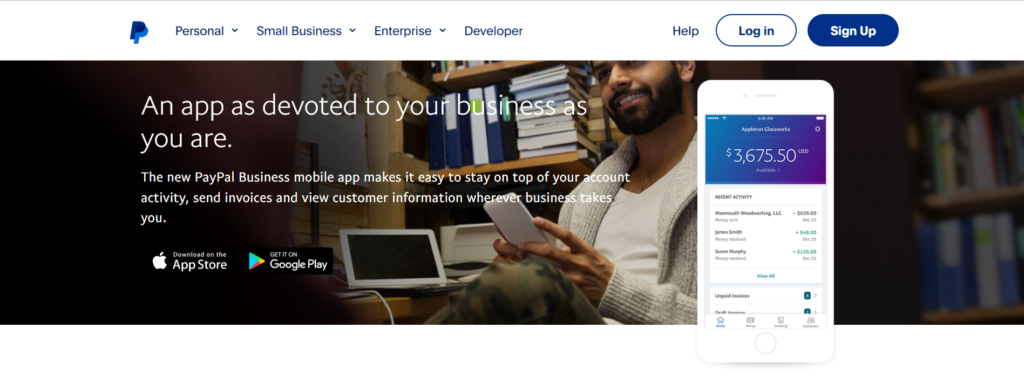
PayPal is widely recognized for facilitating online payments, but it’s also a viable option for in-store purchases. This makes it a convenient alternative for those without a credit card or those concerned about security. Here’s how to get started:
- Download and Install the PayPal App: First, download the PayPal app to your smartphone. This app converts your phone into a mobile wallet, allowing you to purchase at physical stores.
- Enable In-Store Payments: Once the app is installed, activate the in-store payment feature to prepare your account for physical transactions.
- Access the Payments Section: Open the PayPal app and navigate to the Payments section. You will be prompted to sign in if you aren’t already logged in.
- Navigate to In-Person Payments: In the app, tap the menu (three lines) at the top and select ‘In person & QR code’.
- Setup In-Store Payment Method: Go to the ‘In-store purchases’ area. If you haven’t added a payment method for in-store use, click ‘Select’. If you already have a method, choose it from the list.
- Confirm Payment Method: After selecting your payment method, confirm your choice on the website by clicking ‘Confirm’, or in the app by tapping ‘Done’.
- Transaction Confirmation: After presenting your phone to the payment terminal, PayPal will send a confirmation. Once confirmed, your transaction is completed.
When paying, PayPal’s One Touch feature allows you to authenticate your identity and approve the transaction. Hold your phone near the store’s payment terminal. The terminal uses Near Field Communication (NFC) to connect with your PayPal app, similar to contactless card transactions.
How to Use Paypal with a Digital Wallet Like Google Pay?
To use PayPal in physical stores through Google Pay, follow these steps:
- On Android/iOS, open the Google Pay app.
- Link PayPal to Google Pay by going to the “Insights” tab at the bottom of the Google Pay app.
- Select “Manage Accounts” and tap “Link Account”.
- Choose PayPal from the payment method options.
- Log in to your PayPal account and authorize the connection.
To complete a payment using PayPal through Google Pay, unlock your phone and hold it near the payment terminal. Ensure that the terminal supports Google Pay or displays contactless payment icons. If prompted, enter your PayPal PIN to finish the transaction. During this process, you do not need to open the Google Pay or PayPal apps.
For a smooth experience, make sure that both your PayPal and Google accounts are active and free from restrictions. If any issues occur during linking, try updating both apps or logging out and back in to resolve potential glitches.
Using PayPal Cards for Payments
PayPal provides various card options to help users effectively manage their funds, make purchases, and access cash. Below, we detail the functionalities and benefits of using PayPal cards for payments:
PayPal Cash Card (for Personal Users)
The PayPal Cash Card functions similarly to a debit card and is linked directly to your PayPal balance. You can use this card wherever Mastercard is accepted, including online and in-store.
ATM withdrawals are free at MoneyPass ATMs, while a $2.50 fee applies to non-MoneyPass ATMs within the U.S. For international transactions, a 2.5% fee is charged. Additionally, you can deposit cash into your PayPal balance at select retailers for a fee of $4.95.
PayPal Business Debit Mastercard
Designed specifically for PayPal Business account holders, this card offers 1% cash back on eligible purchases, which is credited monthly to your PayPal account. ATM withdrawals incur a $1.50 charge plus any additional fees from the ATM’s owner. A 1% fee applies to foreign transactions.
The Business Debit Mastercard shares many features with the personal Cash Card but has extra benefits tailored to business expenses.
PayPal Prepaid Mastercard
This prepaid card allows for immediate funds transfer from your PayPal account. It is accepted wherever Mastercard is accepted and also supports direct deposits of paychecks or government payments. You can add funds at over 130,000 NetSpend Reload Network locations, although fees vary by location.
PayPal Credit Cards
PayPal offers two types of credit cards: the PayPal Cashback Mastercard and the PayPal Extras Mastercard, neither of which are linked directly to your PayPal balance. The PayPal Cashback Mastercard allows you to earn 3% back on PayPal purchases and 2% on all other purchases.
Meanwhile, the PayPal Extras Mastercard operates on a point system, rewarding you more for spending on gas, dining, and PayPal purchases.
How and Where to Use PayPal Credit?
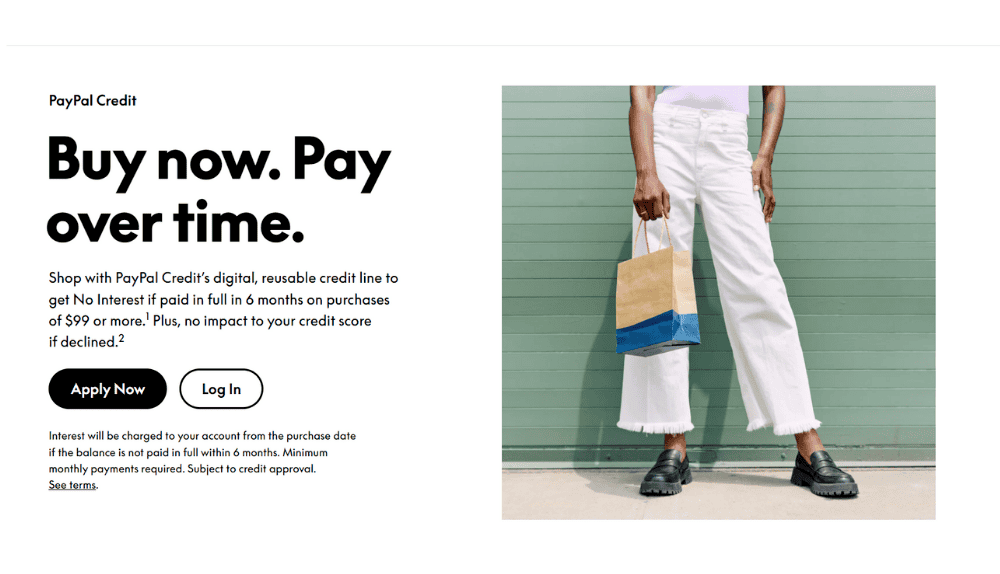
PayPal Credit is mainly for online shopping and works differently than typical credit cards in physical stores. While PayPal offers in-store payment solutions like QR code payments and a PayPal Debit Mastercard, these don’t link with PayPal Credit. Instead, PayPal Credit acts as a digital credit line associated with your PayPal account and is mainly used where PayPal is accepted online, including on e-commerce sites like eBay.
You can use PayPal Credit at physical stores that accept PayPal by choosing the PayPal Credit option at checkout and following the instructions to complete your purchase.
PayPal’s “Pay in 4” installment plan is available exclusively for online purchases. However, PayPal is increasing its in-store presence using QR codes, which draw from your usual PayPal funds or connected payment methods, not from PayPal Credit.
Stores That Accept PayPal as a Payment Option
Many major retailers support PayPal as a payment option for online and in-store purchases. This allows shoppers to buy items without repeatedly entering their credit card information. Below is an overview of some of the stores that accept PayPal, categorized by product type:
- Electronics and Tech:
Retailers like Best Buy, Dell, Microsoft, and Newegg offer PayPal as a payment method for technology products such as computers, laptops, and related accessories.
B&H Photo Video provides this option for photography and audio equipment purchases.
- Home Improvement and Furniture:
PayPal is accepted at Home Depot, Lowe’s, and IKEA for home renovation and furniture purchases. While IKEA supports PayPal online, in-store usage may vary.
Wayfair and Overstock.com provide the convenience of using PayPal for online home décor and furniture purchases.
- Fashion and Apparel:
Clothing stores like Levi’s, Forever 21, H&M, Nike, Adidas, and Foot Locker offer PayPal. High-end department stores like Macy’s, Nordstrom, and Saks Fifth Avenue accept PayPal, mainly for online shopping.
- Travel and Transportation:
PayPal is accepted by transportation services such as Uber and Lyft, as well as travel platforms like Expedia and JetBlue Airways.
Airlines, including Emirates and United, also support PayPal for booking flights.
- Gaming and Entertainment:
The PlayStation Store and Steam allow PayPal purchases for games. Streaming services like Netflix and Spotify also enable PayPal subscription payments.
- Groceries and Dining:
Some Whole Foods, Kroger, and Albertsons locations accept PayPal. Aldi also supports PayPal in certain stores. Coffee enthusiasts can link PayPal to their Starbucks app for easy payment in online or mobile orders.
- Miscellaneous Retailers:
PayPal is used by marketplaces such as eBay and Etsy. Retail giants like Target, Walmart, and Bed Bath & Beyond also accept PayPal for various products, from groceries to household items.
Understanding PayPal Fees for In-Store and Online Purchases
Using PayPal as a payment method in stores incurs no charges for customers, whether the transaction takes place in-store or online, as long as there is no need for currency conversion.
However, businesses do face fees for accepting PayPal payments, both in-person and online. The specific costs depend on the payment method chosen for the PayPal transaction and the fee structure set by the business’s payment processor. Here’s how the pricing looks like:
| Type | Fixed Cost | Charges % |
| Checkout | fixed cost | 3.49% |
| Guest Checkout | fixed cost | 3.49% |
| QR Transactions ($10.1 or above) | fixed cost | 1.90% |
| QR Transactions ($10.0 or below) | fixed cost | 2.40% |
| QR Transactions (via third-party) | $0.09 | 2.29% |
| With Venmo | fixed cost | 3.49% |
| Send or Receive the Money for Goods or Services | – | 2.99% |
| Standard Card Transactions (Debit or Credit) | fixed cost | 2.99% |
| Other Transactions (Commercial) | fixed cost | 3.49% |
It’s important to note that these rates differ from the fees for accepting cards using PayPal Zettle, which is similar to PayPal Here. The rates for these transactions are:
- 2.29% + an additional $0.09 for the Card Present payments
- 3.49% + an additional $0.09 for the Manual or Keyed Card Transactions
- 2.29% + an additional $0.09 for the QR Transactions
Additionally, these rates do not apply to card transactions with PayPal; these are Mastercard’s assessments and interchange charges, along with your processor’s markup.
How Can Merchants Accept PayPal Payments?
Merchants can accept PayPal payments both in physical stores and online without needing a specialized PayPal merchant account. PayPal provides several payment options, including its own debit and credit cards, NFC-enabled mobile wallets, and QR code-based payments.
Accepting PayPal In-Store
- PayPal Debit and Credit Cards: These cards use the Mastercard network. Merchants with payment systems that support Mastercard can accept these cards using their standard POS systems without requiring additional setup.
- NFC Payments via Mobile Wallets: Merchants can process payments through NFC-compatible mobile wallets such as Google Pay, provided they have NFC-capable terminals. These terminals must also support contactless Mastercard transactions to handle payments linked to a PayPal account. However, PayPal does not support NFC payments with Apple Pay.
- QR Code Payments: Merchants can generate a PayPal QR code through their PayPal business account. Customers can scan this code with their PayPal app to make a payment. This method suits businesses in physical locations like markets or small stores and can be incorporated into POS systems such as PayPal, Zettle, Clover, or Lightspeed.
Accepting PayPal Online
- PayPal Checkout: This allows customers to pay using their PayPal accounts via a secure pop-up on the merchant’s website. It auto-fills shipping and payment information from the customer’s PayPal account, which can reduce cart abandonment and improve conversion rates.
- Guest Checkout with PayPal Standard: This option lets customers make payments without a PayPal account, using credit or debit cards directly on the merchant’s site. This adds flexibility for customers who prefer not to use PayPal.
- Integrations with E-commerce Platforms: PayPal works well with platforms like Shopify and WooCommerce. It supports various payment methods, including Venmo and installment payments through “Pay Later.” These platforms also offer tools for recurring subscriptions, fraud protection, and chargeback management.
Conclusion
Using PayPal in stores offers flexibility and convenience for both customers and merchants. From contactless payments through the app or digital wallets like Google Pay to physical PayPal cards, consumers can leverage PayPal for in-person transactions. Understanding how to set up these features, where to use PayPal, and the associated fees can help users make the most of this payment platform in physical retail environments.
For businesses, integrating PayPal as a payment method can broaden their customer base and offer streamlined transaction options that align with modern consumer preferences.
Frequently Asked Questions
How do I troubleshoot issues linking PayPal to Google Pay for in-store payments?
Ensure both PayPal and Google Pay apps are updated, and your PayPal account has no restrictions. Check if your Android device meets Google Pay’s requirements, like enabling NFC. If issues persist, log out and back in, clear app caches, or unlink previous payment methods before restarting your device and trying again.
Are there any limitations or fees when using PayPal for in-store QR-code transactions?
Using PayPal QR codes is free for customers, but merchants face fees. For transactions over $10, the fee is 2.29% + $0.09, while for smaller ones, it’s 2.40%. PayPal QR payments draw from your PayPal balance or linked accounts, not PayPal Credit.
Can I use PayPal Credit for in-store purchases, and what are the alternatives?
PayPal Credit isn’t available for direct in-store use, but you can use it for online-to-store orders. Alternatives include the PayPal Cash Card and PayPal Business Debit Mastercard, which work like regular debit cards and are accepted anywhere Mastercard is.