



Top Cloud POS Systems for Small Businesses
Posted: September 21, 2022 | Updated:
Small businesses have unique needs regarding cloud-based POS systems, especially in specialized industries like restaurants, where owners need particularly robust inventory management assistance. A wide variety of POS systems available these days that work online, but not all of them will be a great fit for your business. So our experts have come up with the list of top 6 cloud POS systems for small businesses.
So we are here to help you figure out which one works best for you.
In this article, you’ll learn about the best cloud-based POS systems available for small businesses, including their features, pricing, pros and cons, and what you need to consider before you choose a system for your business.
6 Best Cloud POS Systems for Small Businesses
Here are the 6 Best Cloud POS Systems for small businesses:
- Toast POS
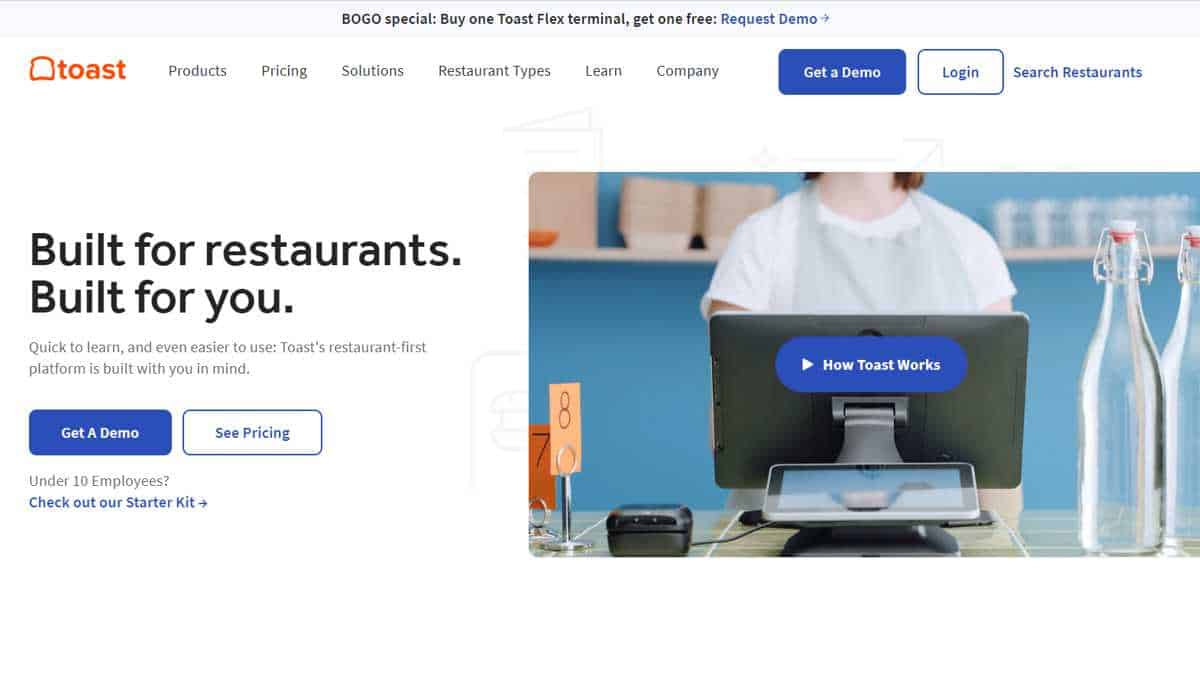
A restaurant requires a specialized POS system. Especially if you have multiple locations and you need a robust inventory management system along with POS. And our experts found that Toast POS makes it to the top of the list of cloud POS systems for small businesses.
Toast POS suits restaurant owners looking to manage solutions while improving operations and efficiency. It gives them more power and insight, as well as APIs for credit card processing, CRM, reporting capabilities, online ordering, gift and loyalty programs, and inventory and employee management. It also makes payments easier for consumers and restaurants by allowing them to pay at the table, print or email receipts, and tip directly from tablets. Customers can even turn their money into reward points for future trips.
Menu management features in Toast POS include the ability to define time-specific menu prices, such as happy hour, adjust menus for offline and online audiences, and configure your entire menu with specific groups and sub-groups. It also monitors real-time menu sales and product mix across all menus. You can also divide menu items and bills among clients, notify servers when orders are available, and make orders on the fly.
Pricing
- Plans for software subscriptions:
- Starter: $0.00
- Essentials start at $165 per month.
- Custom quote for expansion
- ToastGo mobile portable POS ($499 + $50 per month) costs between $0 and $799 in hardware.
- Subscription prices for digital ordering software (Toast Now) range from $75 to $175 per month.
- Installation cost: Loyalty and Gift Card add-ons require a remote installation cost.
- Fees for processing:
- Pay-as-you-go strategy: For both card-present and card-not-present transactions, the fee is 2.99% + 15 cents.
- Standard paid plan: 2.49% + 15 cents for card present transactions and 3.5% + 15 cents for card-not-present transactions.
- When ordering a beginning kit with a basic paid plan, a POS subscription costs $69 per month.
Features
- Inventory tracking on an ingredient-by-ingredient basis
- Make customer profiles, send digital receipts, and gather and respond to comments. Customizable incentive program.
- Create personalized and targeted emails to reward loyal customers or urge customers to return. Toast promotion
- ToastNow’s ordering platform includes built-in online ordering and delivery management.
- Restaurant-specific reports on ingredients, tips, and table turn time
- Email a report providing a detailed breakdown of the day’s sales and costs.
Pros
- It provides a pay-as-you-go subscription option.
- Offline functionality is excellent.
- One example of proprietary hardware is a multifunctional portable tablet.
- Simple, intuitive interface
Cons
- Toast payment processor is required.
- Purchase of proprietary hardware is required.
- Marketing and loyalty tools are optional extras.
- Loyalty and Gift Card add-ons require a remote installation cost.
- Bonsai POS
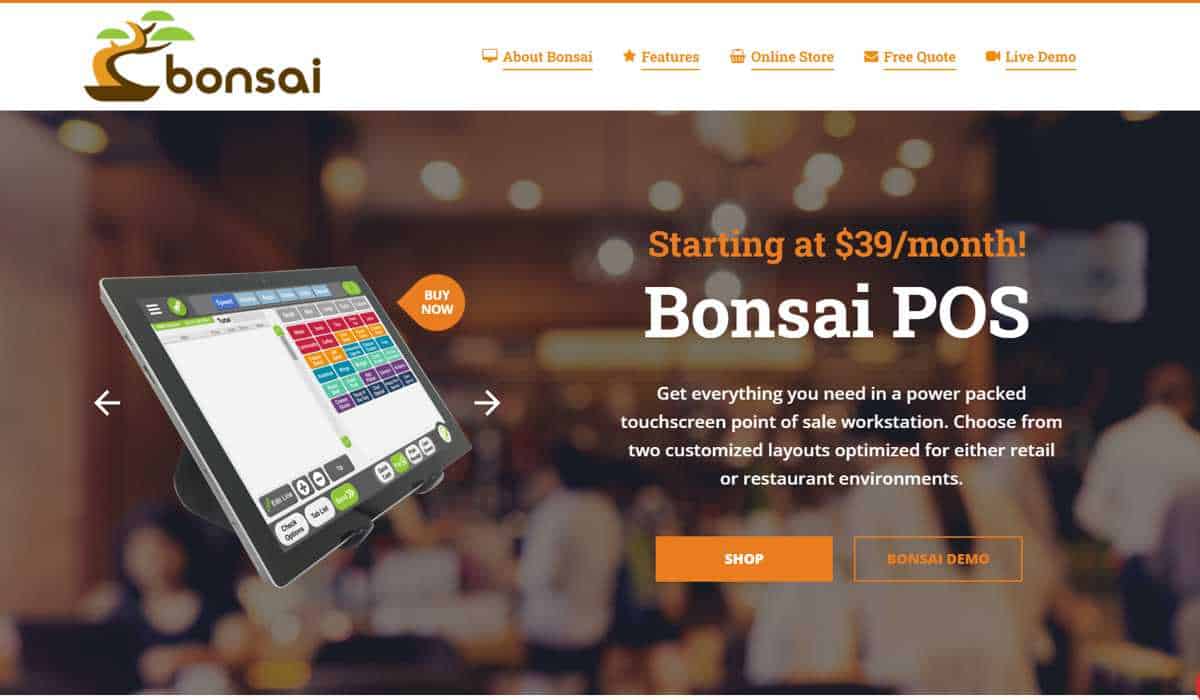
If you are looking for a powerhouse cloud-based POS system with a wide array of features, look no further than Bonsai POS. Bonsai is the definition of a modern POS system, with robust, customizable, and intuitive touch-based software. And perhaps best of all, the software is updated frequently and for free.
One of the best elements of using Bonsai is their Bonsai Mobile Analytics app, which comes included with all POS systems and offers customizable reports, rush forecasting, payroll analytics, and syncs directly to all POS hardware.
Speaking about POS systems, Bonsai offers multiple options, including full workstations, express stations, and tablet-based POS hardware. You can only acquire the hardware as part of a “hardware-as-a-service” renting mode, but it comes with a lifetime warranty.
Bonsai also comes with secure payment processing through Host Merchant Services (HMS), which is pretty transparent about their processing fees and POS leasing costs.
Pricing
- Plans for Software Pricing:
- SaaS First POS Station – $69.95/month
- SaaS Additional Stations – $39.35/month
- Equipment Pricing
- Pax A920 Pro – $400.00
- Star Printer MCP30 39654ii0 – $158.70
- Star Cash Drawer i3xi3 BLACK – $158.70
- iPad and Equipment Stand – $1,145.40.00
- Set Up/Installation Pricing
- $350.00 Per Location
- Onsite Installation (Optional) – $85.00
- Fees for processing (through HMS):
- In-person retail: 0.25% + $0.10 cents per transaction
- Online (eCommerce): 0.35% + $0.10 cents per transaction
- Restaurants: 0.20% + 0.09% per transaction
- HMS offers a lifetime warranty on all hardware, including the different POS systems and the network print station.
Features
- Can handle NFC, EMV, and magstripe payments.
- Optimized sales analytics dashboard.
- Wholesale price for printed receipts.
- Employee time tracking with overtime alerts.
- Real-time sales numbers and rush forecasting.
- Real-time sales to payroll ratio.
- Inventory tracking and management tools, including low stock alert and automatic purchase orders.
- Automate Office Work and Payroll
- Table Mapping
- Real Time Menu Updates
- Reservation and Waitlist Capabilities
- Ability to group printers together
- Customizable reports, including sales and inventory.
- Integrated and secure credit card processing.
- Bonsai Mobile Analytics app syncs with Bonsai POS system and has a wide range of reporting features.
- 24/7 US-based customer support.
Pros
- Software is easily customizable.
- Lifetime payment processing rates.
- Transparent pricing for the payment processing and POS lease and installation.
- Intuitive interface.
- Free updates.
- Bonsai POS has robust reporting and inventory management features.
- The mobile app is included with all Bonsai POS systems and has customizable reports, rush forecasting, and can do open and close checks.
- Customer service is available anytime you need it.
- All hardware has a lifetime warranty.
Cons
- Limited to HMS for payment processing.
- Vend
Vend is a POS and retail management software that helps you run your business online, in-store, and on the go. Analytics reporting, inventory management, customer loyalty tools, and eCommerce support are all included, and they will help you improve product management, track and organize customer data, and increase sales.
The POS screen can be readily altered to give users rapid access to important items and procedures. It works with other systems like barcode scanners, cash drawers, and receipt printers. Vend can be easily used from any device that connects to the internet, allowing you to sell where you are. Customers can even order from their mobile devices and pick it up in-store. Customers can pay with credit or with debit cards. Furthermore, the system can combine payments into one transaction, allowing clients to pay using a variety of tenders. Layaway, partial payments, and deposits are also accepted by the system.
Pricing
- Plans for software subscriptions:
- $119 per month for lean
- Regular: $179 per month
- $299 per month for advanced
- Enterprise: Personalized quote
- Costs of hardware:
- Prices start at $499.
- $600 for an iOS starter hardware package
- $684 for a PC and iOS starter package
- $807 for a professional hardware kit
- iPad stands start at $99
- Processing fees vary depending on the payment processor you use.
- Monthly billing is used for software plans. Rates as low as $69/month are available with yearly billing and Lightspeed Payments.
Features
- Bulk upload/export, variations, product bundles, and group splitting
- Manage wholesale inventories and organize products in a central product database using groups and tags.
- Customer profiles that allow for the tracking of purchase history and contact information.
- eCommerce platform integration, such as Shopify, BigCommerce, and WooCommerce.
- Custom analytics reporting with data filtering capabilities.
Pros
- It is compatible with iPads, Macs, and PCs.
- Payment processing alternatives that are adaptable
- Integrated consumer loyalty program
Cons
- Expensive price point
- With the basic plan, transaction volume is limited.
- Payment processor is not included; integration is required.
- Third-party APIs are required for eCommerce connections.
- Square
Square is designed to help you receive payments at the counter or on the go. It comes with a product management platform, free software, a magstripe reader for debit and credit card payments, and real-time sales and inventory tracking. Because the software is so simple to use, you may begin reaping the benefits right now.
You can download and install the free app on your smartphone, and it’s simple to use. The system allows you to modify your grid and highlight popular things by dragging and dropping. You may make real-time changes to item details such as price, name, and quantity, limit staff data access and keep track of who sold and refunded what. Employees can also clock in and leave at the register; each transaction is tied to an employee, simplifying tipping and commissioning.
Pricing
- Software plans:
- Plus: $60 per month for free
- Premium: Individual pricing
- Hardware expenses:
- $169 for a square stand or $27 per month for six months
- Square Terminal costs $299 or $27 per month for a year.
- $799 for a Square Register, or $39 each month for 24 months.
- $526-$1,489 for hardware kits
- Card readers start at $49 and go up from there.
- Fees for processing:
- Transactions at a flat rate of 2.6% plus 10 cents per transaction
- 2.9% + 30 cents per transaction on invoices
- 2.9% + 30 cents per transaction for eCommerce sales
- 3.5% + 15 cents per transaction for recurring billing and card-on-file transactions
- 3.5% + 15 cents per transaction for keyed-in payments
- Volume discounts are available to firms that process more than $250,000 in credit card sales.
- Every software subscription includes a free magstripe card reader.
Features
- Individual things can be viewed, managed, classified, and tracked in real-time across all locations.
- Emails with daily stock updates, including low-stock alerts to avoid stockouts.
- Customer profiles that include purchase history
- Customer feedback tool on digital receipts for real-time feedback collection.
- Square Online Store syncs data from online and in-person sales to a centralized location.
- Compatible with different eCommerce platforms, such as WooCommerce and Wix.
Pros
- Provides a full free plan and trial period.
- Contactless and mobile payments are examples of flexible payment methods.
- It includes a free eCommerce site and online ordering.
- The basic strategy includes employee time tracking and time card reporting.
- Card payments can be processed offline.
Cons
- Inventory and reporting capabilities are rather minimal.
- Slow processing times and problems have been reported in reviews.
- Customer service hours are limited. Only paid restaurant POS clients to have access to 24/7 assistance.
- Lightspeed
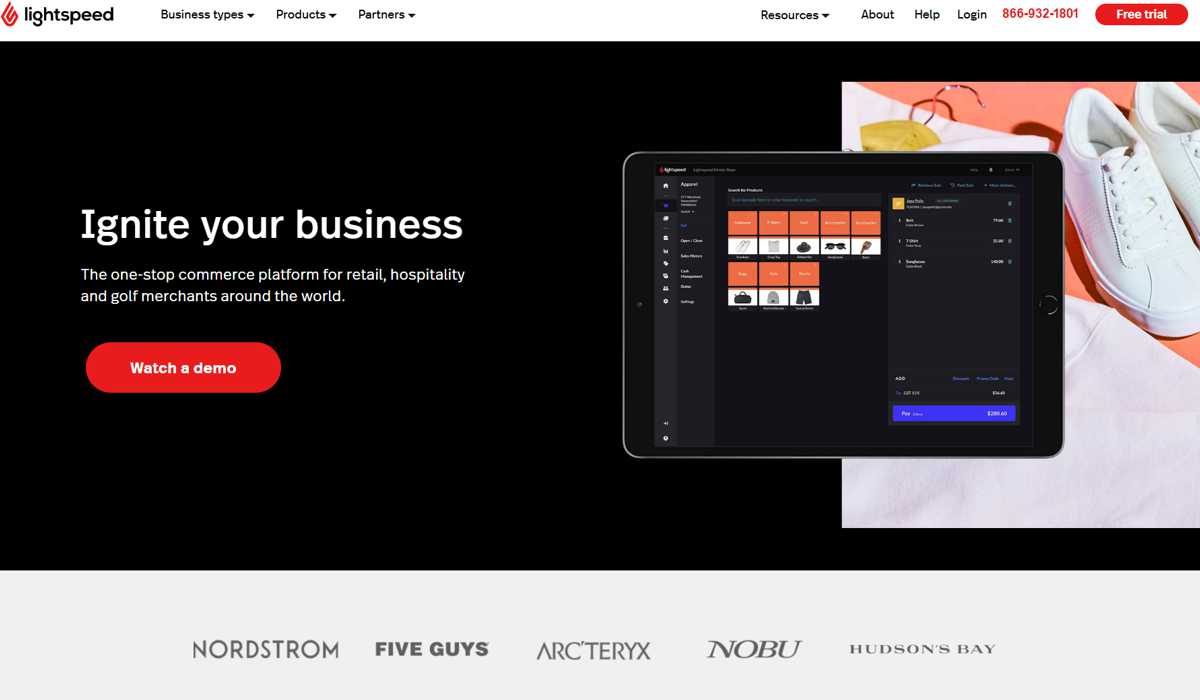
Lightspeed Retail is designed to assist retailers in the clothing, footwear, pet, and home decor industries in streamlining their business operations. With this solution, enterprises of all sizes and product categories can meet their POS needs. It comes with everything a POS system should have, including inventory management, quoting, ordering, billing, and task and timesheet tools. You can manage on-site and online inventories, obtain a single view of your consumers, and analyze multi-channel data using LightSpeed Retail’s comprehensive eCommerce system.
With multi-store functionality, your team can check inventory and sell from any of your locations using an iPad. These are available at several stores. Serial numbers can also be generated to monitor and identify your products. It can also consolidate purchases, transfers, and suppliers into a single master order. The system may also handle special orders, layaways, and work orders. It provides users with the ability to generate high-level sales reports as well as configurable in-depth data reports, helping them to make better-educated business decisions. You can simply track your earnings and sales changes using these capabilities, no matter where you are.
Pricing
- Software plans:
- Standard: $89 per month
- Regular: $149 per month
- $269 per month for advanced
- Extra registers are $29 per month.
- Subscription arrangements for restaurant software: Start at $69 per month for monthly billing or $59 per month for annual billing. Extra registers are $34 per month.
- Cost of hardware: It is compatible with the iPad and the iMac. Hardware kits can be quoted individually. Card readers and peripherals must be purchased individually.
- Fees for processing:
- 2.6% + 30 cents per transaction for keyed-in, chip swipe, and tap payments, with an additional 10 cents for the latter three and 30 cents for the first one.
- Volume discounts are available for firms processing more than $250,000 per year.
- Lightspeed Payments are required for the monthly subscription pricing. With annual billing, lower rates are offered.
Features
- Items can be added in bulk or individually. Set low stock alerts and rack stock levels across several locations.
- Product catalogs and purchase orders are integrated.
- Product labeling and organizing are meticulous.
- Lightspeed’s eCommerce platform allows you to create custom websites using built-in templates. From there, you can sell to local or worldwide customers.
- Data can be accessed from any connected device.
- Import the data from your store into the reports module.
- Over 80 third-party connectors are available.
- The Lightspeed Analytics add-on includes insights into aging stock, customer loyalty indicators, and employee KPIs.
Pros
- Granular inventory management is built in.
- Reporting through a mobile app with 40+ preset reports, data visualizations, and customization possibilities
- Payment processing flexibility with built-in and integrated options
Cons
- Card payments are not accepted offline.
- The cheapest package needs you to sign up for Lightspeed Payments.
- Ecommerce integration is an add-on; social commerce integration is lacking (Instagram and Facebook shops)
- Shopify
Shopify is best known as an e-commerce platform, but its POS system also helps merchants with in-store sales. It’s ideal for those searching for a platform that can easily handle online and in-store sales. Inventory management, CRM, and payment processing are all basic aspects of the cloud POS. It also offers order monitoring for dispatched products. Shopify is great for online merchants looking to expand into brick-and-mortar retail and pop-up shops that require temporary in-person activations.
Pricing
- Shopify POS plans are priced as follows:
- POS Lite: Included in all eCommerce plans or available separately for $9 per month.
- POS Pro costs $89 per month per location or is free for enterprise users on the Shopify Plus plan.
- Startup Bundle starts at $789 (includes an iPad stand, card reader, receipt printer, cash drawer, and a barcode scanner), Retail Bundle starts at $159, and card readers start at $29
- Fees for processing:
- Shopify’s base rate is 2.9% + 30 cents for online transactions and 2.7% for in-person transactions.
- Shopify charges 2.6% + 30 cents for online purchases and 2.5% for in-person purchases.
- Shopify Advanced: 2.4% + 30 cents on online and 2.4% on in-person transactions.
- You must have a Shopify eCommerce subscription (from $29 to $299 per month) to utilize Shopify POS.
Features
- Split bills, provide bespoke discounts, and access in-store goods and customer data.
- There is also access to back-office activities such as product administration, order management, and reporting.
- Robust in-person sales capabilities (including omnichannel sales, such as buy online and pick up in-store), smart inventory features (such as purchase ordering and demand forecasting), and extensive sales reporting are all available.
- Keep your online and in-store stock levels in one place.
- Track inventory as it moves through receiving, selling, and shipping.
- Create basic client profiles that include past purchases, contact information, and shopping interests.
- Send order updates, digital receipts, and post-purchase marketing via automated emails. Integrations provide access to additional CRM functionality.
- Create and personalize your website using templates or custom coding.
- Synchronization in real time
- Examine the sales, order, traffic, and return reports.
Pros
- include a strong eCommerce platform.
- Payment processing rates that are competitive
- Marketing tools are included in the base plan.
Cons
- There is limited functionality for non-retail organizations.
- Fees are charged for third-party payment processing.
- In the baseline plan, reporting is limited.
- There is no offline payment processing.
What Should You Consider When Selecting a Cloud POS System?
Cloud-based POS solutions are intended for businesses that want the ease of remotely managing their stores while lowering the quantity of physical paperwork on the back end. A cloud POS, as opposed to traditional POS software, saves the bulk, if not all, of its data online. Online data means that a business owner may access all information about the company in real-time, whether it has a single location or several locations spread over multiple sites and time zones.
The optimal POS system for your business is determined by several factors, including the kind of your business, your budget, and the functionality you require. In many cases, investing in the best system you can afford makes sense, especially one that can scale with your organization.
When comparing POS systems, consider the price, inventory management features, customer relationship management (CRM), online ordering, mobile reporting, contactless payment, and other mobile tools. You should also examine how easy it is to use their service and whether it includes device compatibility, 24/7 customer support, and online tutorials and training.
Each business has unique requirements, and while POS features should be the most critical consideration, you should also assess the platform’s other features. For example, if you’re running a pop-up shop or a restaurant, you may need specific POS functionality.
Here are the factors you need to consider before choosing your POS system:
- Set of features: Before considering POS systems, you must first determine your main business requirements. Make a list of must-have features and ensure they are available while assessing systems. Don’t be persuaded to skip a feature because the price is low. Similarly, if you only need basic POS functionality, don’t be lured into using a system with unnecessary bells and whistles.
- Pricing: There are a few free POS software solutions available, but don’t settle for one that lacks the functionality you require. Some POS programs are free but charge transaction fees, others demand you to utilize their POS hardware and charge per POS terminal, while others operate on monthly subscription rates. The trick is to choose which pricing structure and tier you can afford and which one best matches your organization.
- POS reporting capabilities: Your POS system must have reporting capabilities for your firm to prosper. Reports are generated using the POS data collected by the system and provide a clear picture of your sales, profitability, and inventories. This vital knowledge will allow you to make profit-boosting changes to your business operations. You should also look at software integrations, which allow firms to link their cloud POS system with third-party business applications, and can help streamline operations and make running your company from a single platform easier.
- Inventory Management: Inventory management is an essential feature for firms that sell physical things since it allows them to maintain track of their stock levels and never run out of supplies.
- Reviews: Finally, read through real user experiences to gain a better grasp of the capabilities and benefits of each cloud POS system. By reading through reviews, you can identify any potential issues that users may have encountered.
Final Thoughts
Suppose your business needs a cloud-based POS system. In that case, you need to ensure that they can provide you with the specific features you need, whether it’s inventory tracking, client profiling, or strong reporting capabilities. You should also consider their pricing and your budget, as choosing a system you can’t afford will only lead to headaches.