



Pax A920 Quick Reference Guide
Posted: January 30, 2023 | Updated:
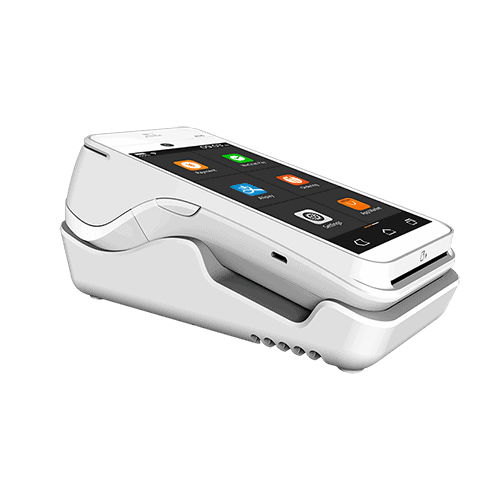
How To Run a Transaction on a Pax A920
- From the idle screen select the transaction type SALE.
- Please enter the sale amount and select CONFIRM.
- Insert, swipe, tap or enter the card number.
- Sign your signature on the screen and then select CONFIRM to accept or CLEAR the signature and retry the signature again.
- Select the PRINT button to print the receipts.
- Please remove the card.
How To Run a Refund on a Pax A920
- From the idle screen select the transaction type REFUND.
- Select how the terminal will apply the refund. Select [By CardNum] to use the original card number or select [RefNo] to use the original transaction reference number.
- Insert, swipe, tap or enter the card number.
- Sign your signature on the screen and then select CONFIRM to accept or CLEAR to clear the signature and retry and signature again.
- Select the PRINT button to print the receipts.
- The Pax A920 will display the transaction status.
How To Void a Transaction on a Pax A920
- From the idle screen select the transaction type VOID SALE.
- Swipe or enter the card number.
- Input the original transaction number and then select CONFIRM.
- Input the original transaction number and then select CONFIRM if the displayed transaction is the one to be voided.
- Sign your signature on the screen and then select CONFIRM to accept or CLEAR to clear the signature and retry the signature again.
- Select the PRINT button to print the receipts.
- The Pax A920 will then display the transaction status.
How To Settle Your Current Batch with a Pax A920
- From the idle screen select the FUNC option.
- Select the BATCH option.
- When prompted “Close Batch?” select OK to close the batch or select CANCEL to stop the batch close.
- If prompted “Close W/ Untipped?” select OK to zero out untipped transactions and close the batch or select CANCEL to stop the batch close.
- The Pax A920 will display the batch close status.