


Pax A80 Quick Reference Guide
Posted: January 30, 2023 | Updated:
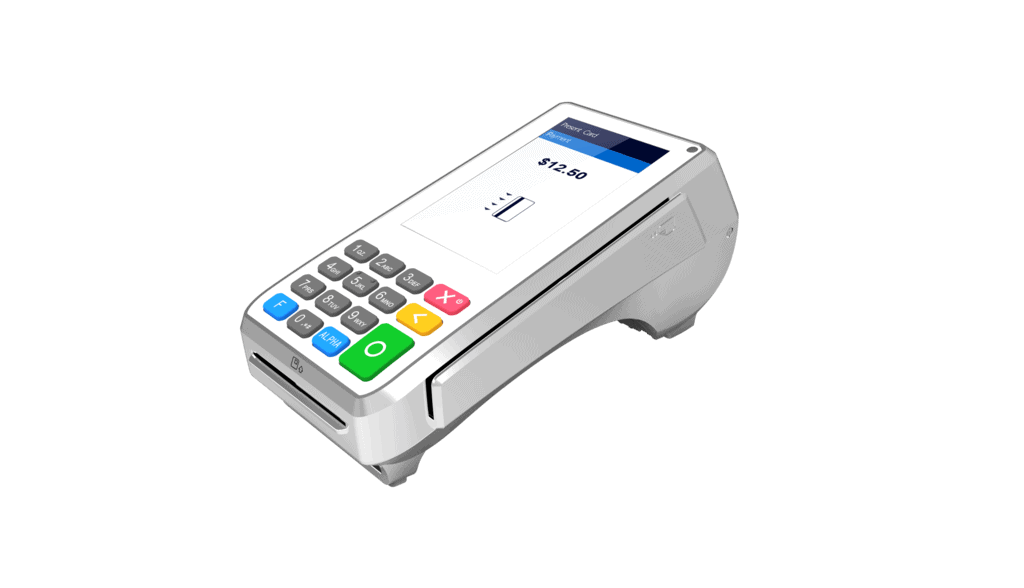
The PAX A80, an affordable addition to the A-series, serves as a versatile countertop device and an efficient indoor portable device. With its consistent peak performance and comprehensive connectivity, the A80 functions as a dependable workhorse, ensuring secure and swift payment processing, even during peak hours in your retail store or restaurant.
Features Of PAX A80
Flexible enough to serve as both a countertop and indoor portable payment terminal, the PAX A80 boasts an optional battery backup. With its consistent peak performance and comprehensive connectivity, the A80 operates as a dependable workhorse, ensuring secure and swift payment processing, even during the busiest hours.
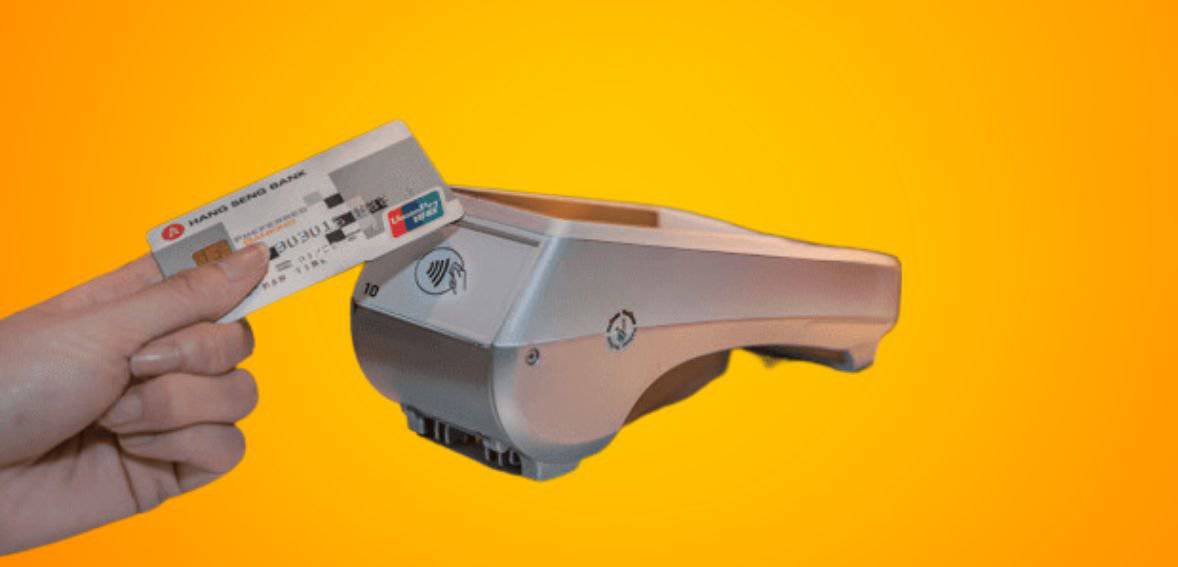
Image source: Pax
Key features:
- Powered by Android versions 7.1, 6.0, or 10.0
- A53 Cortex processor
- WiFi, 4G/3G, Ethernet, and Bluetooth connectivity options
- Magstripe, chip and PIN, and Contactless payment accepting options
- High-definition 4-inch touchscreen
- A keypad
- A Camera
- A Printer
- A battery (Optional_
- Processor: 5.x and 6.x PCI PTS options
Instructions To Use PAX A80

Image source: Pax
Here are the instructions for operating the device:
Power on and off: To turn on the device, simply hold down the power button for two seconds until you see the LCD backlight light up. This means that the terminal has been successfully powered on. To turn off the device, just hold the power button again for two seconds until the LCD screen goes blank. This indicates that the terminal has been successfully powered off.
Magnetic Stripe Card: For magnetic stripe cards, place the magnetic stripe side of the card towards the device’s interior and swipe the card through the magnetic reader slot at a steady speed. This device supports bi-directional swiping.
IC Card: For IC cards, ensure the chip side is facing upward, and push the card into the IC card slot until it reaches the bottom.
Shredding Paper: To operate the paper shredder, position the paper at a 45-degree angle to the paper-knife and shred the paper accordingly.
Contactless Card: If applicable, place the contactless card into the sensing area above the LCD screen.
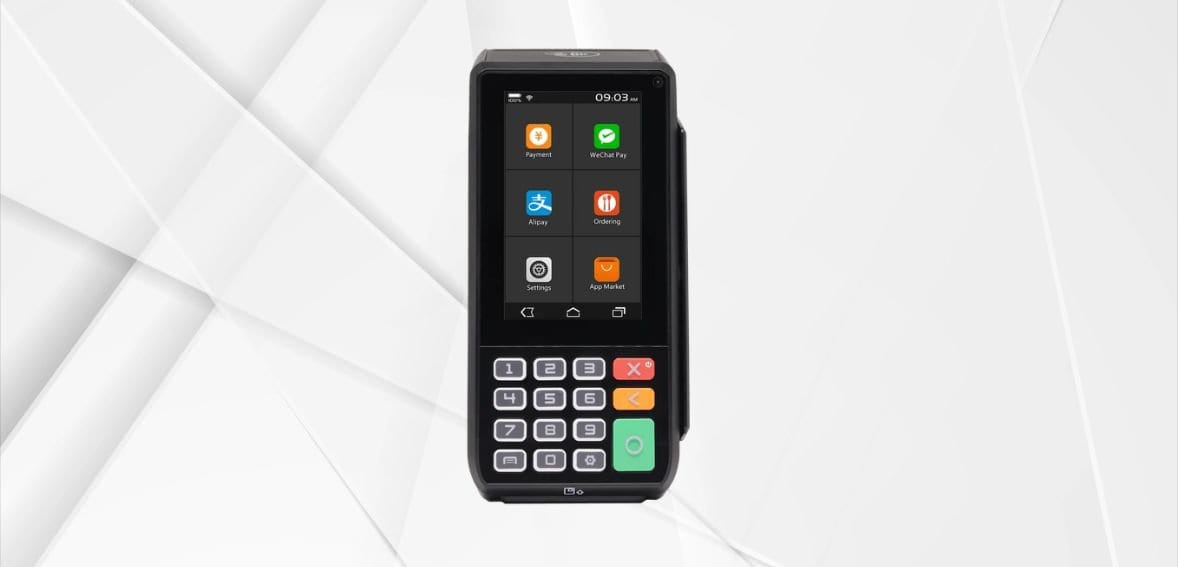
Image source: Pax
How To Run a Transaction on a Pax A80
- From the idle screen, select transaction type.
- Enter the sale amount and select CONFIRM.
- Insert, swipe, or manually enter the card number.
- Sign card holder signature on the screen and then select CONFIRM to accept or CLEAR to clear the signature and retry the signature again or CANCEL to print the receipt with the blank signature link.
- Remove the card.
- The Pax A80 will then display the transaction status.
How To Run a Refund on a Pax A80
- From the idle screen select the transaction type: Refund.
- Select how the terminal will apply the refund. Select BY CARDNUM to use the original card number or select RefNo to use the original transaction reference number.
- Please enter the refund amount and select CONFIRM.
- Swipe or manually enter the card number.
- Sign card holder signature on the screen and then select CONFIRM to accept or CLEAR to clear the signature and retry the signature again or CANCEL to print the receipt with the signature line.
- The Pax A80 will then display the transaction status.
How To Void a Transaction on a Pax A80
- From the idle screen select the transaction type VOID SALE.
- Input the original transaction number and then select CONFIRM.
- Select CONFIRM if the displayed transaction is the one to be voided. Scroll the screen up to locate the confirm button.
- Sign card holder signature on the screen and then select CONFIRM to accept or CLEAR to clear the signature and retry the signature again or CANCEL to print the receipt with the signature line.
- The Pax A80 will then display the transaction status.
How To Settle Your Current Batch with a Pax A80
- From the idle screen, select the FUNC option.
- Select the BATCH option.
- When prompted “Batch Close,” select BATCH CLOSE to close the batch or select X to cancel the batch close.
- The Pax A80 will display the batch close status.
Why Pax A80 Is Best For You?
The A80, is the go-to countertop terminal powered by the user-friendly Android 6.0 operating system. Tailored to meet the demands of payment service providers, this terminal is your key to effortlessly creating and managing your very own app store marketplaces, allowing for unprecedented customization and control.
- Stay Connected, Always
Equipped with a diverse range of communication options, including Wi-Fi, Dial, and Ethernet, the A80 ensures seamless connectivity, even during peak business hours. Worried about power outages? No problem. With the optional backup battery, this terminal remains fully operational, keeping your business running smoothly without any interruptions.
- Cutting-Edge Functionality and Display
The A80 doesn’t just stop at connectivity. It boasts a built-in camera and showcases a striking high-definition 4-inch touchscreen display. Say goodbye to traditional POS terminals – this graphical user interface is designed to enhance the experience for both merchants and customers, making transactions a breeze.
Tips For Using PAX A80
Here are some helpful tips for using the A920 Pro terminal:
- If any cables become damaged, it’s important to seek a replacement.
- Avoid inserting unknown materials into any port on the A920 Pro as this may lead to serious damage.
- For any necessary repairs, please reach out to a professional technician rather than attempting them on your own.
- Steer clear of exposing the device to excessively hot, dusty, or strong electromagnetic environments.
- Be sure not to vibrate, shake, or drop the device to prevent any potential damage.