


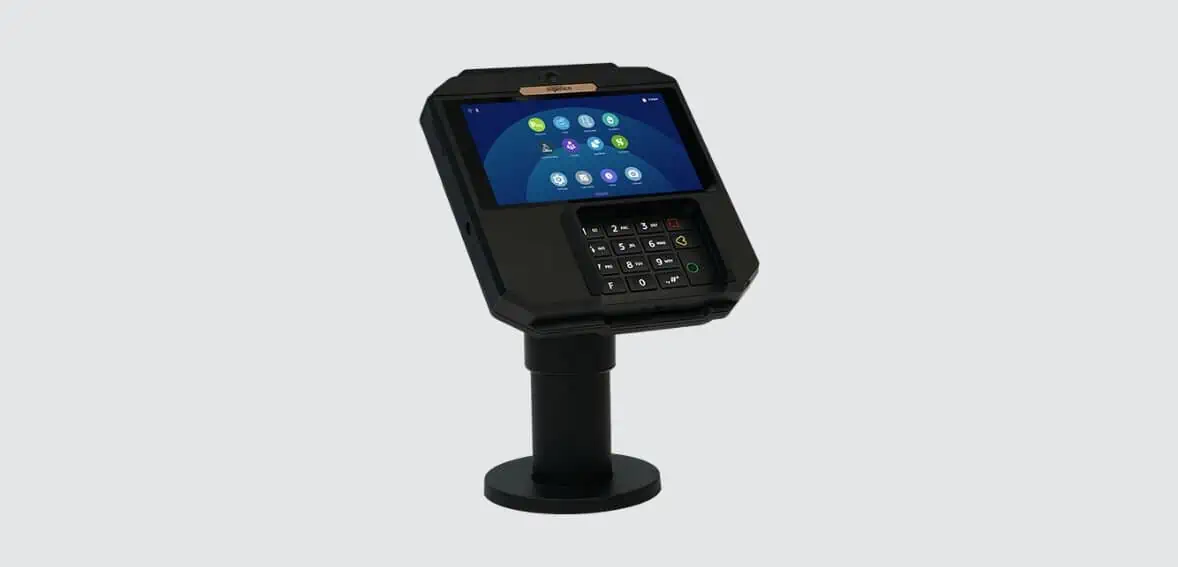
Ingenico AXIUM RX7000 Quick Reference Guide
Posted: February 07, 2024 | Updated:
The Ingenico AXIUM RX7000 is a point-of-sale system that has been meticulously designed to offer reliable and secured checkout services. The main emphasis is on security. It is specifically created for stores with checkout lanes, allowing management of large crowds in busy business environments. With the AXIUM RX7000, customers can enjoy an exceptional experience, along with the benefit of value-added services.
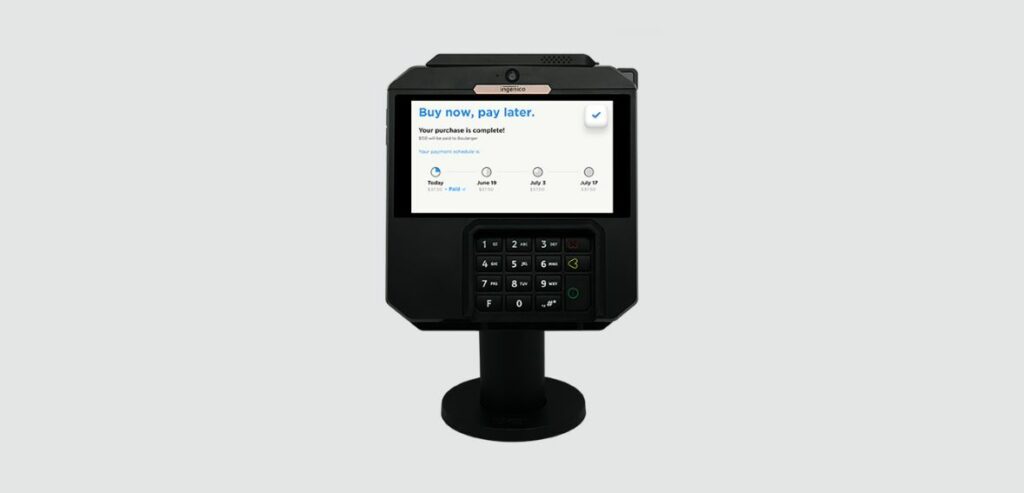
To create trust among customers, the AXIUM RX7000 incorporates state-of-the-art security features. It goes above and beyond by providing options like Buy Now Pay Later (BNPL) and personalized loyalty programs. By integrating the Android operating system, it ensures compliance with PCI PTS standards and regularly receives security updates. The Axium platform offers a range of payment devices and APIs that facilitate application integration. This enhances your business value and improves customer experience. The RX7000 model effectively meets business’s specific requirements by combining functionality with enhanced security measures and customer-centric features.
Features Of Ingenico AXIUM RX7000
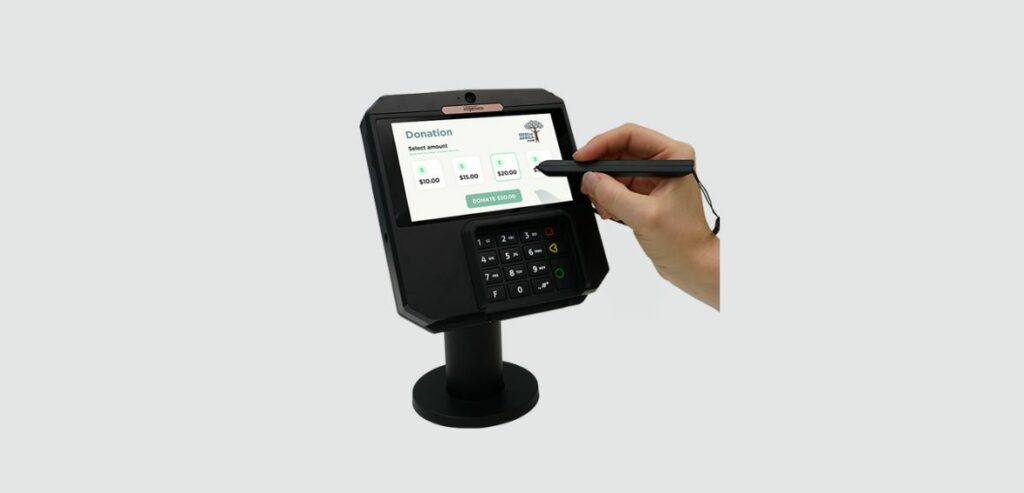
Image source
The Ingenico AXIUM RX7000 has a range of features that make it reliable and user-friendly, thanks to its utilization of Android 11 and tons of other features. Let’s explore each aspect without any delay:
- Powerful Operating System: By relying on the capabilities of Android 11, this device establishes a strong foundation for its operations, ensuring both reliability and user-friendliness.
- Integration with App Store: Unlock the device’s potential by accessing the App Store, which offers a diverse range of applications to enhance functionality and improve the user experience.
- Enhanced Processing Power: Experience improved performance with a high-speed ARM Quad-core cortex A55 processor that enables efficient operations. Additionally, the device has a memory capacity with 32GB of FLASH storage and 4GB of RAM.
- Large HD IPS Display: The AXIUM RX7000 features a 5.5’’ HD IPS display that gives users a precise and ergonomic interface for enhanced usability.
- Powerful Cameras: Capture all the moments precisely using the fantastic front camera (5MP). Additionally, for versatile imaging capabilities, an optional rear camera (0.3MP) is also available on this device.
- Advanced Security Features: AXIUM RX7000 prioritizes security by incorporating features such as PCI PTS v6 compliance, skimming detection technology, abnormal cable removal detection with alert generation capability, and a privacy pin shield that complies with PCI standards. The device goes above and beyond security protocols by incorporating features like anti-theft compliance. It also includes a proximity sensor on the keyboard surface, active connector removal, and a secured lock receptacle. All these measures are implemented to ensure a trustworthy payment processing experience.
- Versatile Card Readers: When it comes to card readers, the AXIUM RX7000 is highly versatile as it supports different types of cards, such as magnetic cards, smart cards, and contactless cards. This ensures compatibility with payment methods for convenience.
- Display & Touchscreen Features: One of its standout features is the color touch display that allows intuitive navigation using finger touch and stylus input. This provides users with an amazing user interface experience.
Different Card Reading Methods Of Ingenico AXIUM RX7000
1. Reading Magnetic Cards
To make your transactions convenient, simply insert the card into the card reader, ensuring that the magnetic stripe is facing toward the body of the terminal. Gently slide the card from back to front in a continuous motion for better results.
This simple process ensures the easy reading of cards, making your payment experience streamlined.
2. Swiping Smart Cards
When dealing with chip-enabled cards, ensure a transaction by inserting them into the terminal with the chip facing upwards. Align the chip with the card reader for a straightforward approach to swiping smart cards.
Following this method enhances accuracy and effectiveness in reading chip-enabled cards without failed attempts.
3. Making Payments with Contactless Cards
To make a transaction, simply hover your card 1 cm above the designated contactless logo. Keep the card close to the logo throughout the transaction. The terminal has four status lights above the logo to provide feedback on your transaction.
- Starting a Transaction: When you begin a transaction, the first status light on the left will stay steadily lit, indicating that the contactless feature is active but no card is being read.
- Presenting Your Card: As you show your contactless card during a transaction, the second, third, and fourth status lights will illuminate sequentially.
- Successful Reading: You’ll know that your card has been successfully read when all four status lights are lit simultaneously and accompanied by a confirmation tone. This clear visual and audible feedback ensures an efficient experience when using cards.
4. Recording Signatures
Easily capture signatures using the Ingenico AXIUM RX7000 with its user-friendly combination of a capacitive touchscreen. This streamlined process guarantees hassle-free and accurate signature capture for transactions.
The capacitive touchscreen technology enhances responsiveness, making it intuitive and efficient to capture signatures. Whether completing a purchase or authorizing something, touch the screen with the stylus to access the AXIUM RX7000’s secure and straightforward signature capture feature for validating transactions.
Security Protocols of the Ingenico AXIUM RX7000
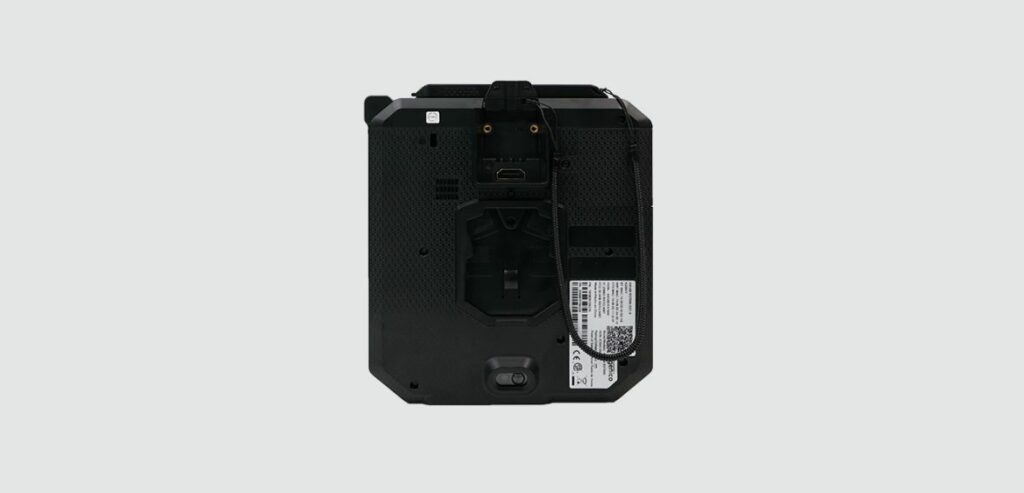
To ensure security, the Ingenico AXIUM RX7000 strictly follows the PCI PTS security standards, creating a solid shield against possible risks. When you receive the terminal, you must be vigilant and take effective measures to enhance security.
- Tampering Checks:
Regularly inspect the terminal for any signs of tampering. Ensure the keypad is securely in place, and check for any wires connected to ports. These routine checks are measures to prevent modifications.
- Tampered State Alert:
The terminal has a mechanism to detect tampering. If tampering is detected, the terminal will display an “Alert Irruption!” message and a recommendation to stop usage. When you see this alert, contacting the helpdesk for prompt resolution is advisable.
- Restricted Access:
Authorized personnel are permitted to access the terminal. This precaution is in place to ensure that individuals with authorization can use and operate the terminal.
- Safety Measures:
To maintain the integrity and security of the terminal, it is essential to avoid placing it in locations where theft or unauthorized replacement of devices may occur. Taking measures to safeguard against risks is crucial.
Conclusion
The Quick Reference Guide for the Ingenico AXIUM RX7000 offers an overview of the features and security measures of this state-of-the-art POS system. Designed with a focus on user-friendliness and powered by Android 11, the AXIUM RX7000 provides a solution for retail stores with multiple lanes catering to high volumes of transactions.
The guide highlights its versatility in supporting types of cards, provides explanations of card reading methods, and emphasizes the seamless integration of signature capture. The guide also stresses the importance of security measures such as PCI PTS compliance and tampering checks, which are implemented to ensure payment processing. Overall, this guide is a resource for maximizing the potential of the AXIUM RX7000 while guaranteeing an efficient checkout experience.