


How to Identify and Prevent PayPal Scam Emails?
Posted: April 08, 2024 | Updated:
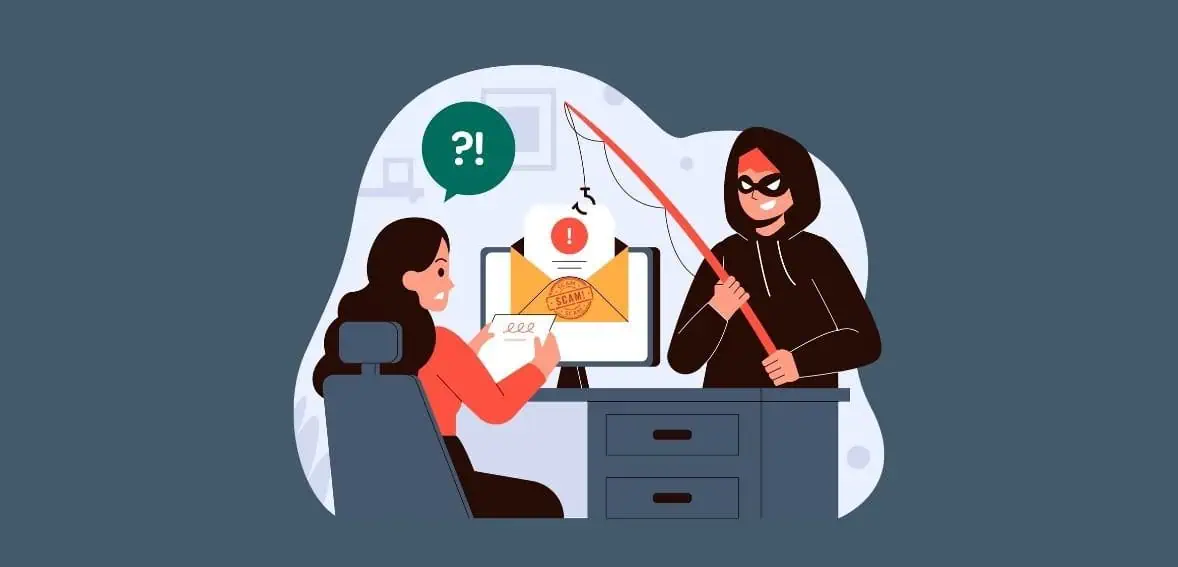
With over 430 million active users, PayPal is a leading online payment processor. However, its popularity makes it a target for cybercriminals. Scammers often impersonate PayPal through phishing tactics, sending fraudulent emails, and creating fake websites to deceive users into divulging sensitive financial information or sending money. Users are often targeted with PayPal scam emails, which are spoofed emails that use counterfeit links, attachments, and other tricks to extract sensitive information from them.
Today, we will discuss one of the most common email scams affecting PayPal users and businesses. We will explain the idea behind this scam, how it works, and key red flags to help you protect yourself against potential threats.
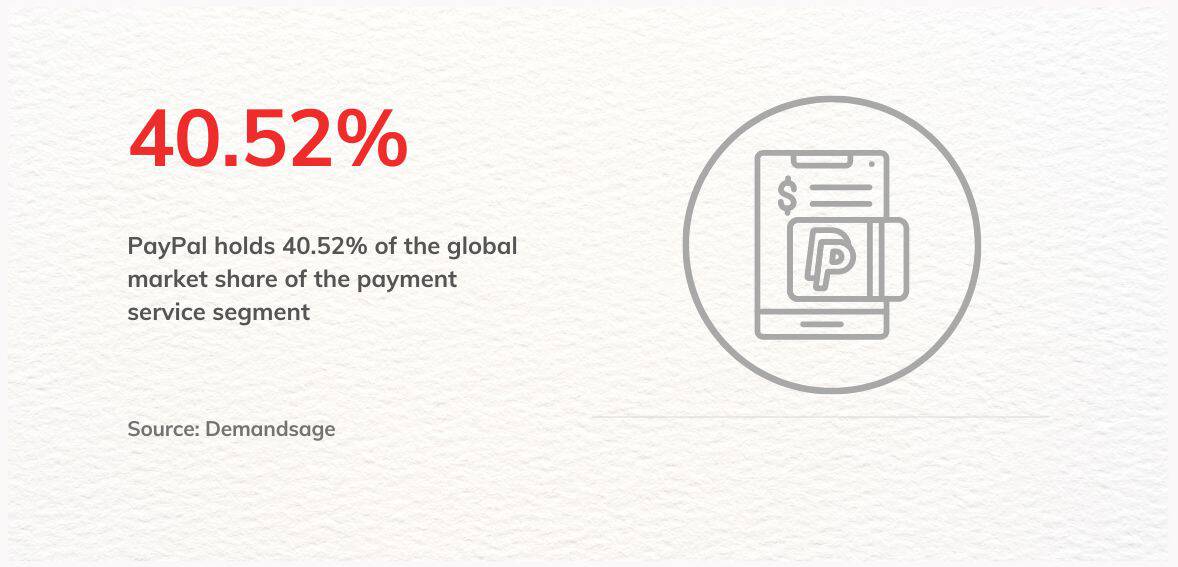
Source: Demandsage
Understanding PayPal Scam Emails
A PayPal email scam is a deceptive and manipulative message that seems to be sent by PayPal. But, in reality, these are sent by scammers. Scammers often work on complex details like a slightly changed domain name, address, phone number, or a lookalike website link to make email look as authentic as possible. These fake emails usually have links and attachments that are not real. These fraudulent emails typically contain fake links and attachments, induce a false sense of urgency, provide bogus phone numbers or URLs, and may even include automated voice calls, ultimately directing the users to share confidential information.
They might claim to be about account alerts, warnings of transactions pending payments, or problems verifying your account. The sender pretends to be PayPal support and tries to convince recipients with stories so they will click on harmful links or share any details under pressure.
How PayPal Email Scams Work?
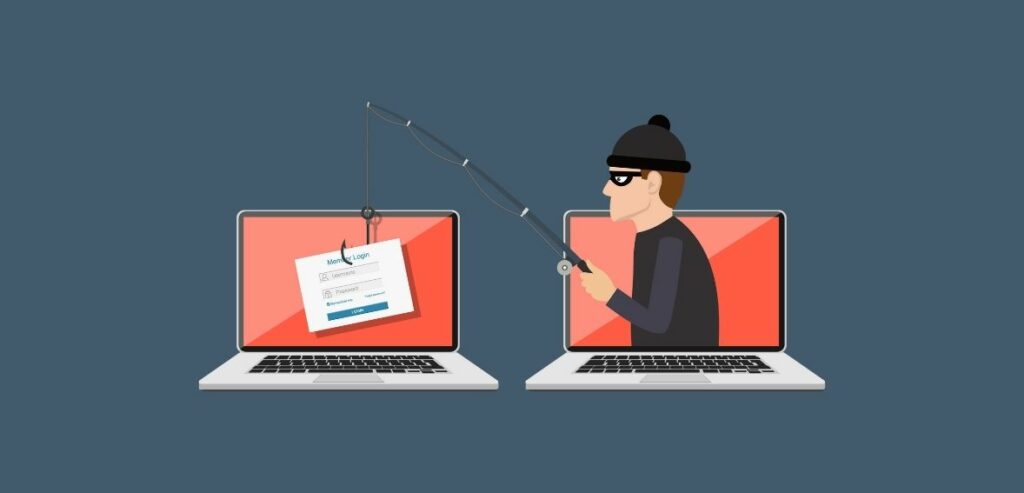
Individuals receiving these emails might be instructed to take steps that could endanger their data. These steps may involve completing forms, clicking on links, or visiting websites that aim to deceive users into disclosing sensitive information. These websites may appear legitimate at a glance, but they are actually crafted by cybercriminals seeking to deceive individuals into revealing their personal details. This results in people unknowingly furnishing their information to these fraudsters under the impression that they are interacting with a reputable entity, in this case, PayPal.
It is essential to be aware that some emails claiming to be from PayPal may trick you into opening suspicious attachments or visiting websites infected with malware. This can allow scammers to access sensitive information, which may result in unauthorized access to your PayPal account, fraudulent transactions, fund transfers, and even identity theft.
Plus, scammers might use the information they gather to engage in more sophisticated scams or sell it on illegal sites. Therefore, it is crucial to remain vigilant and cautious when dealing with emails that claim to be from PayPal to avoid falling victim to potential scams.
Common PayPal Email Scams Which Targets Consumers
Email scammers employ various tactics to circumvent email defenses and deceive users into revealing information or executing malicious code. They capitalize on vulnerabilities and the lack of awareness and vigilance among consumers, employing cunning strategies to perpetrate their schemes. Here are some of the most prevalent scams to remain vigilant against:
- Account Verification Scams:
These scams involve fraudsters coercing victims into providing sensitive PayPal account details to gain unauthorized access. They typically employ tactics to deceive users into sharing their verification code. Pretending to be from PayPal’s support team, scammers claim to have identified issues with the user’s account or unauthorized activity.
- Overpayment Scam:
These emails typically claim that the sender mistakenly transferred more money than intended and request you to refund the excess amount. They often pressure you to return the funds promptly using a specific method that benefits the scammer.
- Receipt Email Scams:
Also referred to as order confirmation scams, these are phishing attacks wherein emails purportedly from PayPal contain counterfeit receipts or links promising further details about an order. These emails often feature suspicious attachments, links, or buttons, such as “view or manage order” options, which can compromise device security or facilitate unauthorized access to personal data.
- Money Received Scam:
These emails notify you of a substantial sum of money deposited into your account. They often come with a fabricated backstory regarding the payment and may include instructions to release the funds by sending a processing fee.
- Pending Payment Email Scams:
These are spam emails disguised as PayPal communications. They inform recipients about a pending payment and prompt them to click a link for account verification. However, the provided link may lead to a malicious file. For instance, a fraudulent PayPal email might assert that the recipient has a pending payment awaiting verification. To release the payment, the recipient is urged to click a link to verify their account.
- “Policy Update” Scams:
In this scenario, you receive an email urging you to update your account information due to a purported “policy change” or “security update.” It directs you to click a link and input your personal details such as phone number, address, or account information.
Common PayPal Email Scams Which Target Businesses

Scammers know that merchants primarily focus on sales and customer service. These priorities can distract them from identifying potential red flags in fraudulent emails. Given the high volume of transactions and the number of team members who may access a merchant’s PayPal account, any business, especially online retail, becomes particularly susceptible to scams.
Here’s how these scammers operate on the business front:
- Fake Transaction Scam:
Scammers deceive recipients with emails stating that a transaction has occurred, urging them to dispatch a product. However, these emails are deceptive, and no payment has been made. When the recipient realizes the scam, the product has already been shipped.
- Vendor Invoice Scams:
These deceptive emails mimic PayPal invoices from familiar vendors the business frequently engages with. The scammer may replicate logos and invoice formats similar to genuine vendors. However, there might be slight discrepancies in account information or payment instructions compared to the usual format.
- “Business Verification” Phishing:
This fraudulent email alleges that the business’s PayPal account requires verification due to purported “increased activity” or “security concerns.” Urgency is emphasized to avoid account limitations. The email includes a link to a counterfeit “verification portal” to extract the business’s login credentials.
- Payment Dispute Scam:
Fraudulent emails claiming to be from PayPal may mention dispute notifications and require immediate action to avoid financial penalties. They might also falsely assert that a transaction has occurred and urge you to ship a product.
- Account Limit Scam:
Phishing emails purporting to be from PayPal warn of an imminent account limitation due to alleged suspicious activity or policy violations. These emails typically prompt recipients to log in through a counterfeit PayPal page to lift the restriction and may even demand a ransom payment. Clicking the link leads to a bogus website aimed at stealing login credentials.
Red Flags to Look for in a Likely Email Scam
Phishing emails, designed to deceive and manipulate, have distinct characteristics. Recognizing these can safeguard your personal information:
- Urgent and Alarming Messages: A common strategy of fraudsters is to create a false sense of urgency. They may claim your account faces imminent jeopardy unless you update certain critical information promptly. This tactic aims to provoke a quick, unthinking response. Always approach such urgent requests with skepticism and verify through official channels.
- Beware of Unofficial Email Addresses: Authentic PayPal emails typically originate from official addresses like member@paypal.com or service@paypal.com. When reviewing a PayPal receipt, ensure it includes the recipient’s shipping address. If an email address ends with a free service provider such as Gmail, Outlook, or Yahoo, it should raise an immediate red flag. Always verify the sender’s email address to avoid potential scams.
- Generic and Impersonal Greetings: Unlike legitimate emails from trusted companies like PayPal, which personalize communications using your full name or business name on the account, phishing attempts often resort to vague and impersonal salutations. Terms like “Hello, PayPal member,” “To Whom It May Concern,” or “Dear user” are red flags, signaling the email’s lack of authenticity. This impersonal approach indicates that the sender does not have a legitimate connection to you.
- Solicitations for Sensitive Information: Genuine entities will not request sensitive details such as your password, full name, or answers to security questions through email communications. Any request for such information should be viewed with suspicion. This tactic is a direct attempt to gain unauthorized access to your personal and financial information.
- Misleading Links: Phishing emails may include legitimate links but lead to fraudulent websites. These fake links are crafted to steal your information or install malware on your device. Always inspect a link’s true destination by hovering your mouse over it without clicking.
- Grammatical Mistakes: Scammers may intentionally include grammatical errors in their messages to target individuals more susceptible to scams. By doing so, they aim to filter out individuals who are less likely to be deceived, ensuring that only those likely to fall victim respond to the scam. Additionally, scammers may use AI tools like ChatGPT to write the draft – so avoid overly “robotic” emails.
- Unexpected Attachments: A telltale sign of a phishing attempt is the inclusion of attachments or software in the email. Legitimate companies like PayPal will never send unsolicited attachments. These files could be laced with malware to compromise your device’s security. If you encounter an unexpected attachment, it’s prudent to err on the side of caution and avoid opening it.
If you’re uncertain about the legitimacy of an email purporting to be from PayPal, take a proactive approach: refrain from clicking any links within the email. Instead, directly navigate to the PayPal website by typing the URL into your browser and logging in to your account. Any genuine messages or alerts intended for you will be available in your profile’s Notifications section. This method ensures you avoid the pitfalls of phishing scams while maintaining access to important account information.
What Should You Do if You Identify a PayPal Email Scam?
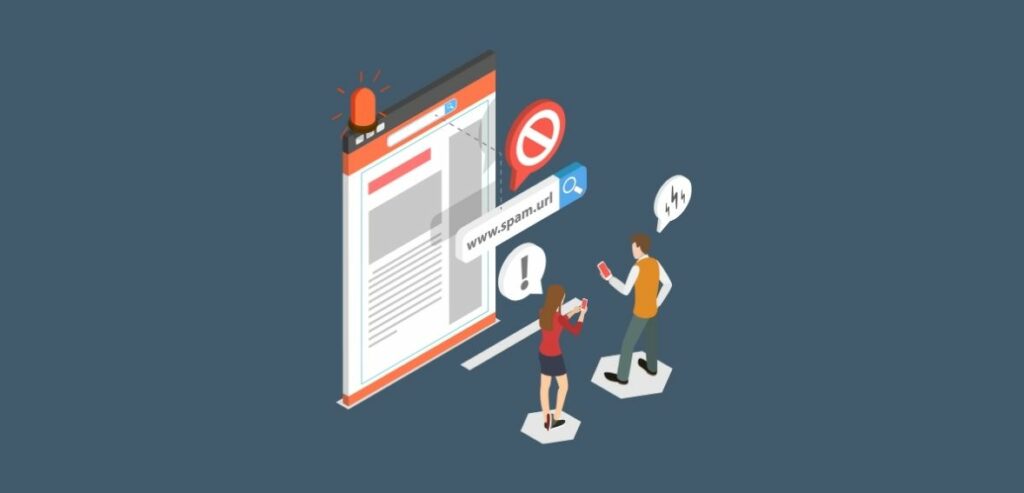
Scam emails are fraudulent messages cybercriminals send to obtain sensitive information, such as passwords or account numbers. They are designed to deceive you by disguising their true identity through forged sender addresses or other tactics. The emails may request a response or ask you to call a phone number or click on a web link, all to steal your personal information.
If you receive an email you suspect is a scam, taking steps to protect yourself and others is crucial. One such step is to forward the email to phishing@paypal.com, the email address for PayPal’s security team. Their experts can examine the email to determine if it is fake. If it is, they will take swift action to trace the source of the email and shut it down promptly.
Here are some additional things you can follow to keep yourself secure:
- Revise Your Passwords: Begin by updating your PayPal password without delay. It’s wise to periodically change your passwords across all platforms, adhering to robust password creation guidelines. Aim for intricate, distinctive, and challenging passwords. Refrain from reusing passwords across different services, and never disclose your passwords to others.
- Implement Two-Factor Authentication (2FA): To enhance your defense against phishing schemes, activate two-factor authentication for your PayPal account. 2FA enhances security by introducing a secondary verification step, such as a biometric identifier or a temporary code, alongside your standard login details. This additional measure significantly hampers cybercriminals’ attempts to infiltrate your account, even if they obtain your credentials.
- Regular Account Surveillance: Post-phishing attempts, you must scrutinize your system for any malicious software known as malware. Malware encompasses a variety of harmful software aimed at compromising or damaging systems, stealing confidential data, or monitoring user activities surreptitiously. Since phishing emails are a common vehicle for malware distribution, conducting thorough scans for viruses or malware on your device is crucial.
- Enhance Your Knowledge: Arm yourself with information regarding the spectrum of phishing scams and their identification markers. Watch for signs of phishing attempts, such as linguistic errors, dubious links, and solicitations for private information. Familiarizing yourself with the strategies frequently employed by attackers will bolster your ability to sidestep their deceitful maneuvers in the future.
Conclusion
Safeguarding yourself against PayPal scam emails requires awareness, caution, and proactive measures. With cybercriminals continually refining their tactics to deceive unsuspecting individuals and businesses, understanding the common red flags associated with phishing attempts is crucial. Recognizing urgent and alarming messages, scrutinizing sender email addresses, and avoiding unsolicited attachments or misleading links can mitigate the risk of falling victim to these scams.
Paypal, the leading payment processor, is secure and safe. But, it is crucial to be cautious and confirm the authenticity of any email that claims to be from PayPal by logging in to your account directly on the official website. If you receive a suspicious email, report it immediately to PayPal’s security team to prevent further harm. By staying informed and taking proactive measures, you can safeguard yourself and others from the financial and personal consequences of PayPal scam emails.
Frequently Asked Questions
How can I differentiate between a legitimate email from PayPal and a scam email
Legitimate emails from PayPal originate from official email addresses like member@paypal.com or service@paypal.com. They also address you by your full name or business name, whereas scam emails may use generic or impersonal greetings. Additionally, be cautious of urgent or alarming messages, requests for sensitive information, and unexpected attachments or links.
What should I do if I receive a suspicious email claiming to be from PayPal?
If you receive an email that you suspect is a scam, forward it to PayPal’s security team at phishing@paypal.com. They will investigate the email and take appropriate action if it is determined to be fraudulent. In the meantime, refrain from clicking any links or providing any personal information in response to the email.
How can I protect myself against PayPal email scams?
To protect yourself against PayPal email scams, you must update your passwords regularly, implement two-factor authentication for your account, and remain vigilant for signs of phishing attempts. Avoid clicking on suspicious links or attachments, and verify the authenticity of any emails by logging in to your PayPal account directly through the official website.
What should I do if I suspect my PayPal account has been compromised due to a scam email?
If you suspect that your PayPal account has been compromised due to a scam email, immediately change your password and enable two-factor authentication if you haven’t already done so. Then, thoroughly scan your device for malware or viruses and report the suspicious activity to PayPal’s security team. Finally, monitor your account closely for unauthorized transactions and contact PayPal’s customer support for further assistance if needed.