



Clover eCommerce Solutions: A Comprehensive Guide
Posted: October 19, 2023 | Updated:
With digitalization happening all across the world, eCommerce has grown substantially over the years. Especially in the US where it is expected that by 2027 around 290 million users will use eCommerce to buy products. And with the rise of the eCommerce there is a rise in the companies that gives some of the best eCommerce solutions. Among the many complete solutions available, the Clover eCommerce solutions truly stands out.

Source: Statista: Number of users of e-commerce in the U.S. 2018-2027
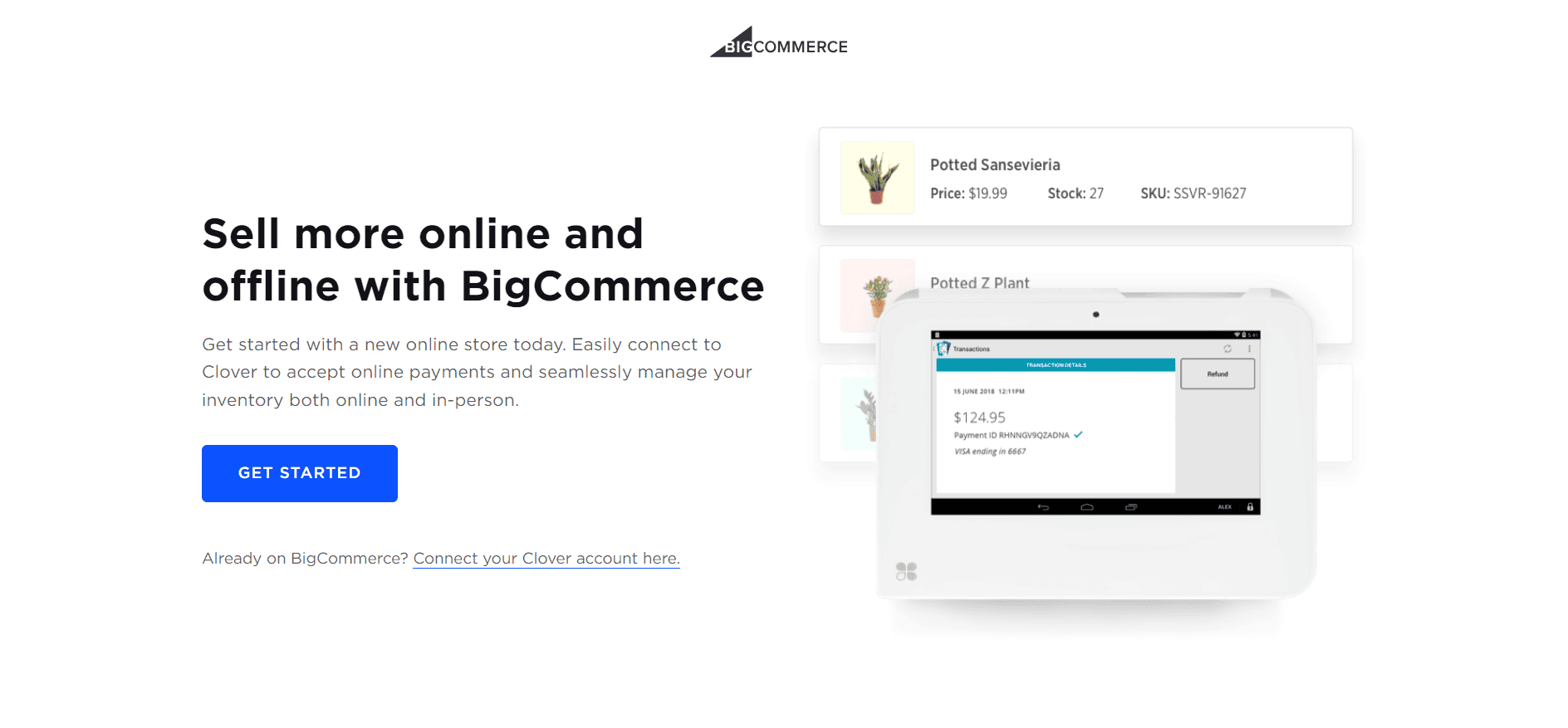
Clover offers seamless integration with your existing website, and if you don’t have one, it can help you create a website through its partner ecommerce platform, BigCommerce. One of the remarkable features of Clover is its real-time inventory tracking, which allows you to manage all your transactions, whether they occur in-store or online, from a single, convenient platform.
Today, we will discuss more about Colver eCommerce solutions in detail, including the specifications, features, and more
What Is Colver’s Ecommerce Solution?
Clover eCommerce solutions offer Streamlined approach to managing various aspects of your business. Integrated with marketing, sales, HR, and operations, this all-in-one tool can be effortlessly accessed via a user-friendly dashboard on your phone or computer. With a host of customizable features, you can tailor the Clover system to fit your specific requirements perfectly.
Leveraging the power of Clover’s Ecommerce solution, you can efficiently handle inventory, coordinate orders, and centralize all customer data within a single, easily accessible dashboard accessible across your PC, tablet, or mobile phone.
Teaming up with BigCommerce, Clover Ecommerce enables you to expand your customer reach by establishing your own website and tapping into renowned public marketplaces like Facebook, Instagram, eBay, Etsy, and Amazon. Seamlessly integrating your POS with an Ecommerce platform, Clover ensures a hassle-free implementation process that simplifies your online business operations.
One Solution for Every Ecommerce Needs
- Restaurants: Streamline your online ordering process by creating a user-friendly online menu. Easily take orders and securely accept payments through your website or an online ordering portal. Expand your reach by leveraging Google’s online ordering platform, enabling you to receive orders directly from Google Maps and searches. Offer convenient curbside pickup and delivery options to cater to various customer preferences.
- Retail: Seamlessly integrate your in-store and online businesses and ensure synchronized inventory management across all channels. Utilize an advanced eCommerce solution that intelligently monitors stock levels, ensuring you’re never caught off guard with out-of-stock items. Enhance efficiency by automating sales, inventory, and customer data reconciliation. Minimize errors arising from manual data entry and improve the accuracy of your reporting with a comprehensive eCommerce solution that effortlessly reconciles data from both your physical and online stores.
- Services: Elevate your client experience by facilitating easy online payments. Invoice your clients seamlessly and empower them to make secure credit or debit card payments through a secure hosted payment page. Simplify appointment scheduling by utilizing a dedicated app from the Clover App Market, allowing your clients to view your availability and conveniently book appointments directly through your website.
A Look At The Features Of Clover Ecommerce Solutions
Orders And Inventory Management
Managing your inventory and orders for Ecommerce is crucial for any merchant, and a reliable POS system like Clover understands this necessity. The system offers a comprehensive approach to tracking your business performance.
Even with the basic Register Lite version, you can utilize essential inventory tools to organize and monitor your product range effectively. Upgrading to the “Register” application provides access to advanced inventory features, supporting modifiers and variants.
With Clover, you can handle 100 modifier categories, 2,000 modifiers, and a staggering 15,000 items across 100 categories. For those seeking more comprehensive inventory management solutions, the Clover POS marketplace offers additional apps to cater to your specific needs.
Furthermore, for businesses in the food industry, the Clover POS provides efficient order management functionalities. Adding items to orders is seamless through the Register or Clover dining app, and the user-friendly interface facilitates easy navigation. Employees can also create custom items for customers when needed.
Virtual Terminal
When you’re not near your Clover POS system but need to ensure you capture every potential sale, the Clover Virtual Terminal comes to the rescue. This feature enables users to process payments, refunds, and other transactions from any location. Simply log into your Clover dashboard from your smartphone, computer, or tablet to initiate transactions.
The Virtual Terminal proves particularly handy for managing payments of your Ecommerce store on the go. Rest assured, the application is PCI-compliant and secure, offering peace of mind in every transaction. With the Clover POS virtual terminal, you won’t encounter additional monthly fees; transactions are charged at the standard keyed-in payment rate. You can conveniently accept credit and debit card payments from almost anywhere.
Employee Management
With Clover, you can streamline your employee management process effortlessly. You have the freedom to add an unlimited number of employees to a single console and assign specific permissions tailored to each employee’s role.
Moreover, you can integrate various apps, some of which are free, while others come with an additional cost, to enhance your employee management experience.
Analytics and Reporting
Stay on top of your sales game effortlessly with the help of Clover’s robust reporting and analytics tools. The Clover Ecommerce solution offers a range of valuable reporting features to help you gain insights into your business performance.
For instance, you can quickly access a comprehensive “By Payments” report on your Clover Station, offering a concise overview of all transactions within a specific timeframe. Additionally, you have the option to generate cash reports, view payments by card type, and analyze payment statistics.
These reports are easily customizable, allowing you to sort and filter data according to specific parameters. Plus, you can export and print reports for further in-depth analysis. With the Clover POS system, you can:
- Monitor revenue through concise sales reports and proper analytics
- Filter data to identify top-selling items and monthly trends
- Enjoy accessibility across various platforms, including mobile dashboard apps
- Keep track of real-time sales data across multiple locations with aggregated insights.
Order Management
Simplify your order management process with Clover’s efficient features. Not only does it support bill splitting, but it also offers the flexibility to split bills by item or a custom amount. Additionally, you can conveniently customize your floor plan to align with your restaurant layout and seamlessly send tableside orders directly to the kitchen printer.
With Clover, you can effortlessly establish an online store to streamline payment processing and order management for deliveries. Adding items to your directory is a breeze, and Clover handles your customers’ payments without any additional charges. Although not as intricate as platforms like Square, Clover’s website covers all the essentials, including options for refunds and exchanges.
Secure And Seamless Payment Options
For a secure and seamless payment experience, a merchant account is essential. Here’s what you should know about the various payment options available:
- Swipe, dip, or tap payments with credit and debit cards, along with contactless options like Google Pay, Apple Pay, Venmo, and PayPal.
- Process diverse payment methods such as scan-to-pay, store credits, layaways, gift cards, and flexible Buy-Now-Pay-Later options.
- Offer the convenience of printed or emailed receipts, or utilize Scan and Pay to integrate QR codes for easy mobile payments. You can even include feedback coupons for added customer engagement.
Furthermore, your online store can accept payments from customers using major credit cards such as Visa, MasterCard, American Express, and more. With access to Clover’s virtual terminal, you can securely process phone payments and ensure sales opportunities aren’t missed, no matter your location. All transactions are safeguarded with encryption and the option for two-factor account logins, providing your customers and your business with peace of mind.
Other Tools Of Clover’s Ecommerce System And It’s Benefits
Explore an array of options through Clover’s App Market, collaborating with renowned eCommerce platforms like WooCommerce, Magento, and Shopify. Utilize the developer tools to seamlessly integrate your distinct eCommerce platform or custom-built website with the Clover system.
Every Clover user can enjoy a worry-free experience:
- Free Shipping: Once approved, receive your system within one business day.
- Easy Integration: Begin your business operations today and start accepting payments through the user-friendly Clover Dashboard.
- No Fluctuations in Rates: Benefit from uniform, competitive rates for all card transactions, including AMEX and rewards cards.
- Live Support: Count on Clover’s exceptional live assistance, aiding you with everything from initial setup to resolving any troubleshooting issues.
Accepting Payments Through Clover Ecommerce API
Accepting payments through the Ecommerce API is easy! Here’s what you need to do:
Step 1: Securely save the card
Encrypt your customer’s card details and save them as a source token. You’ll need a special key called the Public Access Key Management Service (PAKMS) key, which you can get by requesting it with the right authorization.
Step 2: Make the payment
Use the source token you got from Step 1 to pay for a charge or order. You’ll need to send a request to the server with the right authentication and details of the payment.
And that’s it! You’ll get a unique charge ID and other details about the transaction. Remember, some processes like creating orders, customers, or refunding charges might involve more steps.
Pricing Structure Of Clover Ecommerce Solution
Clover stands out as a highly adaptable system, allowing you to incorporate numerous apps and integrations. While some of these apps are complimentary, others may come at an additional cost, which could impact your budget significantly.
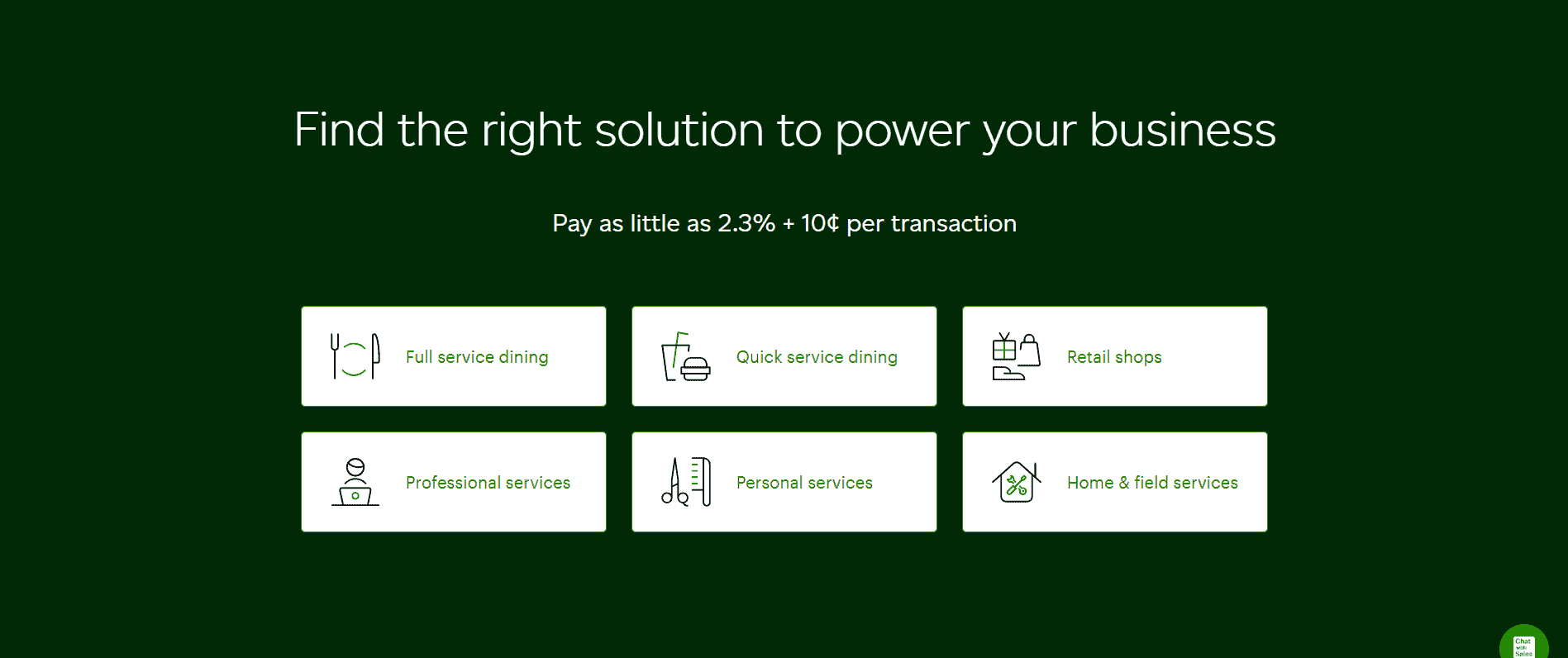
Clover charges between a range of 2.3% to 2.6% on each transaction, based on the plan you chose. It also charges 10 cents for each transaction. Furthermore, if you are doing a transaction via terminal system with keyed in transaction the fee is of 3.5% of the transaction value and additional 10 cents. There migh be various other charges associated depending upon the plan and services you use.
Your total monthly expenses, inclusive of subscription fees and processing rates, will be influenced by the payment processing company you select from Clover’s available options. Keep in mind that leading processors typically do not levy any cancellation fees upon closing your account.
Conclusion
The Clover Ecommerce system not only simplifies business management but also facilitates informed decision-making for your online stores. Leveraging intelligent technology, Clover’s tools offer valuable market insights that can be utilized to tailor your marketing and sales strategies to the preferences and requirements of your customer base.
You can access tools that identify sales patterns and customer spending trends. In essence, Clover serves as a comprehensive all-in-one business management solution, seamlessly integrating various facets of your business operations.
Frequently Asked Questions
Is Clover POS suitable for restaurants?
Certainly, Clover is well-suited for restaurants, offering specialized features for efficient table management and convenient bill splitting. Additionally, you can opt for a touchscreen station to simplify order-taking at the counter.
Are there monthly fees associated with Clover POS?
Yes, most Clover pricing plans allow for either annual or monthly payments. Monthly fees for Clover POS begin at $14.95 per month without hardware.
How secure are Clover systems?
Clover devices adhere to the Payment Card Industry Data Security Standard (PCI DSS) and come equipped with comprehensive security features such as end-to-end data encryption, tamper detection, and access authorization. The software also includes malware detection and antivirus protection, with regular weekly updates.
What are some drawbacks of the Clover eCommerce system?
– You cannot integrate Clover software with hardware from other brands. – Clover hardware is exclusive to the processor from which it was purchased and cannot be reconfigured. – Not all app integrations with Clover are free of charge. – Clover does not offer direct support for third-party apps.