Get the payment processing solution that fits your business


Dejavoo Z8 Countertop Credit Card Terminal
Take fast, secure in-person payments with a compact Linux countertop terminal that supports chip, swipe, and contactless tap, with on-device receipt printing.
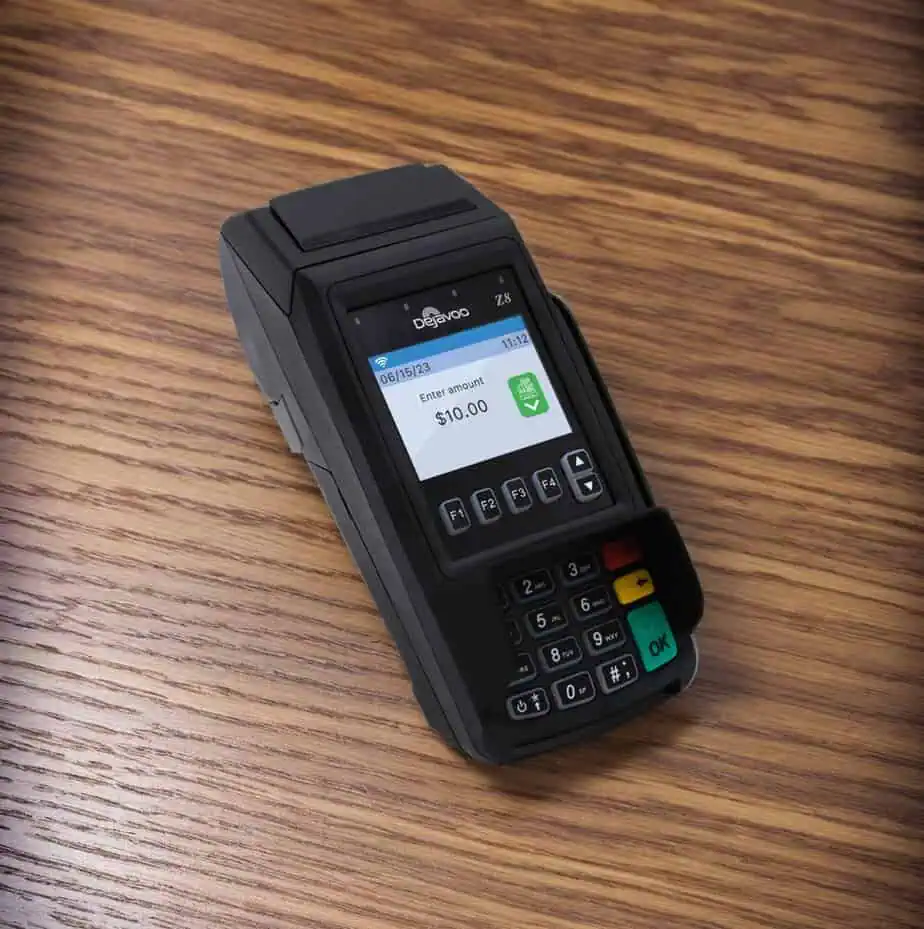
Dejavoo Z8 Countertop Credit Card Terminal
Take fast, secure in-person payments with a compact Linux countertop terminal that supports chip, swipe, and contactless tap, with on-device receipt printing.
A Compact Countertop Terminal Built for Everyday Checkout
The Dejavoo Z8 is a space-saving countertop card machine designed for quick, reliable card-present payments. It supports EMV chip, NFC/contactless, and magstripe transactions, and prints receipts directly from the terminal, ideal for checkout counters where speed and simplicity matter most.
The Z8 is part of Dejavoo’s Linux Z Line and is commonly deployed with “Tri-Comm” connectivity (IP + Wi-Fi, with dial-up as an available option on certain models/configurations).
It’s the best fit for retail checkouts, service counters, quick-service environments, and any business that wants a straightforward standalone terminal with printed receipts.
Benefits of the Dejavoo Z8
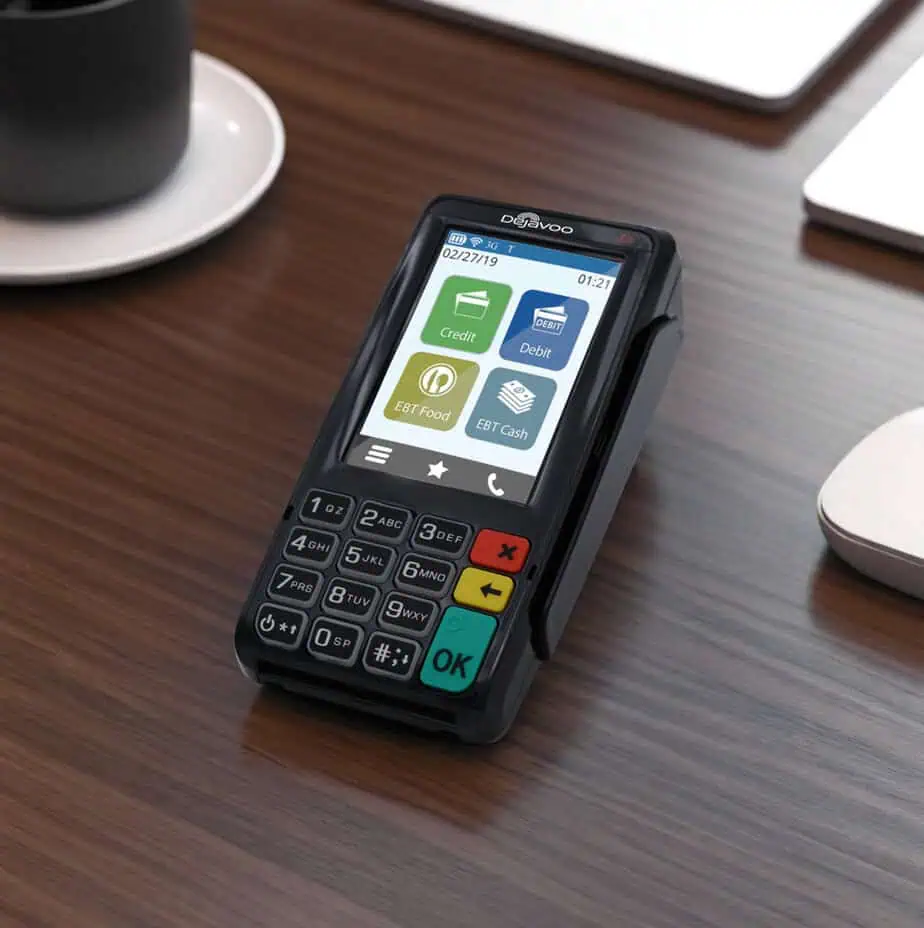
- Accept More Ways to Pay: Chip (EMV), tap-to-pay (NFC), and swipe (magstripe) acceptance, plus mobile wallet contactless transactions when enabled.
- Built-In Receipt Printing: Integrated thermal printer supporting common 2.25" paper rolls (spec sheets commonly list 2.25" x 80').
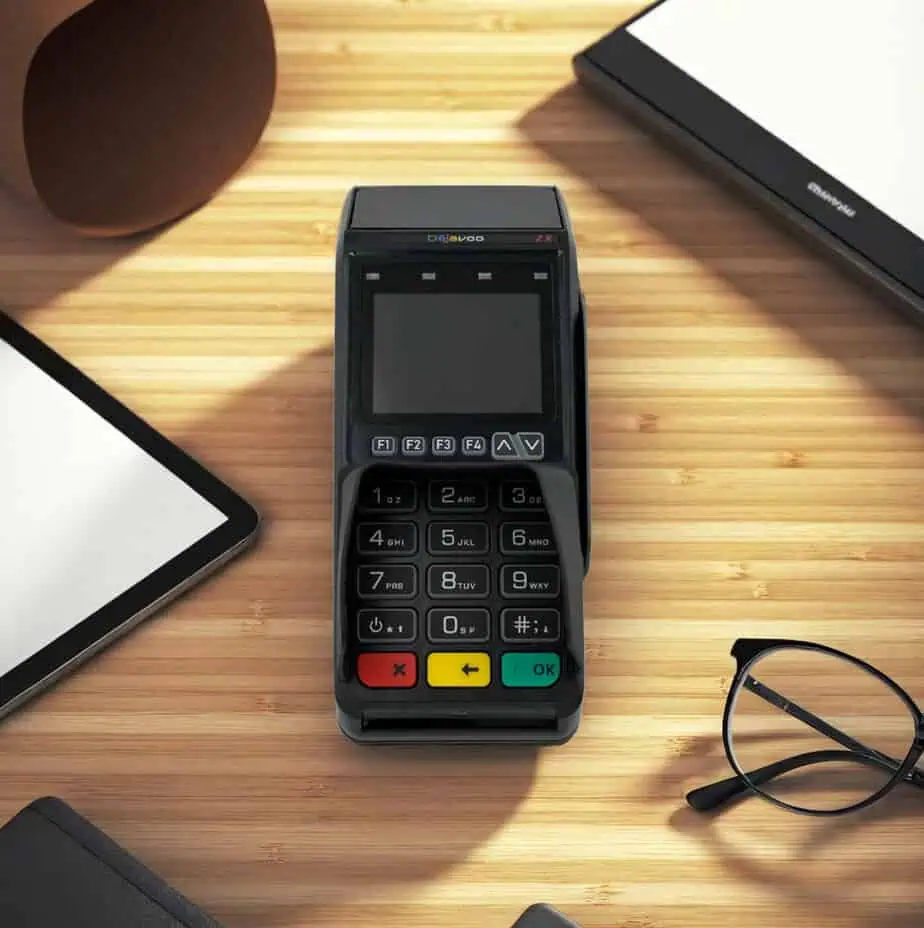
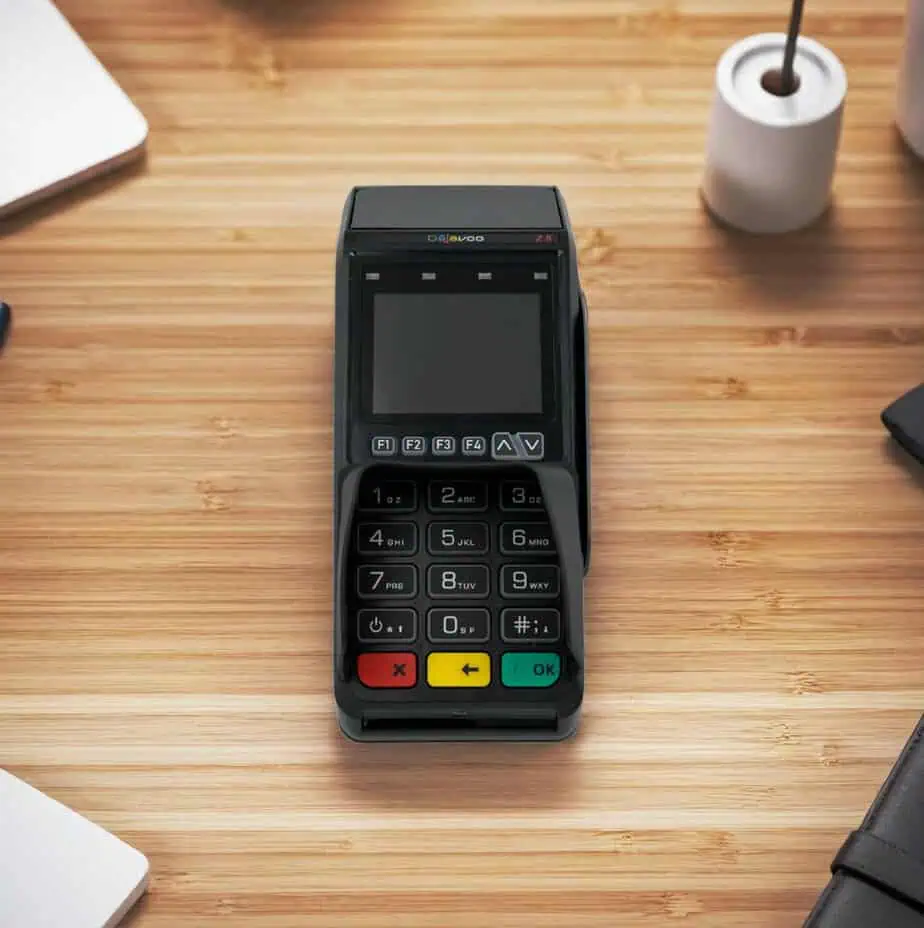
- Countertop-Friendly Display + Keypad:2.4" color screen with backlight, plus a physical keypad designed for quick entry at the counter.
- Flexible Connectivity: Ethernet and 2.4 GHz Wi-Fi are supported, and Tri-Comm configurations can include dial-up for fallback connectivity.
- Security Posture Built for Payments: The Z8 is listed with PCI PTS security certification (commonly v4.x / 4.1) and supports EMV Level 1 & Level 2 for chip transactions.
- Modern Software Interface Option (AURA): Dejavoo’s AURA interface is designed for Z8 non-touchscreen terminals, keeping transaction flow familiar while refreshing the UI and menu access.
Dejavoo Z8 Device Specifications and Capabilities
- The terminal supports secure chip card transactions compliant with ISO 7816 and EMV Level 1 and Level 2 standards, along with triple-track, bi-directional magnetic stripe acceptance for Tracks 1, 2, and 3.
- Contactless payments are enabled through NFC technology operating at 13.56 MHz, supporting tap-to-pay transactions as outlined in Dejavoo countertop terminal specifications.
- Security is reinforced through PCI PTS certification, commonly listed under PCI PTS v4.x or v4.1, to help protect sensitive cardholder data during in-person transactions.
- The device features a 2.4-inch color display with backlighting for clear visibility during checkout.
- A built-in 57mm thermal printer supports receipt printing at speeds of approximately 100 mm per second, often referenced as about 4 inches per second in technical documentation.
- The form factor measures roughly 183 × 76 × 50 mm and weighs about 368 grams, making it suitable for stable countertop use.
- Connectivity options include Ethernet and 2.4 GHz Wi-Fi, with Tri-Comm models typically adding dial-up support for additional redundancy.
- Interface options include Micro-USB OTG, with available ports and configurations varying by model revision.
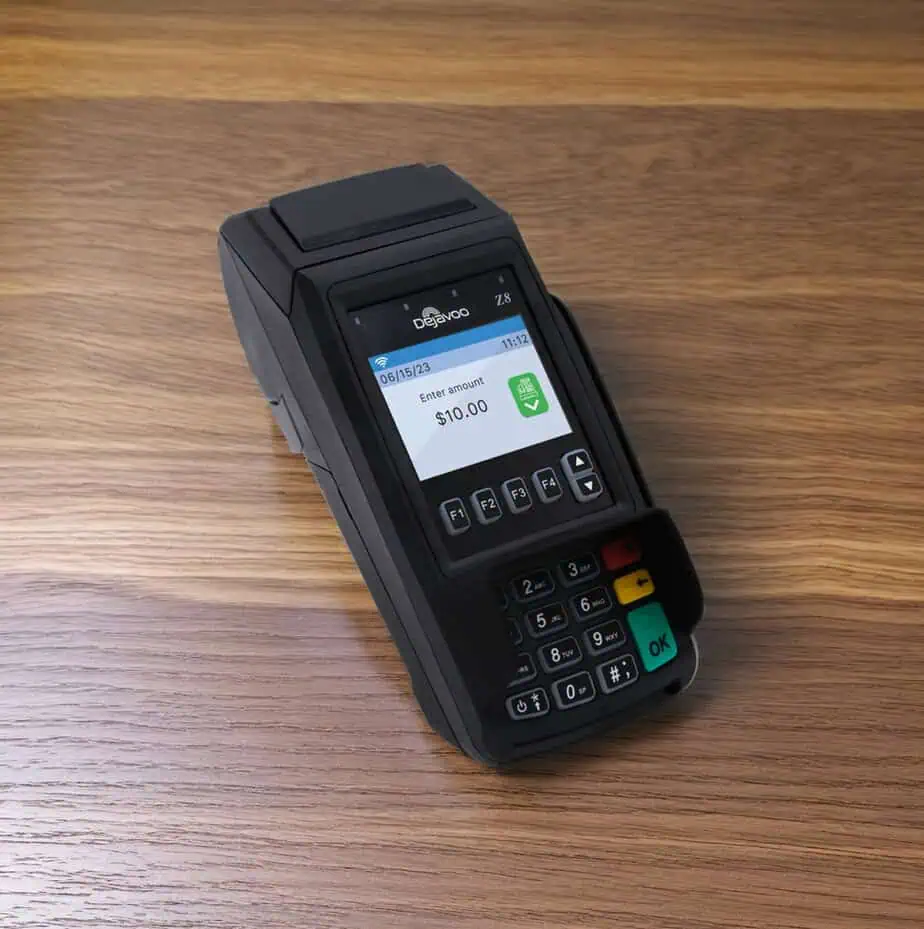
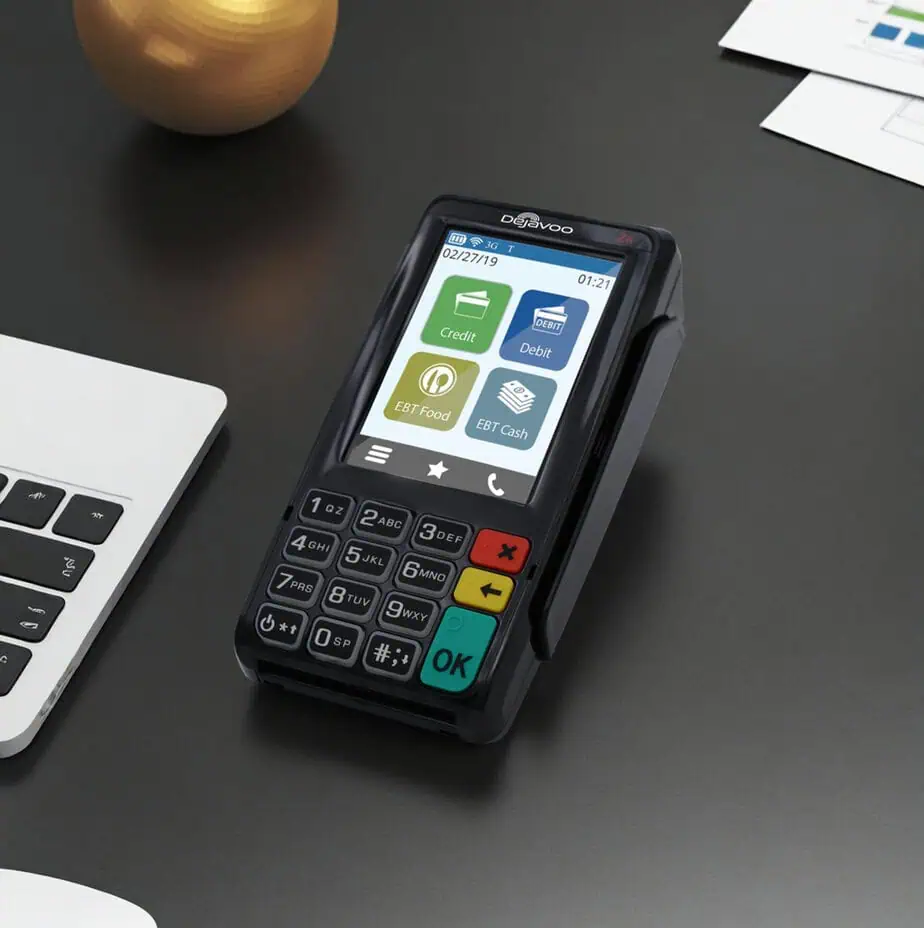
Initiate Sales with Ease on the Dejavoo Z8
Run a Chip (EMV) Credit Sale
- Enter the Sale Amount and press OK.
- Tap (contactless) or insert the chip card.
- If prompted, confirm the amount (commonly F2 = Yes / F4 = No, depending on configuration).
- The terminal processes the transaction and prints the receipt.
- Choose the customer’s preferred receipt delivery method.
Manually Key in a Card
- Enter the Sale Amount → OK.
- Enter the card number and follow the on-screen prompts (expiry/ZIP, etc., depending on setup).
Run a Debit Sale (PIN)
- From the home screen, use the $ arrow to select DEBIT → OK.
- Select SALE → enter amount → OK.
- Tap/swipe/insert the card.
- Cardholder enters PIN on the terminal PIN pad (or external PIN pad, if attached).
Void, Return, and Batch Settlement on the Dejavoo Z8
Void a Card-Present Credit Transaction
- From the home screen, press the Yellow Back key until VOID appears.
- Enter the Void Amount → OK → confirm if prompted.
- If prompted, enter the Manager Password (often 1234 by default, unless changed).
- Tap/insert/swipe (or manual entry if enabled) to complete.
Process a Return (Refund)
- Press Yellow Back until RETURN appears.
- Enter the Return Amount → OK → confirm.
- Enter manager password if prompted, then present the card to complete.
Settle (Close) Your Batch
- From the idle prompt, press F1 to access SERVICES.
- Select SETTLEMENT → SETTLE DAILY BATCH.
- Enter manager password if prompted.
- The terminal connects to the host and prints the settlement report.
Ready to Set Up the Dejavoo Z8 with Host Merchant Services?
Use the Dejavoo Z8 as a clean, reliable countertop checkout solution, then pair it with Host Merchant Services for account setup, deployment help, and day-to-day processing support.
Frequently Asked Questions
Does the Dejavoo Z8 support tap-to-pay and mobile wallets?
Yes. The Z8 supports NFC/contactless payments (tap cards and mobile wallet-style contactless transactions when enabled), plus EMV chip and magstripe acceptance.
What internet/network connections does the Z8 support?
Dejavoo supports Ethernet and 2.4 GHz Wi-Fi, and Tri-Comm configurations often include dial-up as well.
Is the Z8 a touchscreen terminal?
The Z8 is positioned as a non-touchscreen Z-line model (keypad-driven). If you want a touchscreen countertop option in the same family, Dejavoo’s brochures commonly position the Z11 as the touchscreen counterpart.
What receipt paper does the Z8 use?
Dejavoo’s countertop terminal brochure commonly lists 2.25" x 80' thermal rolls for the integrated printer.
How do I close my batch on the Z8?
From the idle screen: F1 (Services) → Settlement → Settle Daily Batch, then enter the manager password if prompted.
What’s the default manager password?
Many Z8 configurations use 1234 as the default manager password, but your provider or your deployment profile can change it.