Get the payment processing solution that fits your business


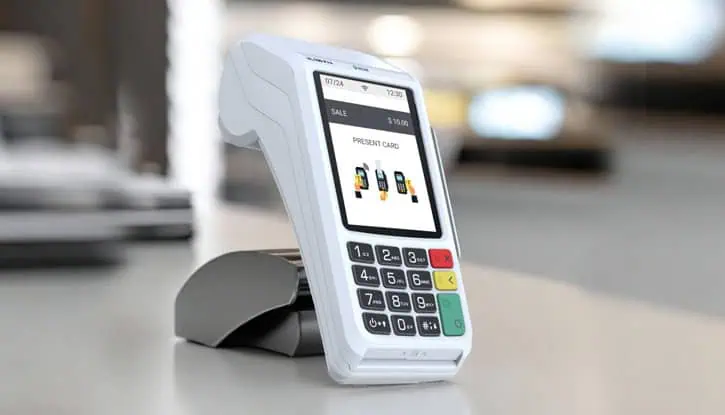
Valor VL100 Pro POS Terminal
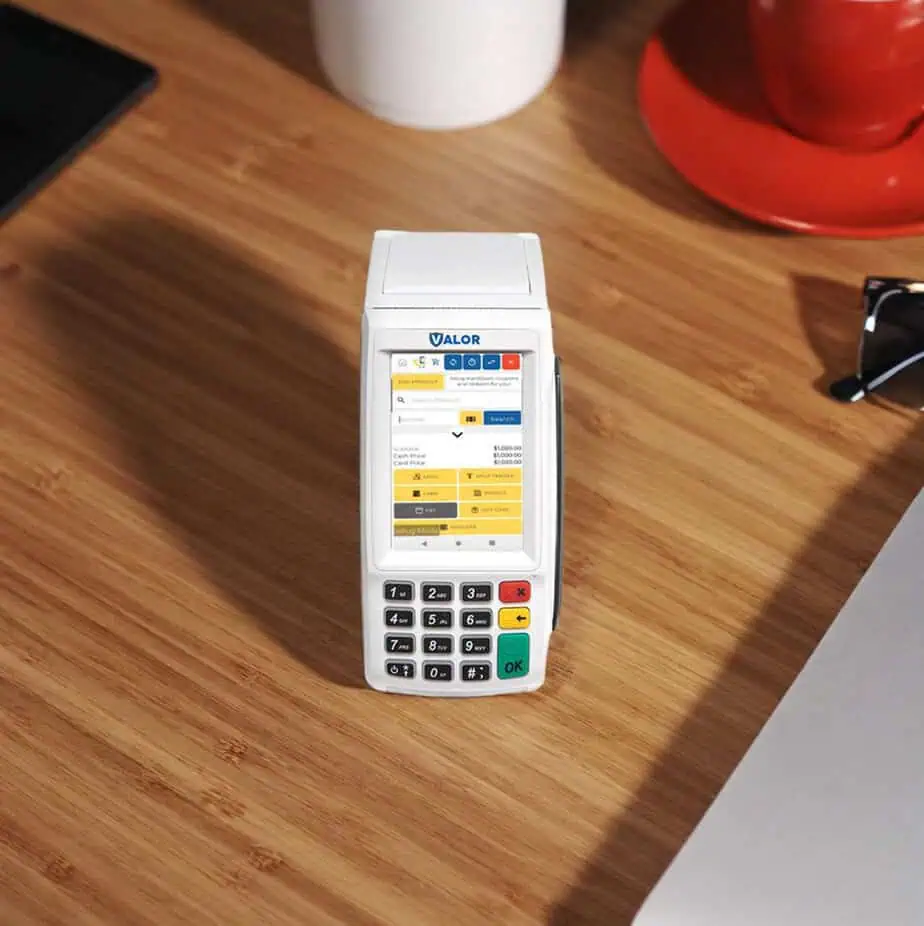
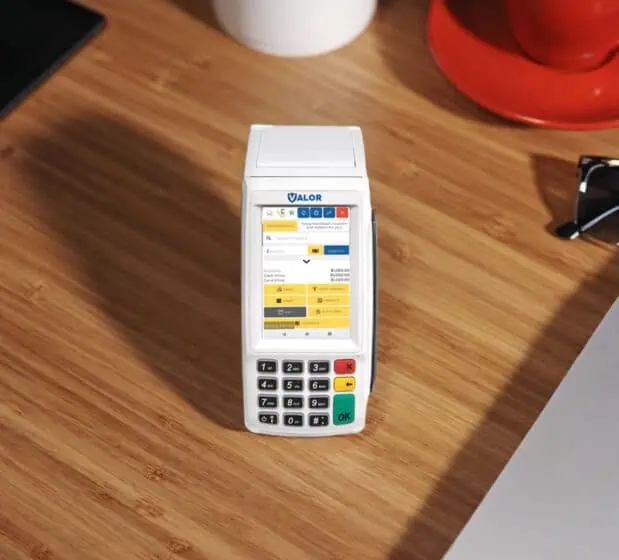
The VL100 Pro delivers fast, secure, and flexible payments with an elegant touchscreen, built-in NFC, and reliable connectivity, all wrapped up in a durable, business-ready design.
A Practical Payment Terminal for Retail and Service Businesses
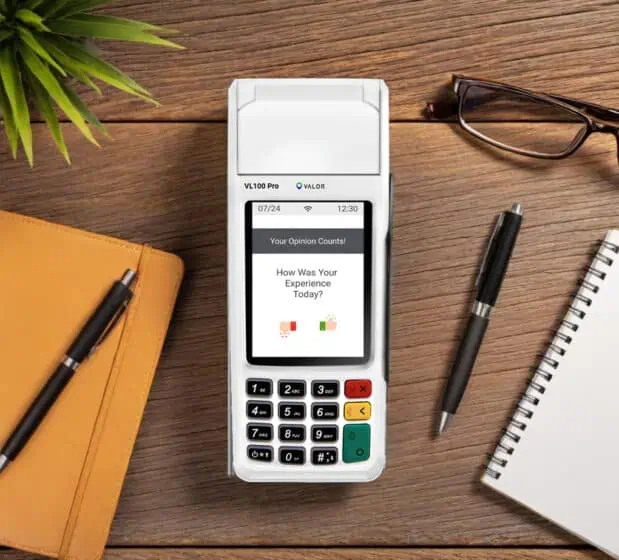
The VL100 Pro is an affordable yet powerful payment terminal that simplifies everyday transactions. Process contactless and EMV transactions on a wide 3.5-inch touchscreen, with secure connectivity options for seamless checkout.
Built for durability and speed, the VL100 Pro will surely help your business take secure payments, manage pricing options with ease, and serve customers faster than ever, whether you operate a retail business or provide services.
Everyday POS Your Business Deserves
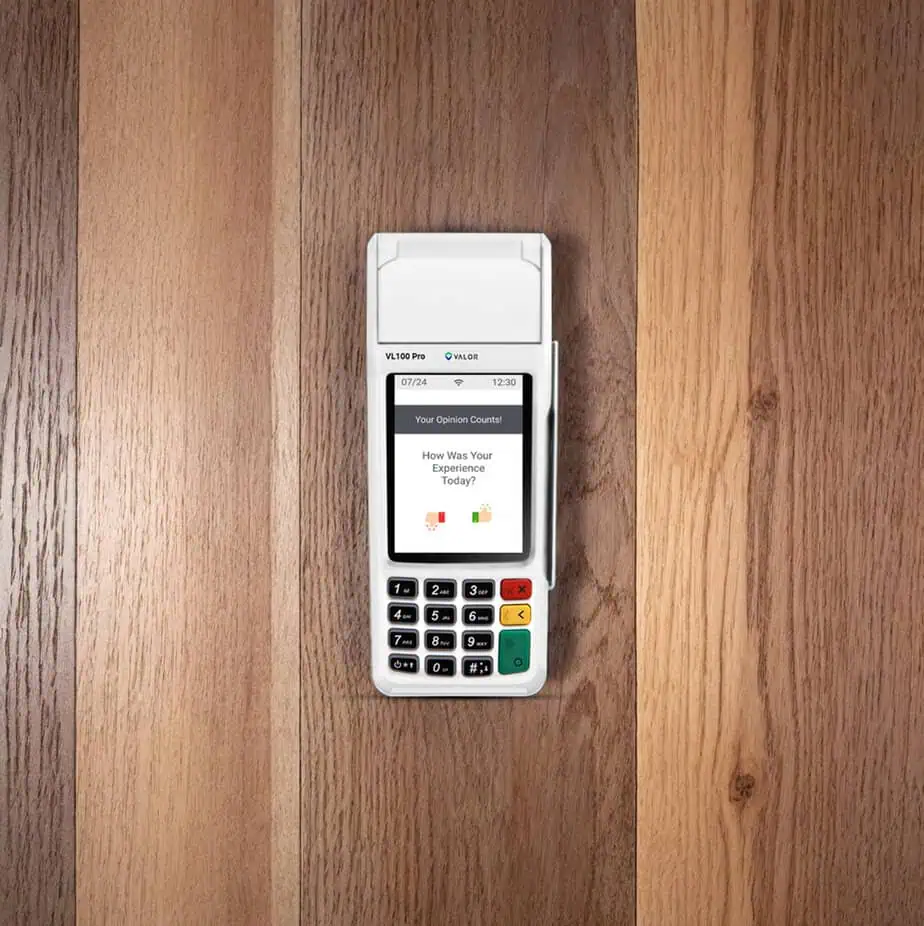
Wide Touchscreen with Integrated Keypad
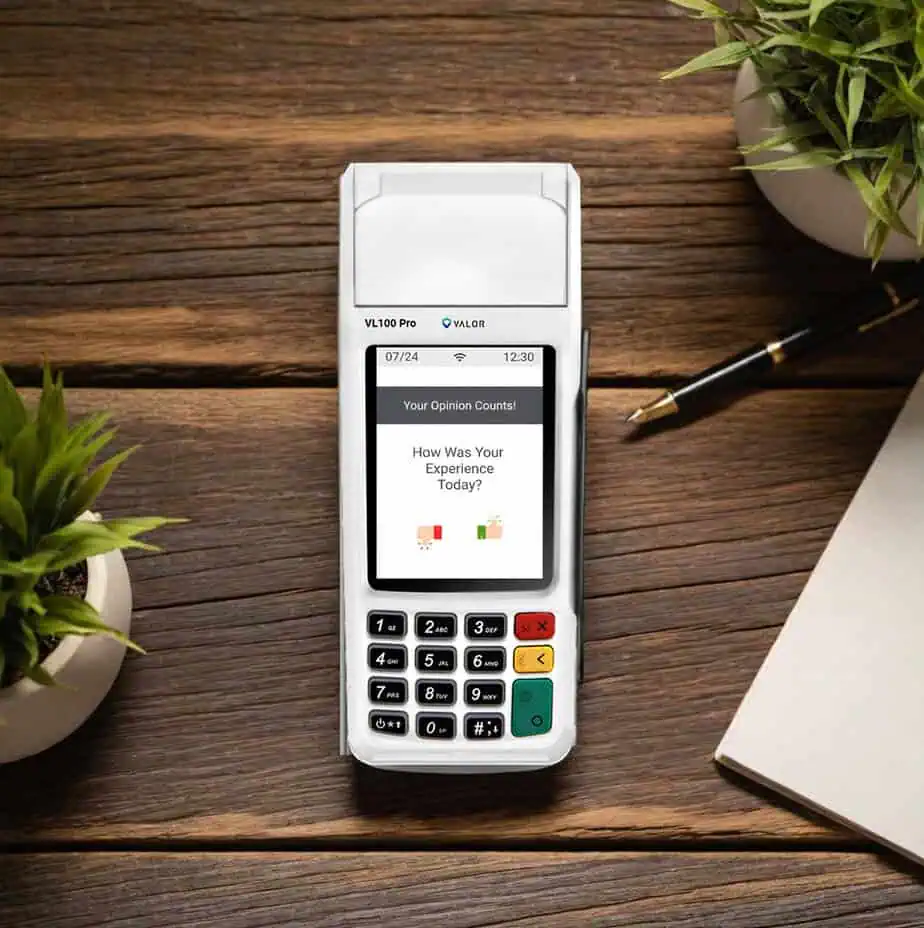
The 3.5-inch color touchscreen is paired with a built-in 15-key keypad to support fast navigation and efficient checkout. Backlit keys improve visibility and usability in various lighting conditions, helping cashiers complete transactions quickly and accurately.
Tap, Dip, and Swipe Payment Acceptance
The terminal supports contactless, EMV chip, and magnetic stripe payments to cover all standard card-present transaction types. This ensures customers can pay using their preferred method without delays or additional hardware.
EBT Payment Support
EBT functionality allows merchants to accept eligible benefit payments and serve a broader customer base. This capability expands transaction flexibility while maintaining secure and compliant processing.
Built-In NFC Contactless Reader
An integrated NFC reader operating at 13.56 MHz enables fast tap-to-pay transactions. The device supports ISO 14443 Type A/B and ISO 18092 NFC standards for compatibility with major contactless payment methods.
Reliable Countertop Connectivity Options
The terminal supports Wi-Fi and Ethernet connectivity for stable in-store payment processing. USB and RS232 interfaces provide additional flexibility for integrating with peripherals and existing POS systems.
High-Speed Printer with Multiple Receipt Options
A built-in thermal printer delivers receipt printing speeds of up to 100 mm per second to keep lines moving. Merchants can also offer receipts via SMS or email, giving customers convenient delivery options.
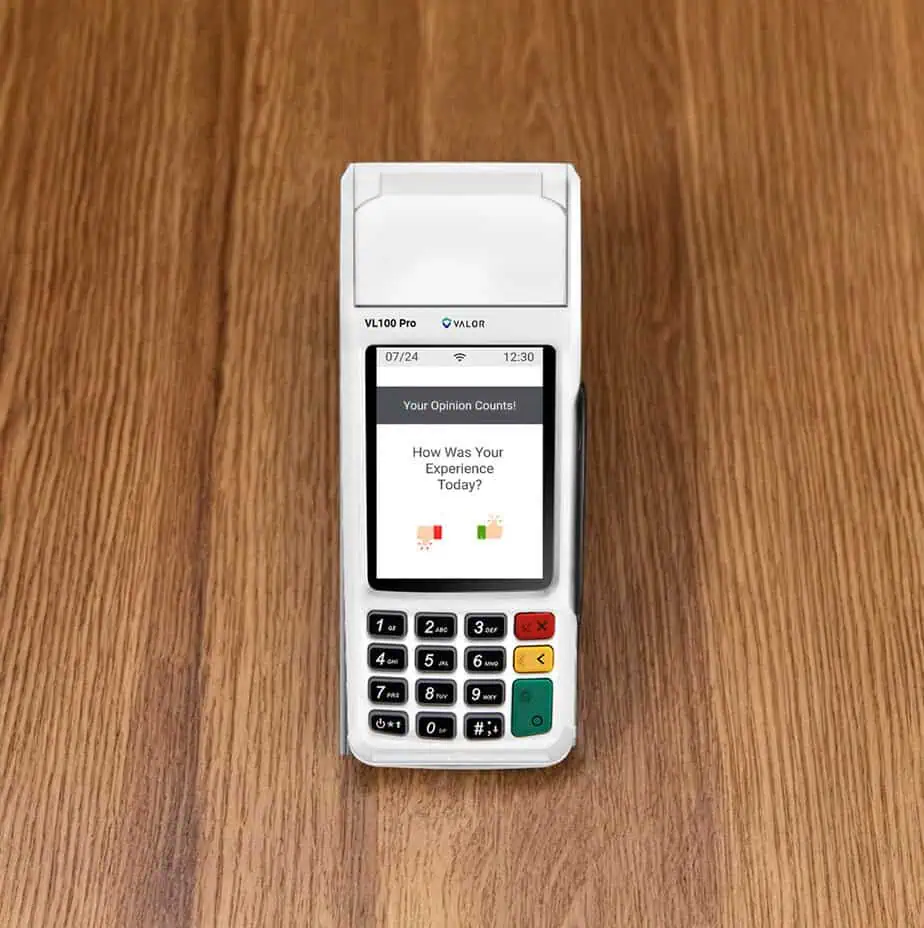
VL100 Pro Specifications
- 32-bit secure microprocessor running Linux-based OS with 256MB/128MB Flash/DDR RAM.
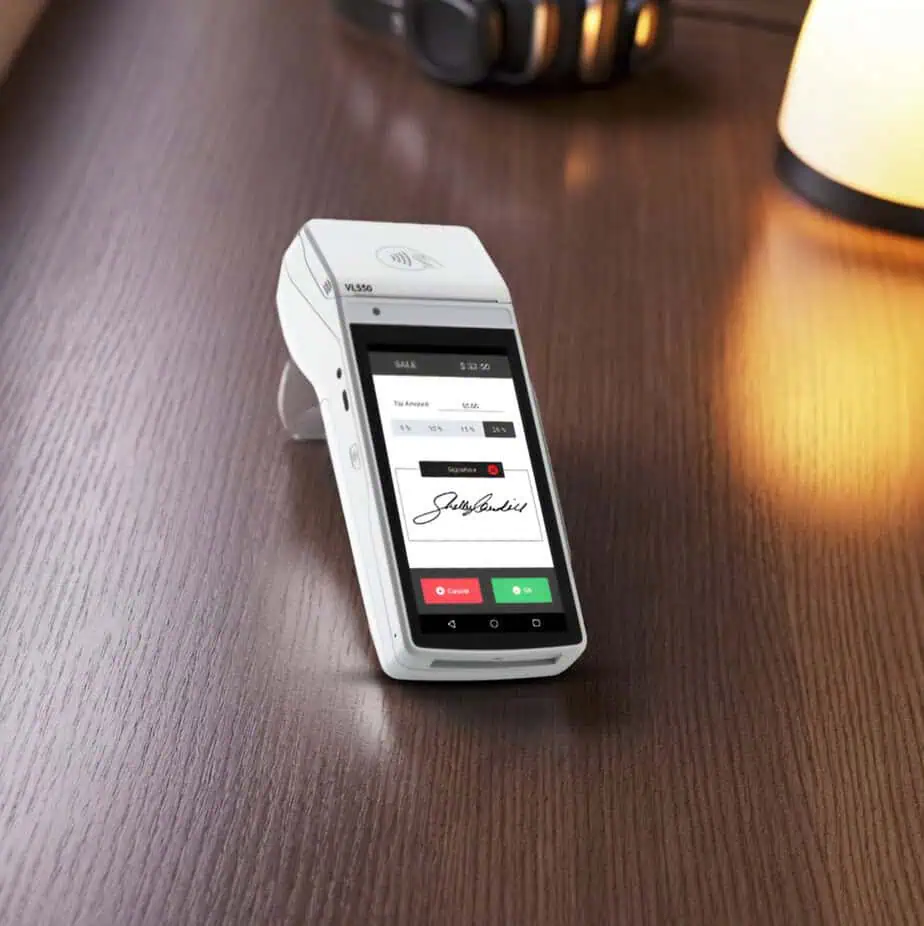
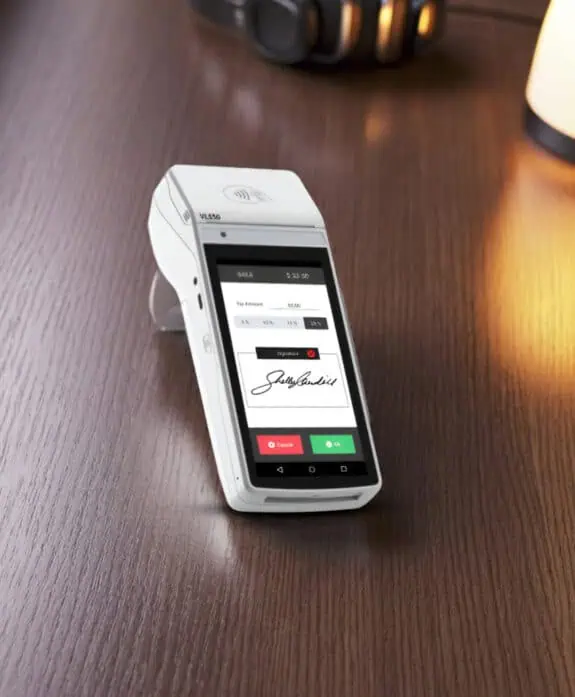
- 3.5-inch color TFT LCD with capacitive touchscreen, 320 × 480 resolution, supporting electronic signatures.
- Triple-track magnetic stripe, EMV contact smart card (ISO 7816), and contactless NFC (ISO 14443 Type A/B, Mifare, FeliCa).
- 2.4GHz Wi-Fi, Ethernet, RS232 serial, and USB device support for versatile integration.
- Buzzer and optional speaker; LED indicators for contactless transactions.
- 15-key integrated keypad; high-speed thermal printer up to 100mm/sec.
- PCI PTS 6.x, EMV L1/L2 certified; supports TRNG, DES, T’DES, AES, RSA, DUKPT encryption standards.
- 185 × 75 × 84 mm, compact and easy to fit in any POS setup.
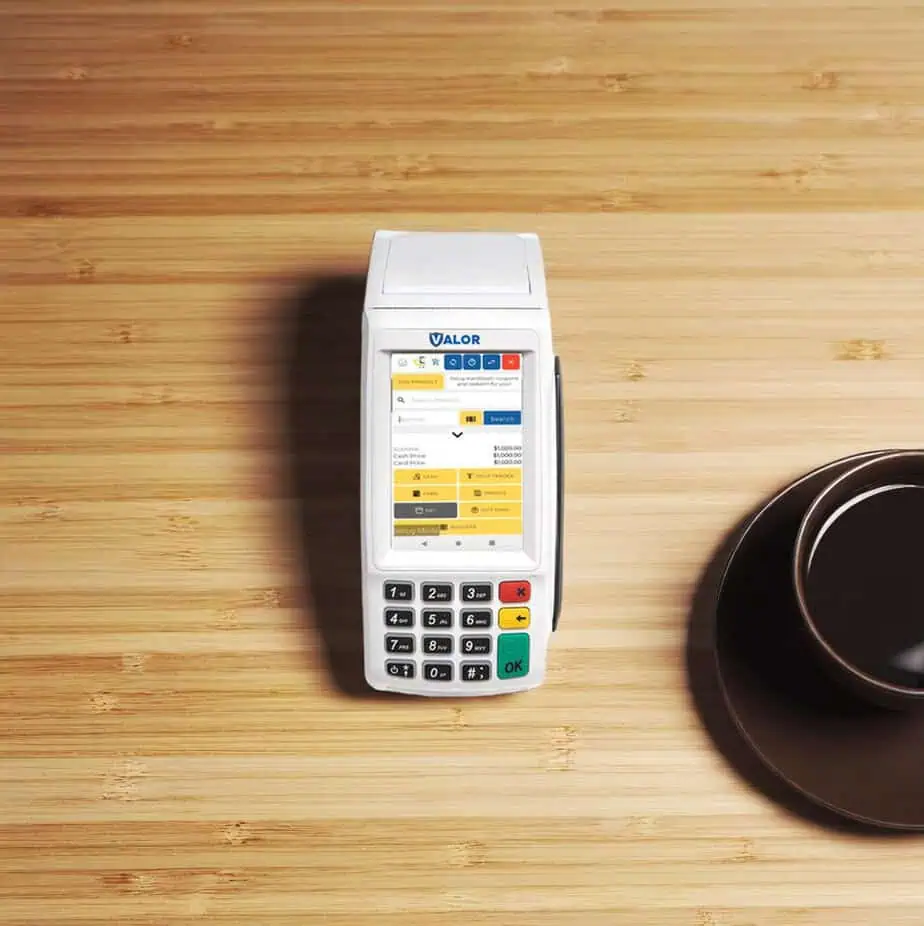
Smooth Credit Card Payments
- Enter the transaction amount and tap Enter.
- Swipe, insert, or tap the card on the Present Card screen.
- For manual entry, select Enter Manually and input the card details.
- Add a tip and provide a signature if prompted.
- Select the preferred receipt delivery method.
Quick Debit Checkout
- Tap Credit repeatedly until Debit appears on the screen.
- Enter the transaction amount and tap Enter.
- Swipe, insert, or tap the card on the Present Card screen.
- For manual entry, select Enter Manually and input the card details.
- Enter PIN and add a tip if prompted.
- Follow on-screen prompts and select the preferred receipt delivery method.
Simple Transaction Voids
- Tap Sale repeatedly until Void is displayed.
- Enter the transaction number from the receipt or the last 4 digits of the card, then tap Enter.
- Enter your password when prompted.
- Tap to confirm the transaction to be voided.
- Select the preferred receipt delivery method.
Easy Refund Processing
- Tap Sale repeatedly until Refund appears on the screen.
- Tap Sale repeatedly until Refund appears on the screen.
- Tap Sale repeatedly until Refund appears on the screen.
- If the card cannot be read, select Enter Manually and type in the card details.
- Select the preferred receipt delivery method, such as email or SMS.
Fast Pre-Authorization Payments
- Tap Sale repeatedly until Preauth appears on the screen.
- Enter the transaction amount and tap Enter.
- Swipe, insert, or tap the card on the Present Card screen.
- If needed, select Enter Manually to type in the card information.
- Select the preferred receipt delivery method, such as email or SMS
Create a Pre-Sale Ticket in Seconds
- Tap the Menu icon.
- Tap the Page Down icon to continue.
- Select Option 2: Host Utility.
- Enter the password, then choose the Pre-Sale Ticket.
- Enter the dollar amount, tap OK, and the pre-sale ticket will print.
Quick Access Through Menu
Tip Adjust:
Update or modify tip amounts for transactions within the open batch.
Reprint Receipt:
Reprint the receipt from the most recent transaction.
Settlement:
Close and settle the current transaction batch.
Change Password:
Set a general password or create custom passwords for settlements, voids, refunds, and fee removal.
Download Package:
Apply system parameter updates or install the latest device software version.
Comm Config:
Configure or update internet and communication connection settings.
Reboot:
Restart the device by power cycling the system.
Remote Diagnostics:
Allow your ISO to access and troubleshoot the device remotely.
Reports:
View summary reports for the open batch, last settled batch, and detailed reports for the previous five settled batches.
Get Started with the VL100 Pro
Frequently Asked Questions
What forms of payment is the VL100 Pro capable of supporting?
Is the VL100 Pro capable of Wi-Fi and Ethernet connectivity?
Is the VL100 Pro PCI compliant?
Does the VL100 Pro support contactless payment functionality?
Does the VL100 Pro feature a keypad?
Can the VL100 Pro be used in a production business?
Does the VL100 Pro offer cash discount rates and surcharges?