Get the payment processing solution that fits your business


FD150 Countertop Card Terminal
Take fast, secure in-person payments with a compact terminal that supports chip, swipe, and contactless tap, with on-device receipt printing.
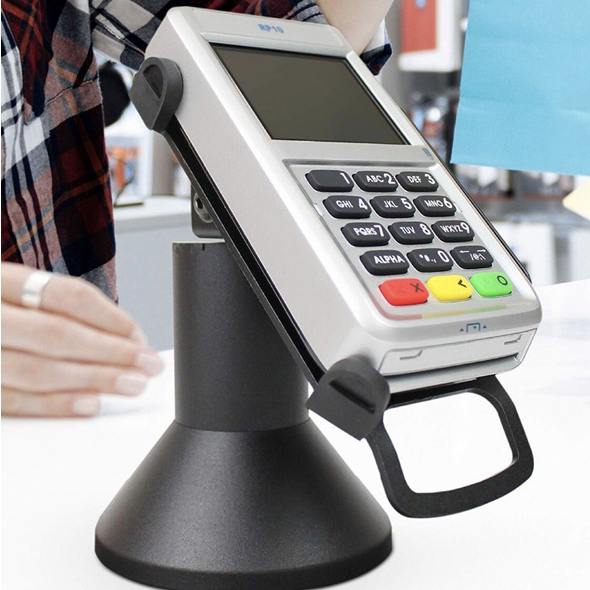
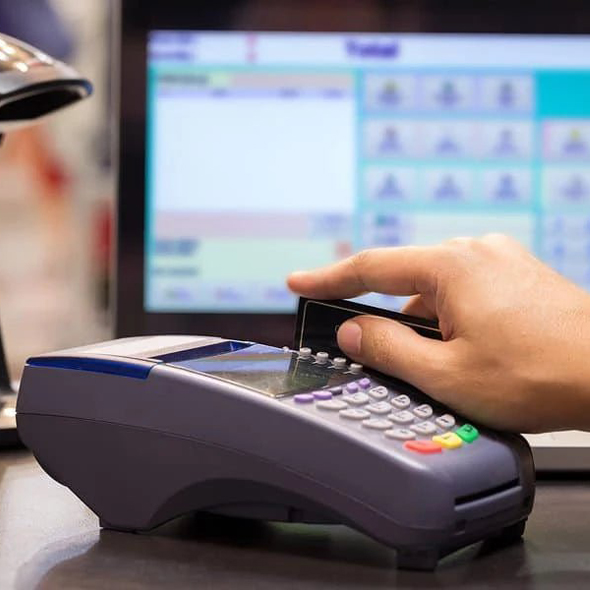
First Data RP10 PIN Pad
Add a customer-facing PIN pad to your FD150 to accept chip, swipe, and contactless tap, while keeping PIN entry and card-present steps on the customer side.
A Customer-Facing Companion for the FD150
The First Data RP10 is the newer version of the FD35 and connects directly to the First Data FD150 countertop terminal. It’s built as a consumer-facing PIN pad so customers can enter, tap, or swipe their PIN. It helps speed checkout and reduce card hand-offs at the counter.
The RP10 supports EMV chip + PIN transactions, NFC/contactless payments, and traditional magstripe swipes, and it’s designed to connect over USB without requiring a separate power supply.
Benefits of the RP10 PIN Pad
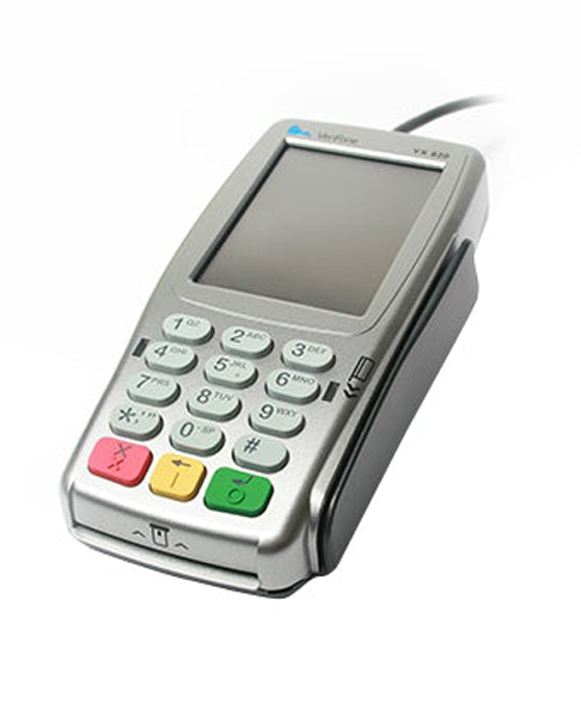
- Customer-Led Checkout Flow: Customers can keep their card with them and complete the “card-present” steps at the PIN pad, reducing the risk of unauthorized card use.
- Tap + Chip + Swipe in One Device: Accepts EMV chip, contactless/NFC, and magstripe transactions so you can support modern in-person payments at the counter.
- Supports PIN Debit, Credit, Gift, and EBT: Built to accept PIN-secured and signature debit, major credit cards, gift cards, and EBT (plus STAR Network transactions).
- Stronger Security Standards: Positioned with PCI-PED version 5.x approval / PCI version 5 compliance messaging, supporting newer security requirements for in-person devices.
- USB Connection + No Separate Power Brick: Designed for simple USB connectivity to First Data-certified terminals and does not require a separate power supply.
- Guided Customer Prompts: Designed with visual prompts, lights, and audio cues to help customers follow the payment flow with less back-and-forth at the counter.
RP10 Device Capabilities
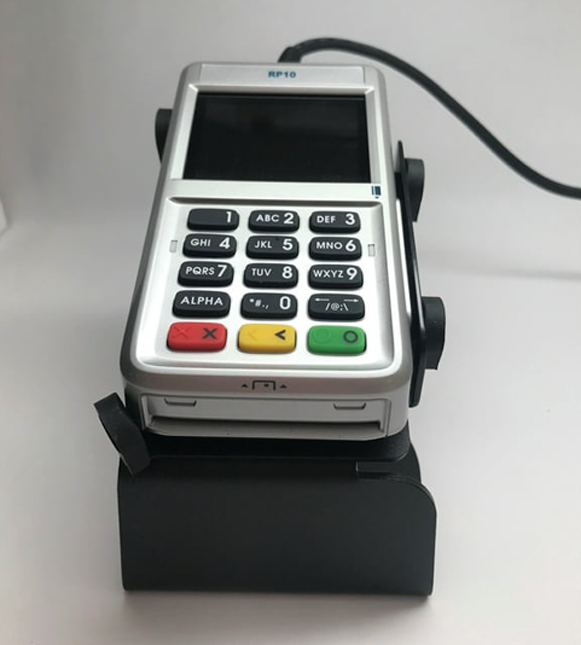
RP10 Device Capabilities
- Customer-facing PIN pad designed to pair with the First Data/Fiserv FD150 (connects to the host terminal rather than operating standalone).
- Supports EMV chip, 3-track magstripe, and contactless/NFC payments.
- 2.4-inch full-color display with 320 × 240 resolution.
- 15-key (3×5) rubber keypad (commonly described as backlit).
- Cortex-M3 SoC (108 MHz) running an RTOS, with 32 MB NOR flash (memory may be listed differently by some resellers).
- USB Type-A host interface; USB-powered (5 V DC) and typically does not require a separate power adapter (cable length commonly listed as 1.2 m).
- PCI PTS 5.x with SRED; supports cryptography such as 3DES/AES/RSA, DUKPT, and TLS 1.2.
- Smart card reader supports ISO 7816-1/2/3 with T=0 and T=1, plus SLE4442 memory cards.
- Contactless supports ISO 14443 A/B and ISO 18092; platform documentation lists common contactless schemes depending on configuration.
- Optional features may include 2× SAM slots and an optional privacy shield.
- Dimensions are 133.8 × 75.6 × 25.4 mm.
- Operating environment is typically 0°C to 50°C, storage -20°C to 60°C, and 5% to 95% humidity (non-condensing).
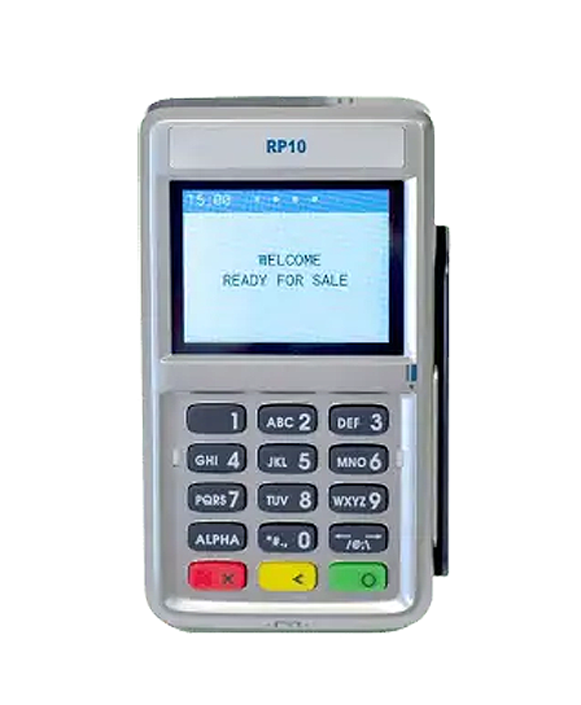
Connect the RP10 to Your FD150 in Three Simple Steps
- Disconnect power from the terminal.
- Connect the RP10 USB cable to the back of the terminal into one of the USB ports.
- Reconnect power to the terminal. The RP10 will automatically start up and display a status message until it’s initialized by the terminal/PC.
Make Payments with Ease with the RP10
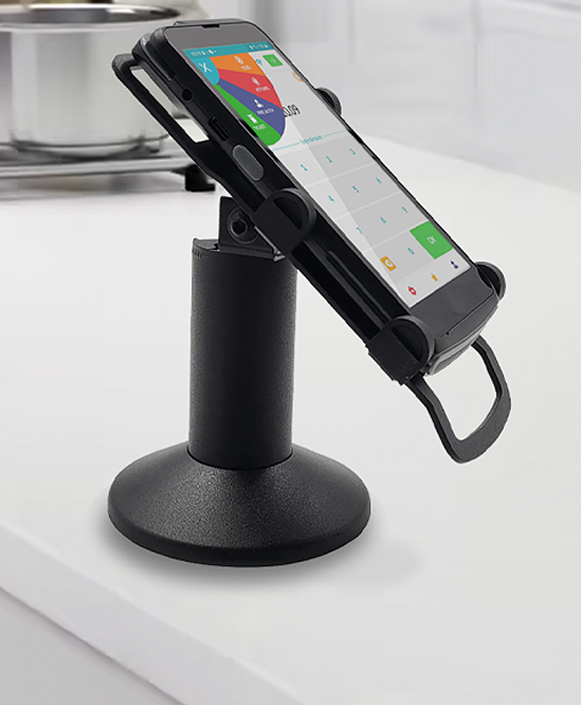
- Select Sale on the RP10 and enter the purchase amount.
- The customer can pay by tap, chip insert, or card swipe.
- Tap the card or device on the top of the RP10 screen until it is confirmed.
- Insert the card into the front slot, card facing up, and leave it in place until prompted.
- Swipe the card top to bottom through the right-side slot, card face outward.
- Follow the on-screen prompts to complete the transaction and receive confirmation.
Manually Settle a Batch
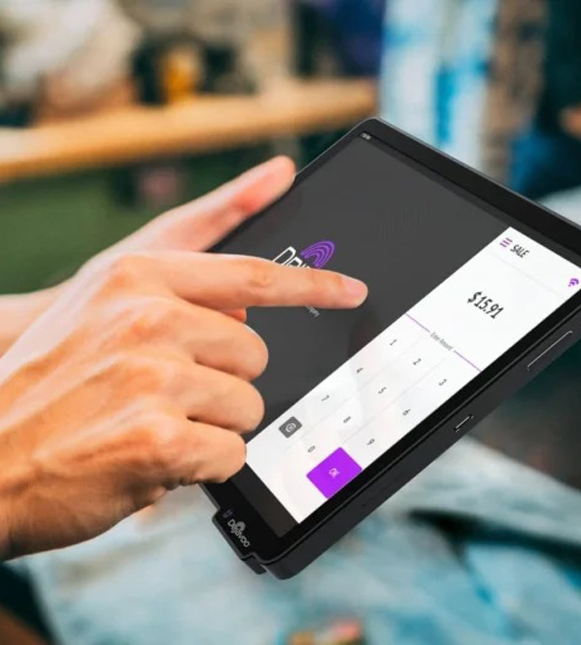
Manually Settle a Batch
If you’re closing the day manually from the terminal:
- From the home screen, select “Other.”
- Depending on your terminal model, select “CLOSE” or “Close Batch.”
- Select OK (or follow the on-screen prompts).
- The terminal completes the batch settlement.
Want to Move Ahead with RP10 PIN Pad?
Ready to add a customer-facing PIN pad to your checkout flow? Fill out the form and we’ll confirm compatibility, share pricing/options, and help you get the RP10 connected and processing tap, chip, and swipe with minimal downtime.
Ready to Get Started with Clover?
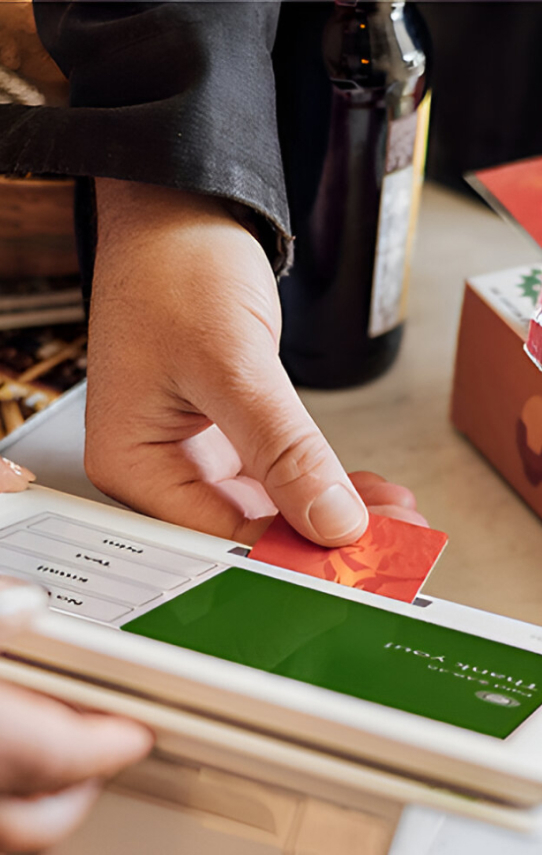
Ready to Get Started with Clover?
Clover systems give you secure, reliable payment processing whether you operate at the counter, take orders at the table, or run your business on the go. Submit the form below and our team will review your requirements, provide a complimentary savings analysis, and recommend the most suitable Clover option for your business.
"*" indicates required fields
Frequently Asked Questions

Do I need the RP10 to run the FD150?
What payments can customers use on the RP10?
Does it support EBT, gift cards, and PIN debit?
How is it powered? Do I need another outlet?
What’s the simplest way to install it?
Where exactly do customers tap, insert, or swipe?
What security/compliance positioning can I mention?
Ready to Get Started with the FD150?
Fill out the form to get pricing, confirm the right connectivity setup (Ethernet/Wi-Fi/dial backup) for your location, and receive a quick setup + onboarding checklist so you can start taking in-person payments without delays.