


Clover vs. Square Rates 2025
Posted: January 17, 2025 | Updated:
When choosing a payment processing solution for your business, understanding the differences in pricing between top providers is essential. Selecting the right POS system is crucial for business owners, affecting everything from routine activities to profitability. Price typically plays a significant role in this choice.
In this comparison, we’ll break down the rates and fees for Clover vs Square in 2025, helping you determine which provider offers the best value for your business. We will examine their cost structures, transaction fees, and the overall benefits each offers. This will assist small businesses and businesses that are growing in identifying the ideal POS system tailored to their requirements.
Clover vs Square: Monthly Pricing
Clover vs. Square offers distinct pricing structures for their POS systems, each tailored to various business needs.
Clover POS Monthly Pricing
Clover offers a range of POS solutions tailored to various business types, each with specific hardware and software configurations. Here’s an overview of the monthly pricing and key features for each plan:
Retail:
- Starter Plan: $13 monthly – Accept payments and run your business with a compact countertop terminal.
- Standard Plan: $49.95 monthly – Includes itemized order creation, detailed sales reports, and tax reporting.
- Advanced Plan: $64.90 monthly – Offers advanced inventory management, cost tracking by item, and online sales integration.
Quick-Service Dining:
- Starter Plan: $105 monthly – Accept payments and manage fundamental orders.
- Standard Plan: $145 per month – Adds detailed sales reports, tax reporting, and itemized returns.
- Advanced Plan: $205 per month – Features advanced menu management, online ordering integration, and customer loyalty programs.
Full-Service Restaurant:
- Starter Plan: $165 monthly – Manage table layouts and accept payments.
- Standard Plan: $225 per month – Includes detailed sales reports, tax reporting, and order firing to kitchen.
- Advanced Plan: $330 monthly – Offers advanced table management, online ordering, and comprehensive customer engagement tools.
Professional Services:
- Starter Plan: $14.95 monthly – Accept payments and manage basic client information.
- Standard Plan: $125 monthly – Adds detailed sales reports and tax reporting.
- Advanced Plan: $160 monthly – Features advanced appointment scheduling, invoicing, and customer relationship management.
Personal Services:
- Starter Plan: $13 monthly – Accept payments and manage essential client services.
- Standard Plan: $130 monthly – Includes detailed sales reports, tax reporting, and inventory management.
- Advanced Plan: $170 monthly – Offers advanced service management, customer loyalty programs, and online booking integration.
Home & Field Services:
- Starter Plan: $14.95 monthly – Accept web-based payments and manage basic client information.
- Standard Plan: $199 + $14.95 monthly – Supports mobile payments and includes detailed sales reports.
- Advanced Plan: $125 monthly – Features advanced scheduling, invoicing, and customer management tools.
Square POS Monthly Pricing
- Free Plan: $0 per month. It includes essential POS features that are suitable for small businesses.
- Square for Retail Plus: $89 per month per location. Offers advanced inventory management and reporting tools.
- Square for Restaurants Plus: $69 per month per location. Provides specialized features for dining establishments, such as menu management and table mapping.
- Square Appointments Plus: $29 per month per location. Designed for appointment-based businesses, offering booking and client management tools.
Clover vs. Square: Payment Processing
When comparing Clover and Square, it’s essential to understand their processing fee structures, as these can significantly impact your business’s bottom line. Here’s a breakdown:
Square Processing Fees
- Card-Present Transactions: 2.6% + $0.10 per transaction.
- Online Transactions: 2.9% + $0.30 per transaction.
- Keyed-In Transactions: 3.5% + $0.15 per transaction.
- Invoices: 3.3% + $0.30 per transaction.
Clover Processing Fees
- Card-Present Transactions: 2.3% + $0.10 per transaction.
- Online Transactions: 3.5% + $0.10 per transaction.
- Keyed-In Transactions: 3.5% + $0.10 per transaction.
- Custom Rates: Available for high-volume businesses.
These rates indicate that Clover offers lower fees for standard in-person transactions than Square. However, Square provides more competitive rates for online and invoiced transactions.
Clover vs. Square: Hardware Options with Pricing
Here’s a comparison of the POS systems offered by Square and Clover:
Clover Hardware Options
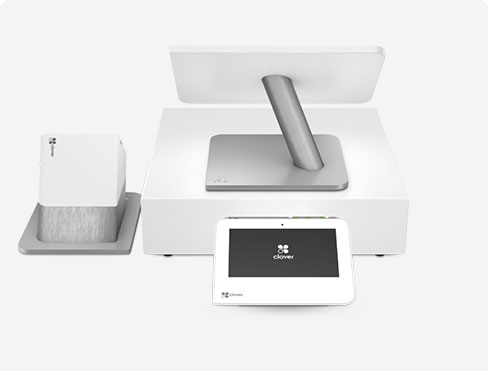
- Clover Station Solo and Duo (Starting from $1,699 for solo station setup):
These are robust countertop POS systems where the Solo features a single display for the merchant, and the Duo includes an additional display for customer engagement. Both systems are equipped for payment processing, managing employees, and running customer loyalty programs.
- Clover Flex ($649):
This portable device accepts all major payment types, including contactless, chip, and swipe. It comes with a built-in receipt printer and barcode scanner, suited for businesses that need flexibility and mobility.
- Clover Mini ($799):
A more compact version of the Clover Station with similar features but in a smaller size. It uses cloud-based software, allowing remote access to business data.
- Clover Go ($199):
A compact, mobile card reader that connects via Bluetooth to smartphones or tablets, supporting contactless, chip, and swipe payments. This reader is perfect for mobile businesses with minimal counter space.
Square Hardware Options
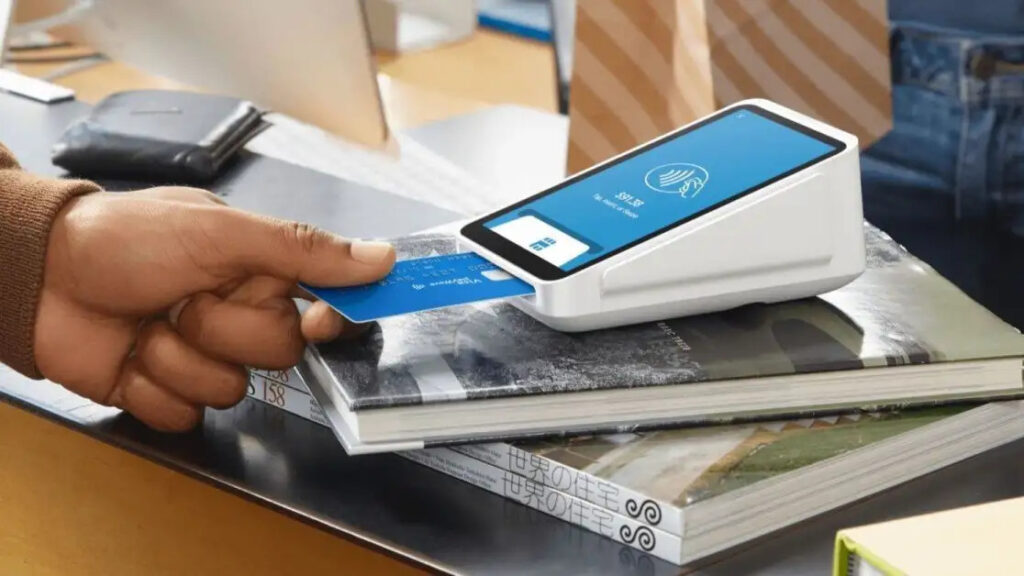
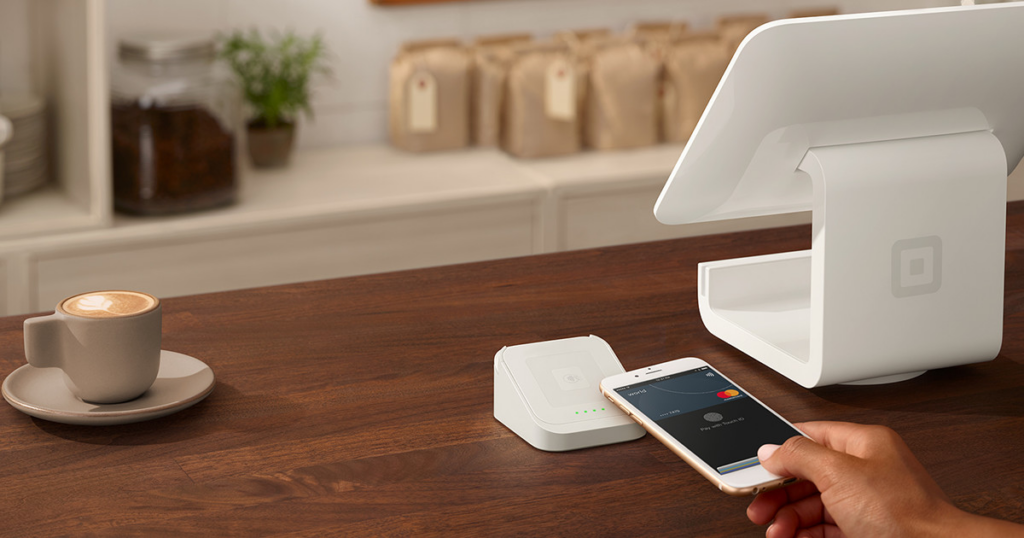
- Square Register ($0 – $49):
This all-in-one POS system features separate displays for the merchant and customer, supporting various payment types such as contactless, chip, and magstripe. It is ideal for countertop sales.
- Square Terminal ($299 or $27 per month x 12 months):
A mobile, comprehensive device that processes payments, prints receipts and operates wirelessly. This device enables businesses to take payments anywhere on their premises.
- Square Stand ($149 or $14 per month x 12 months):
This device converts it into a complete POS system by attaching to an iPad. It is compatible with specific iPad models and includes a rotating stand for easier customer interaction.
- Square Readers:
1. Magstripe Reader ($0 – $10): This small device connects to smartphones or tablets, facilitating swiped card payments. Square provides this reader for free to new users.
2. Contactless and Chip Reader ($59.00): This reader can process EMV chip cards and NFC payments such as Apple Pay and Google Pay, catering to various modern payment needs.
Square and Clover offer different approaches to setup, integration, and customization. Square’s hardware is designed for easy, plug-and-play use, requiring minimal setup, which makes it an attractive option for businesses looking for a quick deployment. On the other hand, Clover’s systems may involve a more involved setup, especially when integrating multiple devices or customizing features to fit specific business needs.
Clover offers a broader range of hardware options that can be tailored and scaled to accommodate growing businesses. In contrast, Square emphasizes simplicity and ease of use, making it more suitable for smaller companies or those that prefer straightforward solutions. Regarding pricing, Square is known for its transparent structure, charging per transaction without monthly fees for its essential POS software.
Clover typically involves hardware costs, including monthly software fees, depending on the chosen plan and hardware configuration. Ultimately, the decision between Square and Clover will depend on factors like the level of customization required, your budget, and how important mobility is for your business operations. Both systems provide reliable solutions, but the right choice will align with your needs.
Clover vs. Square: Features
Clover and Square offers a range of features tailored to diverse business needs. Here’s a comparison of their functionalities:
Payment Processing:
- Clover: Accepts payments via Mastercard, Visa, American Express, Discover, Google Pay, Apple Pay, Venmo, PayPal, checks, and invoicing (one-off and recurring). Clover integrates with various payment processors, providing flexibility in choosing or retaining a preferred provider.
- Square: Supports payments from Mastercard, Visa, American Express, Discover, Google Pay, Apple Pay, PayPal, AfterPay, and ACH bank transfers. Square is its payment processor, offering a streamlined setup with transparent, flat-rate transaction fees.
Checkout Features:
- Clover: Offers order or item-level discounts, itemized exchanges and returns, bill splitting, and tipping. These features enhance the checkout experience for both businesses and customers.
- Square: Provides order/sales notes, discounting, bill splitting, customized receipts, tipping, and the ability to process returns. Square’s user-friendly interface ensures efficient transaction handling.
Customer Support:
- Clover: Provides 24/7 customer support via email and phone, ensuring businesses can access assistance whenever needed. Additionally, Clover offers an online resource library for self-help.
- Square: Offers customer support during regular business hours through phone and email. Square also provides 24/7 automated chat support and an extensive online resource library for self-service assistance.
Virtual Terminal:
- Clover: Features a virtual terminal accessible via the Clover app on the Clover Web Dashboard, enabling businesses to process payments without physical card readers.
- Square: Includes a free virtual terminal with every plan, allowing for seamless processing of card-not-present transactions directly through the Square POS app.
Analytics and Reporting:
- Clover: Provides real-time sales tracking, detailed sales reports, tax reporting, and customizable reporting options, offering insights to help businesses make informed decisions.
- Square: Offers sales reports, profit margin reports, cost of goods sold, and vendor sales analytics, assisting businesses in monitoring performance and profitability.
Inventory Management:
- Clover: Features item and category management, stock tracking by item, and itemized order creation, facilitating efficient inventory control.
- Square: Supports unlimited items, low stock alerts, GTIN and SKU barcodes, creation of item categories, and cross-location stock counts, streamlining inventory management across multiple locations.
E-commerce Management:
- Clover: Offers a single dashboard for managing online and offline sales, a website builder, integration with existing online stores, and Buy Online, Pick Up In Store (BOPIS) management, bridging the gap between physical and digital sales channels.
- Square: Provides a website builder, automatic inventory synchronization, and BOPIS management, enabling businesses to maintain a cohesive online and offline presence.
Both Clover and Square deliver comprehensive POS solutions with unique strengths. Clover’s flexibility in payment processing and 24/7 support may appeal to businesses seeking customizable options. At the same time, Square’s transparent pricing and integrated ecosystem are advantageous for those desiring an all-in-one solution.
Clover vs. Square: Ease of Use
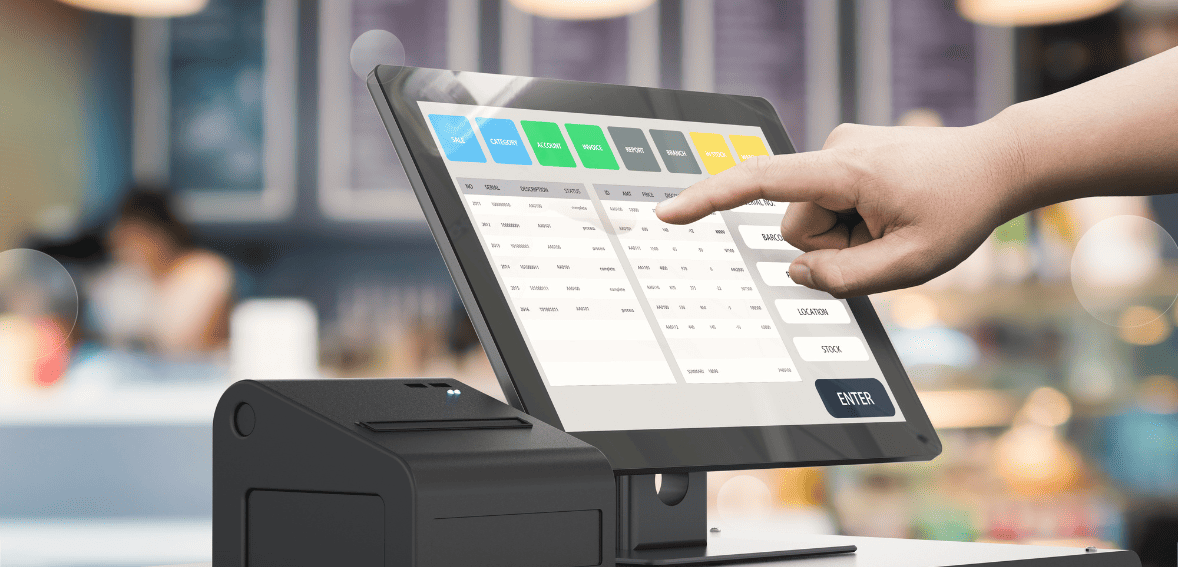
Square and Clover offer user-friendly POS systems, but their setup processes and ease of use differ in key ways. Square is known for its quick and straightforward sign-up process, where businesses can quickly create an account by providing basic personal and company information.
Once the account is active, users can start accepting payments immediately. Square even provides a free magstripe reader to new users, allowing for quick transaction processing. Its intuitive dashboard has a built-in virtual terminal that supports keyed-in payments, real-time reporting, inventory management, appointment scheduling, and streamlining business operations. Square also offers extensive app integrations with platforms like WordPress, Wix, WooCommerce, and Shopify, as well as accounting and email marketing tools, offering businesses flexibility and scalability.
On the other hand, Clover’s setup process is more personalized, and users must enter their ZIP code to contact a Clover consultant or sales agent for assistance. While this can be beneficial, it may not be as convenient as Square’s self-service model. Clover’s dashboard includes robust features useful in restaurant settings, such as automatically syncing online orders with the kitchen to improve efficiency. However, Clover’s integrations with third-party apps are fewer than Square’s, potentially limiting flexibility for businesses requiring specific platform connections.
While Square’s self-service setup is quick and includes a broader range of integrations, Clover’s personalized setup support and specialized features may be better suited for businesses seeking tailored assistance and specific operational functions.
Clover vs. Square: Compliance and Security

Square and Clover prioritize security and compliance to protect businesses and their customers during payment processing. Square takes a more hands-off approach by acting as the merchant of record, handling PCI DSS compliance on behalf of its users. This means businesses using Square are not responsible for managing PCI compliance, reducing the associated responsibilities. Square also employs end-to-end encryption and advanced tokenization to store customer data securely. At the same time, additional features such as two-step verification and customizable employee permissions help control account access.
On the other hand, Clover requires businesses to take an active role in managing their PCI compliance. Merchants using Clover must complete annual self-assessment questionnaires (SAQs) and may need to undergo security assessments. To assist with this, Clover offers resources like the Clover Security Plus program, which provides extra security tools and support for an additional fee. Clover also uses end-to-end encryption, providing security features like face and fingerprint identification for mobile app access. Tokenization is available through the Clover Security Plus program, further enhancing data protection.
Both Square and Clover comply with privacy standards such as the General Data Protection Regulation (GDPR) and the California Consumer Privacy Act (CCPA), ensuring comprehensive data protection across various regulatory environments. When choosing a payment processing system, businesses should consider their ability to manage compliance responsibilities and the level of security support they need. Square offers a more streamlined compliance model, while Clover provides tools for businesses willing to take a more active role in managing security and compliance.
Conclusion
Clover and Square offer robust POS solutions with distinct advantages catering to different business needs. Square stands out for its simplicity, transparent pricing, and easy setup, making it an ideal choice for smaller businesses or those with less complex needs. On the other hand, Clover offers more flexibility, customizable features, and a broader selection of hardware, making it better suited for businesses looking for scalability and tailored solutions.
When deciding between Clover and Square, business owners should consider transaction fees, hardware preferences, ease of use, customer support, and security requirements. Square’s straightforward pricing and user-friendly interface may appeal to those who prioritize convenience. At the same time, Clover’s advanced features and range of hardware options might be more attractive to businesses with growing or specialized needs.
Ultimately, the best choice depends on the unique demands of your business, your budget, and the customization required to optimize your operations. Both systems provide reliable solutions, and with careful consideration, either can help drive business efficiency and growth in 2025.